
Untracked work can turn a full week into an invoice that feels too small. The best time tracking apps for freelancers help you record billable hours, connect time to client work, or cut down on manual entry. Here are six options, with a focus on the workflow each one supports.
We analyzed 42 comments from Reddit and YouTube about time tracking apps for freelancers and found that 38% mentioned missing functionality.
- Clockify gives freelancers a choice between manual and automated time tracking.
- Toggl Track includes idle detection and browser extensions for Asana, Trello, and Todoist.
- Harvest connects timesheets with invoicing and supports payments through PayPal and Stripe.
- Timely focuses on AI-powered automatic time capture, while Paymo combines tracking with project work.
- TimeCamp supports both automatic and manual tracking, with billing and project profitability tools.
1. Clockify by CAKE.com: A flexible option to compare for freelance projects
Clockify is a time tracking tool with automated and manual tracking options. It’s a useful option to compare if you want to choose how much of your work log starts by hand and how much relies on automatic tracking.
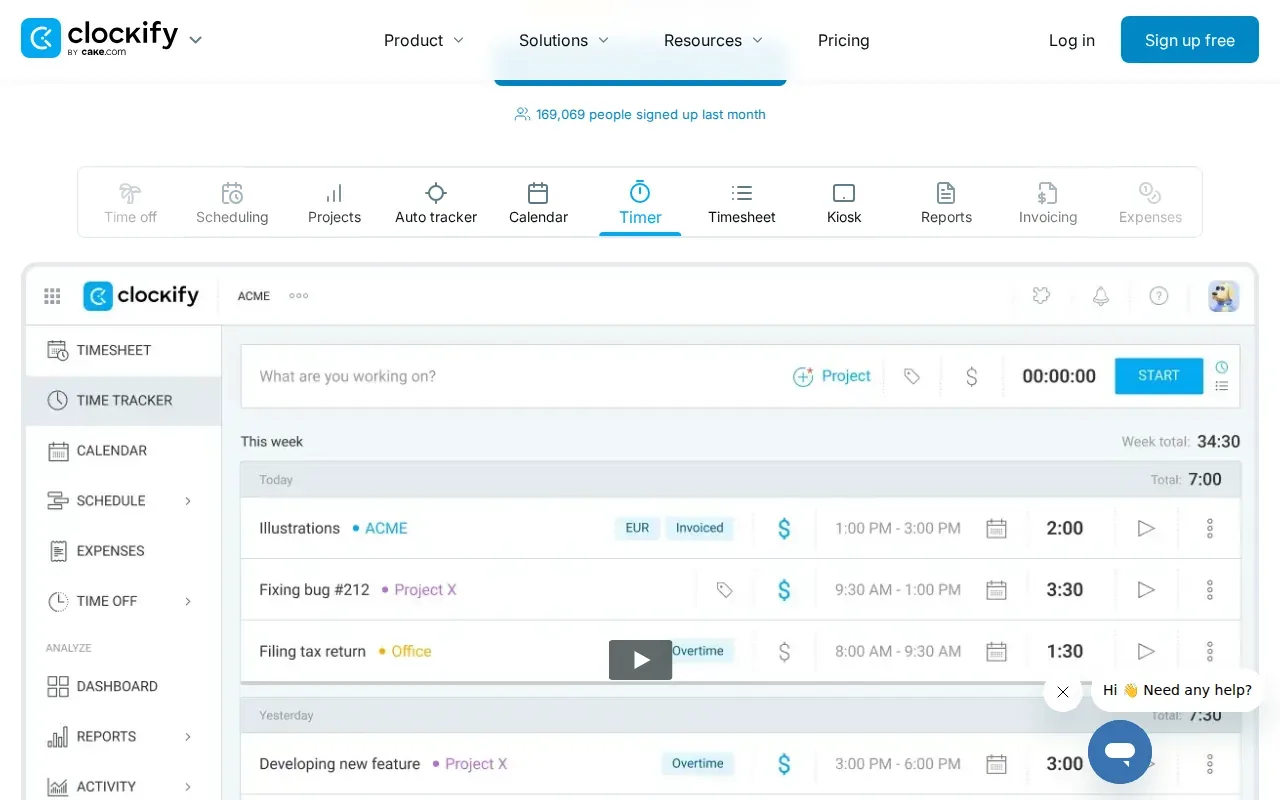
That flexibility can suit freelancers whose work changes by the day. You might start a timer while doing a defined client task, then use automated tracking for other work you need to review and sort later. The main decision is how much control you want at the moment you work versus how much sorting you’re willing to do afterward.
For hourly work, a timer can help you record time as it happens instead of rebuilding a week from memory. For fixed-fee projects, tracking can still help you see how much work a task takes. You can use that information when you plan similar jobs or discuss a change in scope with a client.
Clockify is a cost-effective tool suited to freelancers. But don’t choose based on a broad label like “free” or “affordable” alone. Check the current plan details against the specific functions you need, especially if you rely on automatic tracking or want to add project and billing steps to the same workflow.
It also helps to decide what a good time record looks like before you start. A client-ready log might need a project name, a task description, and a clear split between billable and non-billable time. These are habits to set up in your workflow, not features to assume any particular plan includes.
If you also need task boards to manage deadlines, compare the time tracker with the wider tools in DiSousa’s freelance project management tools shortlist. A separate project system may suit you better if task planning matters more than billing.
Choose Clockify when the option to track time manually or automatically matters more than having an invoicing workflow built into the same process.
2. Toggl Track: For freelancers who want a focused timesheet workflow
Toggl Track is a timesheet app with idle detection, cross-platform support, and browser extensions for Asana, Trello, and Todoist. It fits freelancers who want to record task time while working with those project tools.
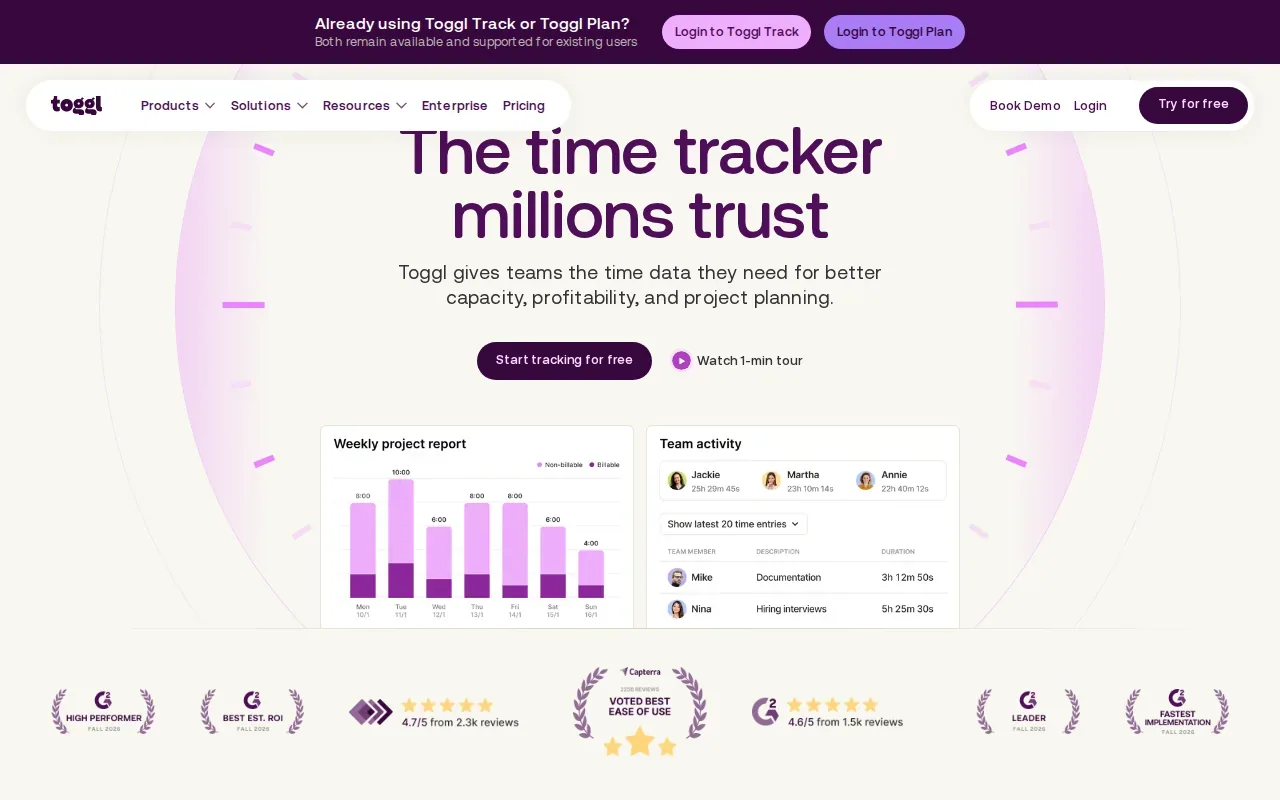
Idle detection can help flag a timer that kept running while you stepped away. Treat that flag as a reminder to review an entry, not as proof that every recorded minute is billable. You still need to check the task, the client agreement, and whether the time belongs on an invoice.
The browser extensions matter most when your tasks already live in Asana, Trello, or Todoist. Starting a timer near the task can reduce the friction of switching to a separate tracking screen. That can make the work log easier to keep current, especially when you move between small tasks during the day.
Cross-platform support is relevant if you work across devices. A consistent tracking routine helps prevent a project from splitting into scattered notes and timers. Still, review how entries appear across your own devices before making the app central to your billing process.
For example, imagine you handle a batch of small edits in a task board. A timer started from the task can give the entry more context than a note that says only “editing.” At invoice time, you can review the record and decide whether it matches the work the client agreed to pay for.
Idle detection also calls for a clear personal rule. If you pause when interrupted, decide whether you’ll edit the entry later or leave that time out. Consistent rules make your records easier to explain than a timer that runs in the background without review.
Toggl Track is a strong fit when task-linked tracking is the main need. If invoices are the bigger pain point, compare it with a tool that joins time records to billing.
3. Harvest: For freelancers connecting tracked time with invoicing
Harvest connects timesheets with invoicing. It’s suited to freelancers and teams that want to move from recorded work hours toward client billing without treating time logs and invoices as separate jobs.
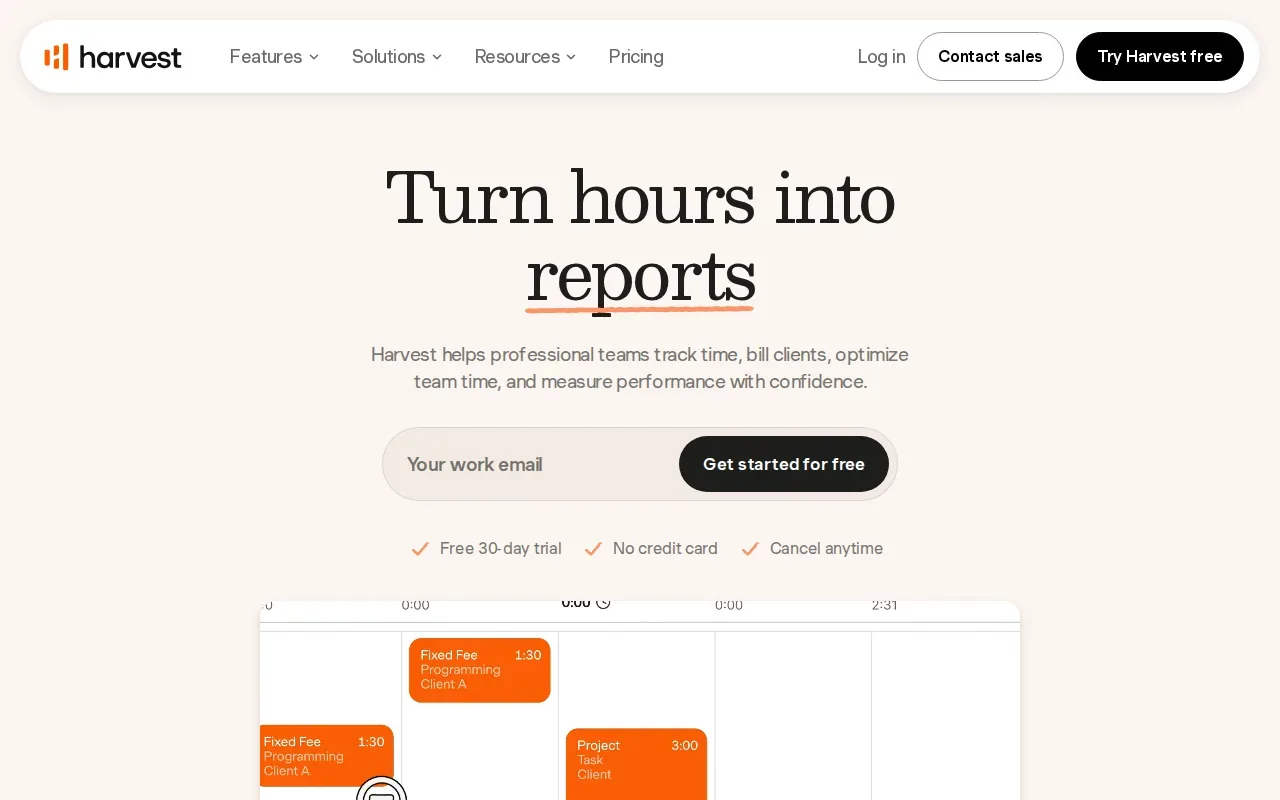
That link between timesheets and invoices is useful when you bill by the hour. You can review recorded work, check that entries belong to the right project, then use those records as the basis for billing. The review still matters: a time entry is a record of work, not automatic approval to charge a client.
Harvest includes timesheet reminders, which can support a regular routine for filling in work logs. A reminder is most useful when it prompts you to record time while the details are fresh. Waiting until the end of a busy week makes it harder to recall which task took the extra half hour.
Harvest integrates with Zapier, PayPal, and Stripe. The payment connections may suit a freelancer who wants to accept client payments through those services. Zapier can connect apps through automated workflows, but check that the exact connection you need is supported before you depend on it.
For instance, a designer who bills hourly might review timesheets at the end of a project, correct any mislabeled entries, then prepare an invoice from the verified time. That sequence keeps a human check in the loop. It also makes it easier to spot work that should be discussed with the client before billing.
Time tracking is only one part of the money workflow. DiSousa’s freelance invoicing software comparison can help if you’re also weighing how to send invoices and collect payment.
Harvest makes the most sense when invoice handoff is central to your process. If you mostly need automatic capture or broader project planning, consider the other options below.
4. Timely by Memory: For freelancers considering automatic time capture
Timely focuses on automatically capturing work activity and helping users turn that information into timesheets. Its key feature is AI-powered automatic time capture. It also has task planning with drag-and-drop Gantt charts.
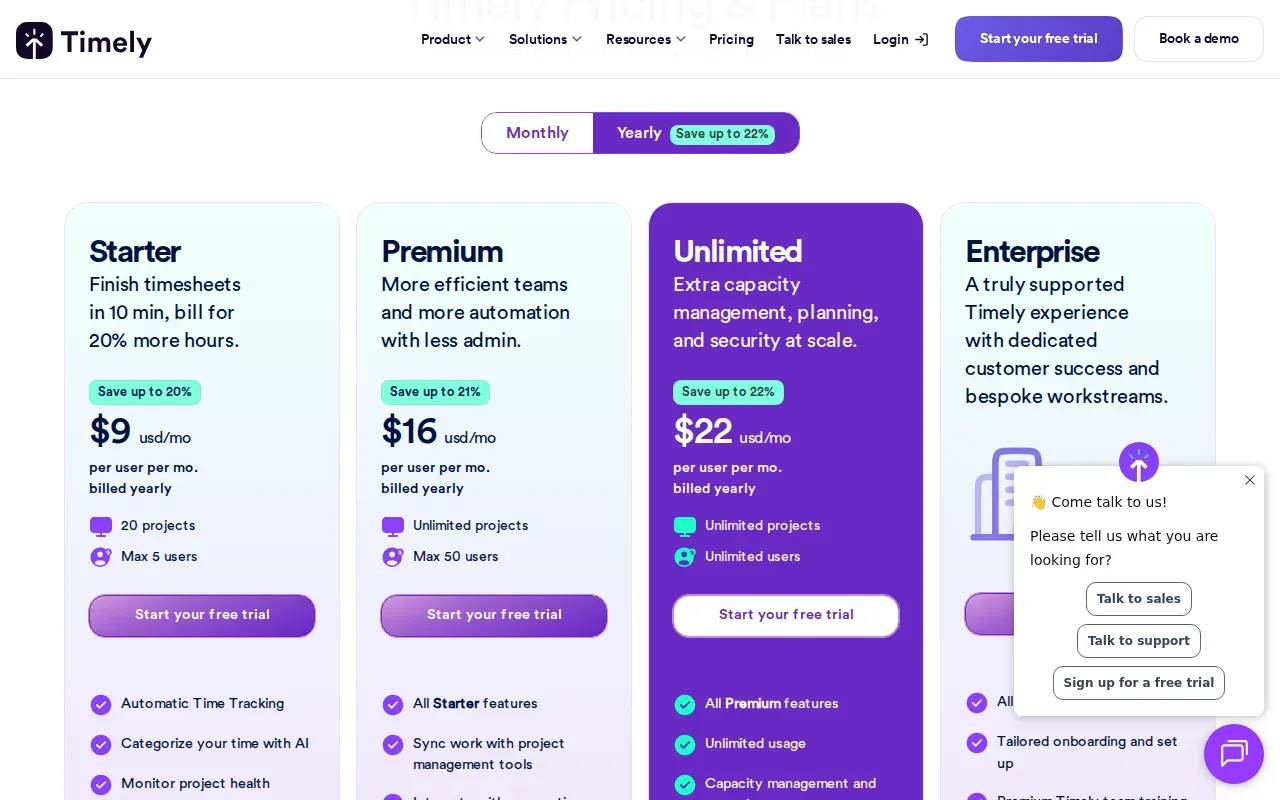
Automatic capture can help when your workday includes many short tasks and you don’t want to start and stop a timer for each one. The key tradeoff is review: captured activity needs to be sorted into the right project and checked before it becomes a billable record.
Think of it as a draft of your workday, not an invoice ready to send. You might review the captured activity after a writing session, assign the work to the right client project, and remove time that wasn’t part of paid work. That extra review is part of using automatic tracking responsibly.
The Gantt chart planning feature serves a different need. It gives you a way to plan tasks on a timeline using drag-and-drop. That may help if you want to see planned work alongside the time you later record, rather than tracking tasks in one place and planning them in another.
Automatic tracking raises a privacy question too. Before enabling it, read the app’s current settings and decide what work activity you’re comfortable having captured. Keep client confidentiality in mind, particularly if your work involves sensitive drafts, account details, or material covered by a contract.
Timely is the clearest choice in this shortlist if AI-powered automatic capture is the feature you’re seeking. It isn’t a reason to skip review. A freelancer remains responsible for deciding what belongs in a timesheet and what should be billed.
5. Paymo: For freelancers who want time tracking alongside project work
Paymo is project management software that began as a time tracker with free invoicing capabilities. It suits small businesses and freelancers who want time tracking to sit near project work, rather than act as a standalone timesheet tool.
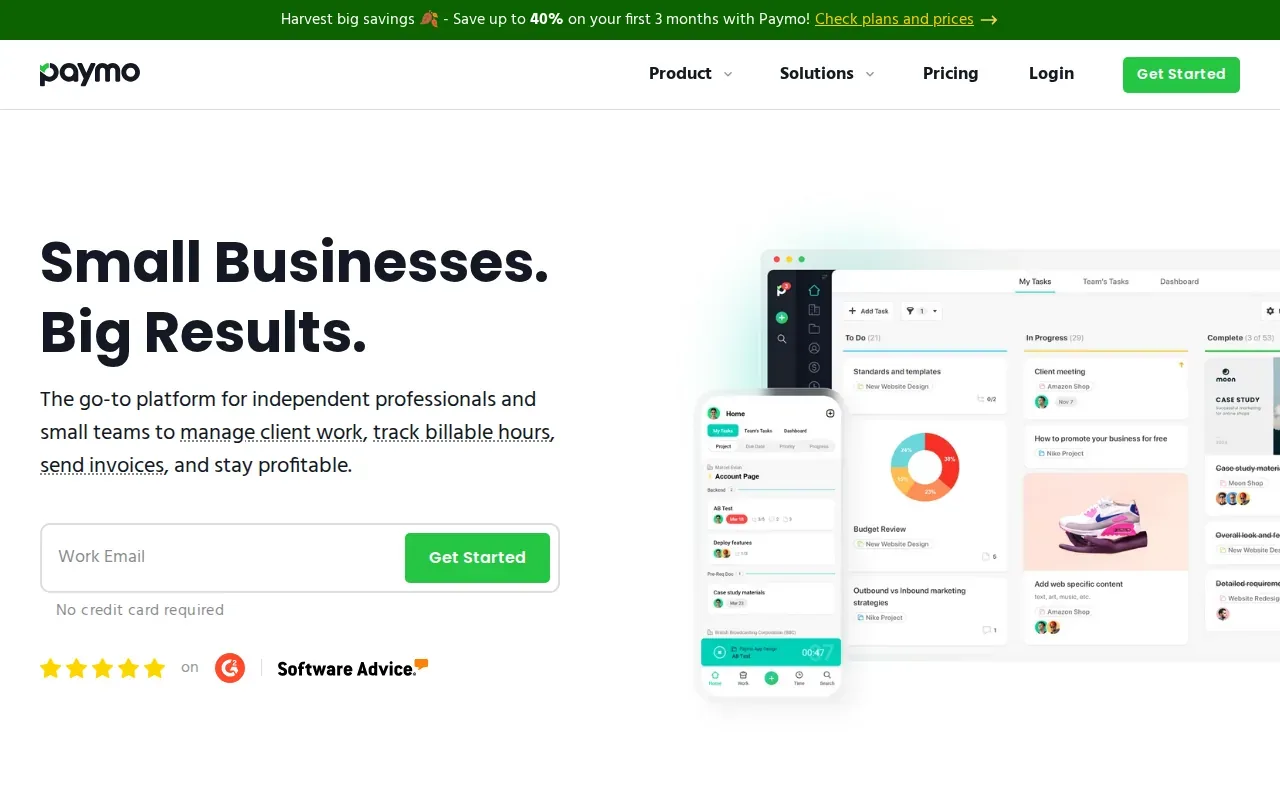
Paymo has a free plan for a single user. That can be a useful starting point for a solo freelancer, but a free plan is not a promise that every feature you need is included. Check the current plan details before building a client process around it.
Project work and time tracking solve related but different problems. A project plan helps you see what needs to get done; the time record shows how long work took. For a fixed-fee project, comparing planned tasks with tracked hours can help you assess your own effort. For hourly work, time records can support a bill after you review them.
Consider a freelance project with several stages. You can use project planning to organize the work, then track time against tasks as you complete them. That can make a late scope change easier to discuss because you have a record of where time went, rather than relying on memory alone.
Paymo’s overlap of project work and time tracking is its main point of difference in this group. If you already have a project process you like, decide whether moving more work into one system would help or simply add another place to manage.
The video sits alongside this section as another way to explore time tracking in a freelance workflow. Use the comparison below to narrow your choice by the task you most want to improve.
6. TimeCamp: For freelancers comparing manual and automatic tracking
TimeCamp combines automatic and manual time tracking with timesheets, billing, reporting, and project profitability tools. It’s aimed at teams and agencies that need flexible tracking with detailed reporting and billing, though freelancers can compare those features against their own needs.
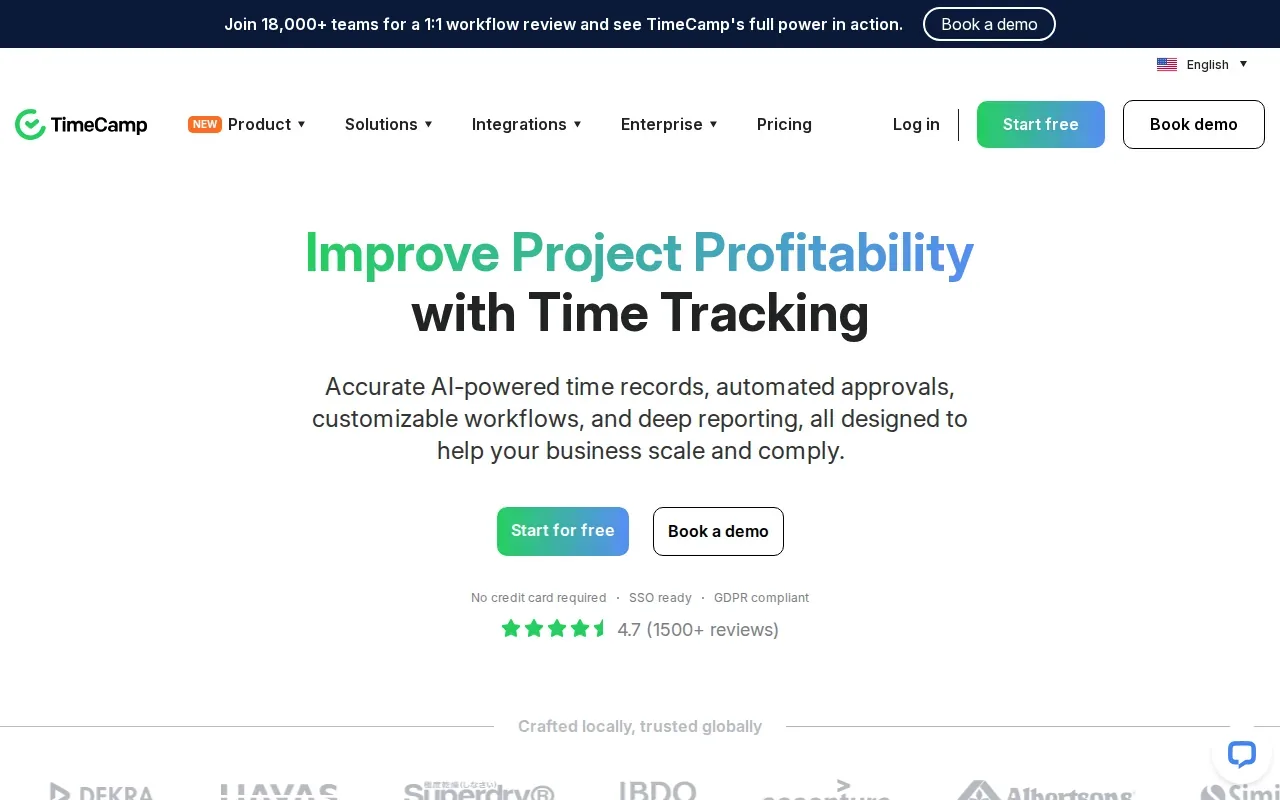
Having both manual and automatic tracking gives you a choice about how to log work. Manual entry can make sense when you want to start and stop a timer yourself. Automatic tracking can reduce some entry work, but you’ll still need to review where activity belongs before treating it as billable.
TimeCamp has a free tier. As with any free plan, check that the functions you need are part of the current offer. Read the plan details so you know which one you’re considering.
Reporting and project profitability tools may be useful if you want to compare tracked time with project billing. For example, a freelancer could review hours on a fixed-fee job to see whether the work took more effort than expected. That’s a signal for future estimates, not a guarantee that every project will follow the same pattern.
TimeCamp’s focus includes teams and agencies. A solo freelancer should therefore check whether its reporting and billing workflow fits a one-person business without adding setup that the work doesn’t need.
Choose TimeCamp if you want to compare manual and automatic tracking with reporting and billing in the same app. If you want the simplest possible timesheet routine, a narrower tool may be easier to maintain.
How do the best time tracking apps for freelancers compare?
The right pick depends on the part of your workday that causes the most friction. Use this table to match a workflow to a tool, then check current plan terms before you commit.
| App | Best fit in this shortlist | Tracking or workflow detail | Free plan detail provided |
|---|---|---|---|
| Clockify by CAKE.com | Freelancers who want tracking choices | Manual and automated tracking | See website |
| Toggl Track | Task-linked timesheets | Idle detection; browser extensions for Asana, Trello, and Todoist | See website |
| Harvest | Time records connected to invoicing | Timesheets, reminders, and payment connections | See website |
| Timely by Memory | Automatic time capture | AI-powered capture and drag-and-drop Gantt planning | See website |
| Paymo | Project work alongside time tracking | Project management with time tracking | Free plan for one user |
| TimeCamp | Flexible tracking with reporting and billing | Automatic and manual tracking | Free tier |
For billable hours, focus on how quickly you can review entries before invoicing. Harvest has the clearest timesheet-to-invoice link in this shortlist. Clockify and TimeCamp both cover manual and automatic tracking, while Toggl Track’s task extensions may fit a workflow already based in its project tools.
For planning, Paymo combines time tracking with project management. Timely adds task planning through Gantt charts and stands apart for AI-powered capture. Those are distinct needs: a planning view helps organize future work, while automatic capture helps reconstruct activity that has already happened.
Before choosing, write down your must-haves. Is the priority hourly billing? Fewer manual timer actions? Time linked to tasks? A project view? Keep the list short, then test the workflow against a real, low-risk task before relying on it for client invoices.
How to choose a time tracker for your freelance workflow
Start with the work you need to record, not the longest feature list. If you bill by the hour, make sure your process lets you check each entry and connect it to the right client work. If you charge a fixed fee, tracking can still show how much time a project takes.
Match the app to the main job
- For invoice handoff: Consider Harvest’s timesheet-to-invoicing workflow.
- For project planning: Compare Paymo’s project work or Timely’s Gantt planning.
- For automatic capture: Look closely at Timely’s AI-powered time capture, then plan how you’ll review the results.
- For manual and automated tracking: Compare Clockify or TimeCamp.
- For task-linked timers: Toggl Track’s browser extensions cover Asana, Trello, and Todoist.
Check what gets billed
Write down how your client agreement defines billable work. Separate time spent on client tasks from admin, pitching, or learning if those activities aren’t part of the agreed fee. Then check whether your chosen tracking habit makes those categories easy to review.
A time tracker can’t decide what your contract allows you to bill. That’s why time records should support your agreement rather than replace it. If you’re still setting the terms for scope and payment, DiSousa’s freelance contract template and clause guide covers the terms to settle before work begins.
Test the handoff before relying on it
Run a short test with a task you already understand. Track the work, review the entry, and see whether you can explain what it records. If you invoice from timesheets, follow the record through the billing step before making the app part of your regular process.
Also decide what you’ll do when you forget to start a timer. Some freelancers add an entry later; others use an automatic capture tool and review the activity afterward. Either way, set a consistent rule so your log doesn’t depend on guesswork at month-end.
Frequently asked questions
What is the best time tracking app for a freelancer?
The best fit depends on your workflow. Harvest is the clearest match if you want timesheets connected to invoicing. Timely suits freelancers considering AI-powered automatic capture. Paymo is worth comparing if project management should sit alongside time tracking. Choose based on the step you want to make easier, then check current plan terms.
Which time tracking app connects time with invoicing?
Harvest connects timesheets with invoicing. It also has timesheet reminders and integrations with Zapier, PayPal, and Stripe. Before you use any time record on a client invoice, review the project and task labels so the bill reflects work covered by your agreement.
Which app has AI-powered automatic time capture?
Timely by Memory is the option in this shortlist with AI-powered automatic time capture. It focuses on capturing work activity and helping users turn it into timesheets. You should still review captured activity, assign it to the right work, and decide what is billable before invoicing.
Do any of these time tracking apps have a free plan?
Paymo has a free plan for one user, and TimeCamp has a free tier. Check each app’s current plan terms to confirm what is included and whether the offer fits your freelance workflow.
How should freelancers track billable hours?
Track time against the right client project and task, then review entries before billing. Keep billable work separate from tasks your agreement doesn’t cover. If you forget to start a timer, follow a consistent rule for adding or checking the missed time instead of relying on memory alone.
Conclusion
For invoice-linked time records, start by comparing Harvest with your current billing process. If automatic capture is the main goal, test Timely and make sure its review step suits how you handle client work. DiSousa publishes comparisons and learning resources for freelancers building their online work systems. Your next step: pick one app that matches your main need and test it on a single project before moving your full workflow.
Income disclaimer: Information about tools and workflows is educational and does not promise freelance income or business results.
