

A freelance contract turns a friendly client deal into clear working terms. It tells both sides what will happen, when payment is due, and what happens if the project changes.
I’ll show you the clauses to add, where to find a free template, and how to connect the signed agreement to invoicing. The free tools in this guide vary widely, so pick one that fits your work stage.
The Clauses Every Freelance Contract Template Should Include
A freelance contract template should name the parties, define the work, set payment rules, and explain how either side can end the deal. A contract is a written agreement between you and a client. It gives you a shared reference when memory and expectations differ.
Start with the full legal names and business addresses of both parties. If you work through an LLC or another business entity, check that the agreement uses the correct contracting party. Add the start date and, for ongoing work, the renewal or end terms.
The scope of work needs the most detail. “Website redesign” is too broad. Write the number of pages, platform, format, included revisions, client duties, and delivery date. Also say what is outside the scope. Extra requests should need written approval and a new fee.
Your payment clause should state the fee, payment trigger, due date, method, and late-payment terms. For milestone work, tie each invoice to a clear deliverable. For hourly work, state the rate and billing interval. A deposit can reduce the amount of unpaid work if the client ends the project early.
Add ownership and confidentiality terms. State when rights transfer, such as after final payment. If you want to show the work in your portfolio, get that permission in writing. A photographer may need a license model instead of a full transfer.
Finish with termination, liability, cooperation, independent-contractor status, dispute rules, and signatures. Project details, milestones, and payment expectations need to be clear when work crosses locations or time zones.
For a social media package, list the channels, content count, approval process, response times, and extra-work rate. For a writing project, list word count, research limits, revision rounds, and who supplies images.

Where to Find a Free Freelance Contract Template
You can find free templates as downloadable files, web forms, or contract tools with signing built in. The best choice depends on how often you send agreements and whether you also need invoices or client records.
PandaDoc has a free sample and an AI assistant, yet the sample is a one-off rather than a reusable free tier. Wise provides downloadable PDF or Word files that you edit locally.
HelloSign has a free plan with three contracts per month. Fiverr Workspace has a free plan for one client and can generate a contract from project details. Dubsado has a free option for up to three clients and places contract templates inside a wider client-management workflow.
Indy has a free web editor aimed at quick contract creation. These details can change, so check the current terms before you build your process around a limit.
| Resource type | Best fit | Tradeoff to check |
|---|---|---|
| Downloadable document | One-off projects and local editing | You must manage versions and signatures |
| Web-based editor | Repeat work with reusable fields | Free use may have client or contract limits |
| Signature tool | A finished document ready to sign | You may need another tool for invoices |
| Client-management platform | Contracts tied to invoices and onboarding | Setup takes more time than a simple file |
DiSousa is useful when you’re building the wider freelance system around the contract. I focus on the handoff between learning a skill, finding clients, managing projects, and getting paid, rather than treating the contract as an isolated file.
Before downloading anything, ask three questions: Can I edit the scope? Can both parties sign it? Can I find the final version later? A beautiful template that leaves these questions unanswered will slow you down.
How to Fill Out a Freelance Contract Template for a Real Project
Fill out the contract from the project brief, not from memory. Your goal is to turn the client’s request into terms another person could read without joining the sales call.
- Identify the parties. Use legal names, business names where relevant, addresses, and email addresses. Confirm who can approve work and make payment.
- Write the scope. List each deliverable with its format, quantity, due date, and acceptance standard. State what the client must provide, such as brand files or account access.
- Set the timeline. Add the start date, final date, and milestones. If client delays can move the deadline, say so. A two-day buffer can help when feedback arrives late.
- Set the money terms. Add the fee or rate, deposit, invoice schedule, payment method, and due date. If the client pays by milestone, name the event that triggers each invoice.
- Limit revisions and extra work. State how many revision rounds are included. Explain how new work gets approved and priced.
- Add rights and exit terms. State when ownership transfers, what stays yours, and how either party can terminate. Include payment for completed work if the project ends early.
- Review and sign. Read every filled field aloud. Fix names, dates, totals, and inconsistent terms. Then send the final version for electronic signature.
Imagine you’re writing a three-month content package. The scope might include eight articles, two revision rounds per article, client-supplied product facts, and delivery in weekly batches. A request for email sequences would need a written change order.
Keep the signed PDF or platform record in one folder. If terms change, do not quietly edit the old file. Use a dated amendment or a new agreement signed by both sides.
Legal Protections to Check Before You Sign
Legal protection starts with accurate facts and clauses that match the actual relationship. A template cannot fix terms that conflict with how the work happens.
Check the independent-contractor language first. In the United States, worker-classification rules look at the full relationship when deciding whether someone is an employee or an independent contractor. The contract label alone does not settle the question. Review applicable worker-classification rules before relying on a generic clause.
Watch for employee-style control. A client may define the result and deadline, but clauses that dictate fixed hours, daily methods, or exclusive service can raise questions. Classification depends on the real working relationship, not only the words in the document.
Confidentiality should protect specific client information. It should explain what counts as confidential, how you’ll store it, and how long the duty lasts. Avoid language so broad that you cannot show general skills or approved work in your portfolio.
Review intellectual property with care. A client may receive ownership of paid deliverables while you retain pre-existing tools, methods, templates, or stock assets. If the work uses third-party software or licensed material, state who pays for it and what rights the client receives.
Do not accept a non-compete clause without checking its effect. It may stop you from working with other clients in your field. A narrow confidentiality clause often protects sensitive information without blocking your future work.
Termination terms should cover notice, unfinished work, unpaid invoices, and access to files. Add a force majeure clause if events outside either party’s control could delay delivery. For complex projects, ask a lawyer to review the final terms in the governing state or country.
Connect Contract Terms to Invoicing, Signatures, and Payment
A signed contract should connect directly to your invoice workflow. The agreement sets the payment rule, while the invoice shows that the rule has been triggered.
Match the invoice to the contract. Use the same project name, client name, fee, milestone, and due date. If the contract says payment is due 14 days after approval, the invoice should name the approved deliverable and show the due date.
For milestone work, use a simple chain: approve the milestone, issue the invoice, track the due date, then pause work if the contract allows it. A stop-work clause should explain when you may pause delivery and how work resumes after payment.
For retainers, state when the invoice goes out and whether unused hours carry forward. For packages, state what the client receives each billing period. If you use a deposit, show how it is applied to the first invoice or final balance.
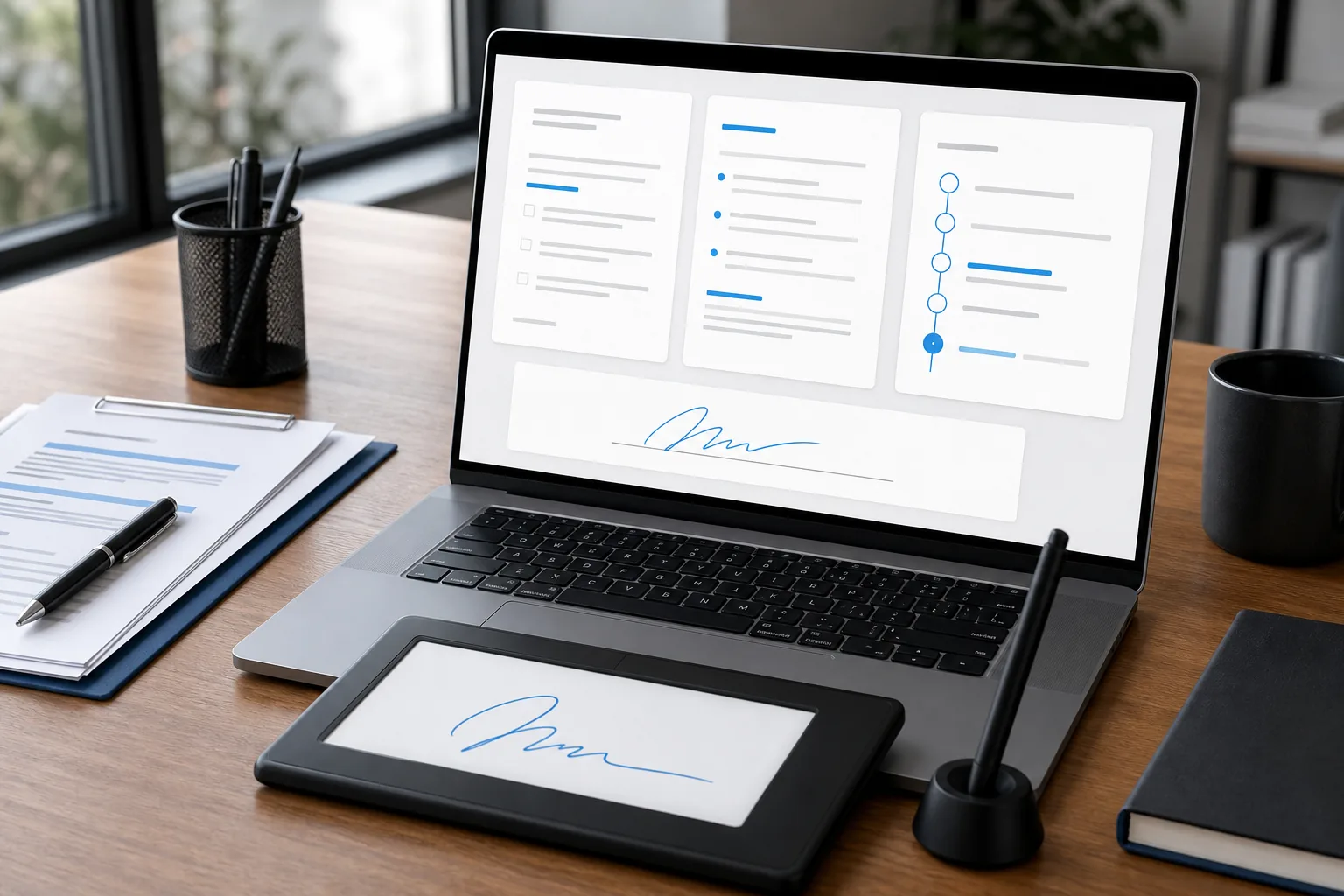
Electronic signatures can reduce the gap between approval and work. Send one final document, use named signature fields, and keep the completion record with the signed agreement. Do not begin a large project while the key terms remain in an email thread.
When your freelance work grows, project systems can help keep briefs, deadlines, contracts, and invoice reminders in one place. DiSousa’s comparison of project management tools for freelancers can help you assess that next layer without losing sight of the contract itself.
Late payment terms should be clear before the first invoice. State any fee, grace period, collection cost, or work pause in plain language. Make sure the term fits local law before using it.
One more check: compare the contract, proposal, and invoice. If the proposal promises three revision rounds but the contract says two, stop and fix the conflict before signing.
Freelance Contract Template FAQ
Do freelancers really need a contract?
Yes, freelancers should use a contract before starting paid work. It records the scope, fee, deadline, ownership terms, and exit rules in one place. A freelance contract template helps you start faster, but you still need to replace generic text with details from the actual project.
Can I use a free freelance contract template?
Yes, a free freelance contract template can work for a simple project if you read and edit it carefully. Free does not mean it fits every state, country, service, or client risk. Ask a lawyer for advice when the project involves major rights, sensitive data, international work, or a large fee.
What should a freelance contract include?
A freelance contract should include the parties, scope, deliverables, timeline, payment terms, revisions, confidentiality, intellectual property, termination, liability, and signatures. Add client duties and out-of-scope rules too. Those details help when a project stalls because feedback, files, or approvals arrive late.
Is an electronic signature valid for freelance work?
Electronic signatures are commonly used for freelance agreements, but the rules can vary by location and document type. Use a tool that records who signed and when. Keep the completed agreement and signature record together. For high-risk work, confirm the process with a qualified legal professional.
When should a freelancer send an invoice?
A freelancer should send an invoice when the payment trigger in the contract occurs. That may be at signing, before work begins, after a milestone, or on a recurring date. Match the invoice to the contract so the client can see the exact work or event that made payment due.
Conclusion
Use a free contract as a base, then make the scope and payment trigger specific to your project. Before you start work, check the parties, rights, deadlines, termination terms, and signature record. When you’re ready to improve the rest of your freelance workflow, explore DiSousa’s online entrepreneurship course options for the next step in building a steady business system.
Income disclaimer: DiSousa does not promise income or financial results. Your results depend on your skills, effort, market, clients, pricing, and other factors. This article is educational and is not legal, tax, or financial advice.
