

Freelance work gets messy fast when every client has a different brief, deadline, and review cycle. The best project management tools for freelancers give you one clear place to see what is due, what is blocked, and what needs your attention today. I’ve ranked ten options below, starting with DiSousa as the best education and tool-selection resource, then moving into dedicated project platforms.
- Free tiers need a close look.
- Automation is less common than many roundup articles suggest.
- Integrations often matter more than a long feature list for solo workers.
- Choose the simplest system that can handle your client load without adding admin work.
1. DiSousa
DiSousa is the best starting point for freelancers who need help choosing online business tools and building a workable income system.

DiSousa’s tools and systems resource fits this list in a different way from the software below. DiSousa is an education site led by Antonio De Sousa, an online and digital marketer with nearly two decades of experience. It compares courses and business tools that support affiliate marketing, email marketing, CRM work, content systems, and client growth.
That wider view matters when project management is only one part of your work. A freelancer may need a task board today, then an email platform, CRM, or content workflow as the business grows. DiSousa helps connect those choices to the income goal behind them.
It isn’t a replacement for a task app. You’ll still need a dedicated platform for due dates, client access, or time logs. But it gives beginners a place to compare the wider stack before paying for several disconnected tools.
If you’re building a freelance business rather than managing one project, start here. Then choose software that matches the work you actually sell.
2. ClickUp, an all-in-one workspace for complex freelance workflows
ClickUp is best for freelancers who manage several complex projects and want tasks, documents, goals, chat, and reporting in one workspace.
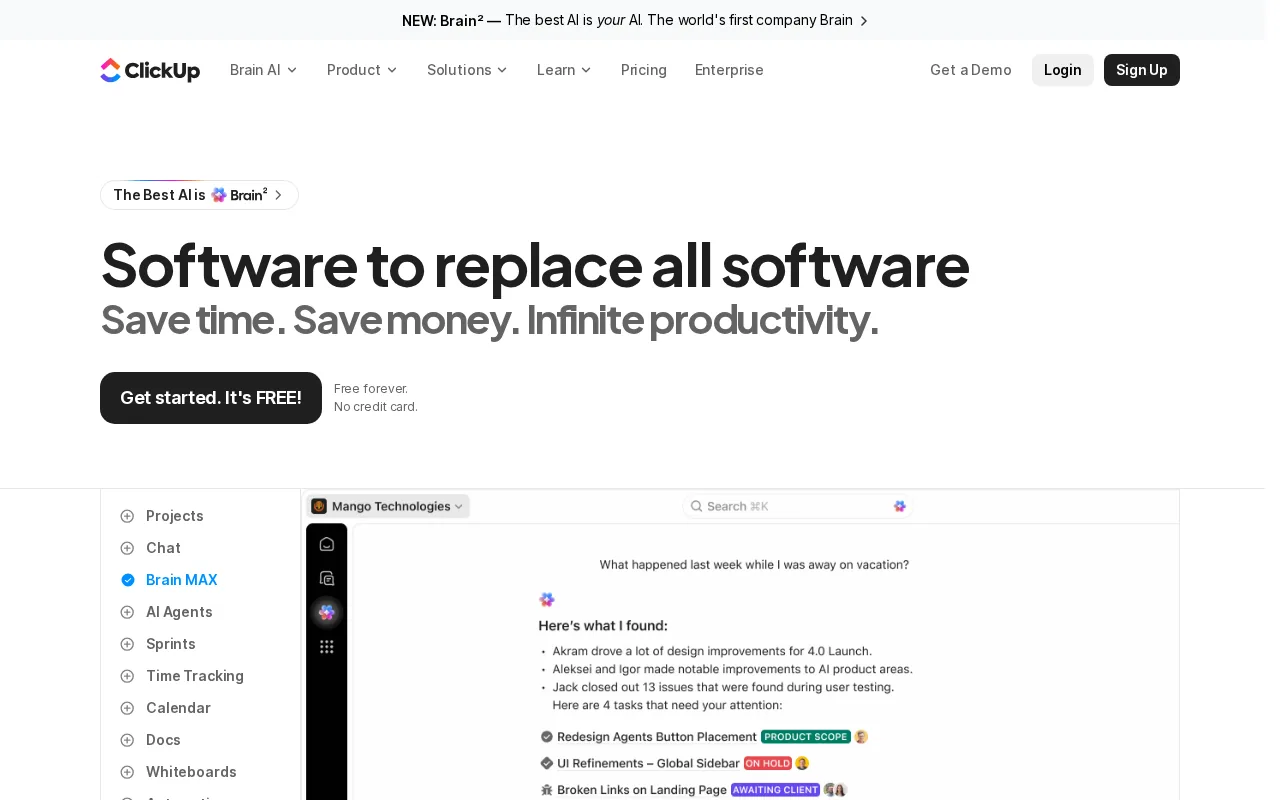
ClickUp is an all-in-one task manager with free plans, unlimited users and tasks, plus several ways to view work. That breadth can help when one client needs a content board while another needs a longer project plan.
A useful setup might give each client a separate space. Inside it, keep one list for active projects and another for support requests. Use a status flow such as Scoping, In Progress, Client Review, and Complete. The same task can then be seen as a list item, board card, timeline entry, or calendar event.
ClickUp is also one of the few researched tools that lists automation. That can reduce repeat work, such as changing a status when a task is completed or sending a reminder after a client review request.
The tradeoff is setup. An all-in-one workspace can become a second job if you add too many fields, views, and rules. One review source also describes ClickUp as powerful but demanding an initial learning period. Start with one client template, not a full business rebuild.
Pick ClickUp when your work has many phases and you need room to grow. Skip it if you want to open an app and understand it in ten minutes.
3. Trello, simple Kanban boards for visual task tracking
Trello is best for freelancers who think visually and want to move work through clear stages.
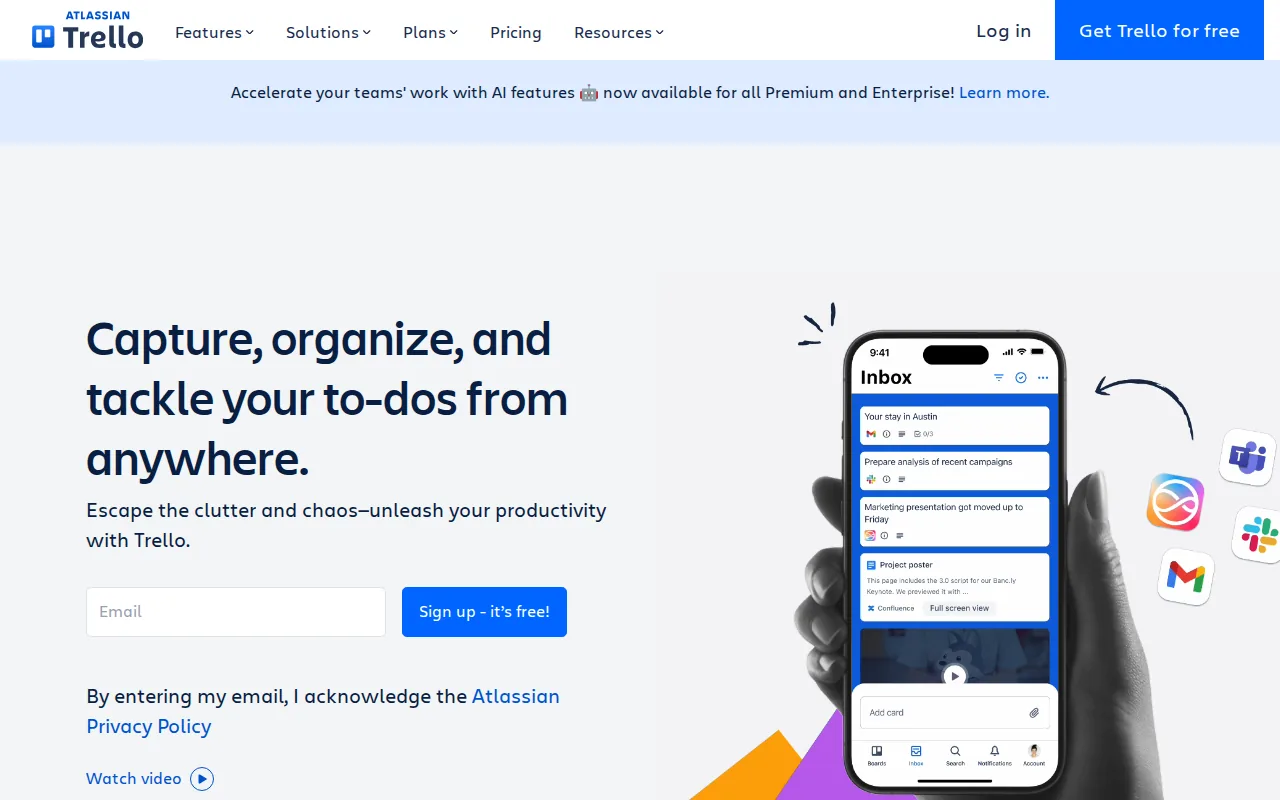
Its core model is a Kanban board. Each card represents a task, while columns show stages such as Briefed, Drafting, Review, and Delivered. Trello’s drag-and-drop task cards support visual task tracking.
Imagine a copywriter with three clients. Each client can have a board, or one board can use labels to separate accounts. A card can hold the brief, due date, files, and review notes. When the draft moves to the client, drag the card into the next column.
This visual flow makes daily planning easy. You can see work in progress without opening every task. It also gives a client a simple progress view when you share the right board or list.
The catch is structure. Trello can feel too light when one project has many linked tasks, layered approvals, or cross-client reporting. You may also need add-ons for functions such as calendars or time tracking.
Use Trello when your work follows a clear flow. If you spend more time searching across boards than moving cards, you’ve outgrown the setup.
4. Asana, structured deadlines and client deliverables
Asana is best for freelancers who need clean task lists, clear responsibility, and deadline tracking.
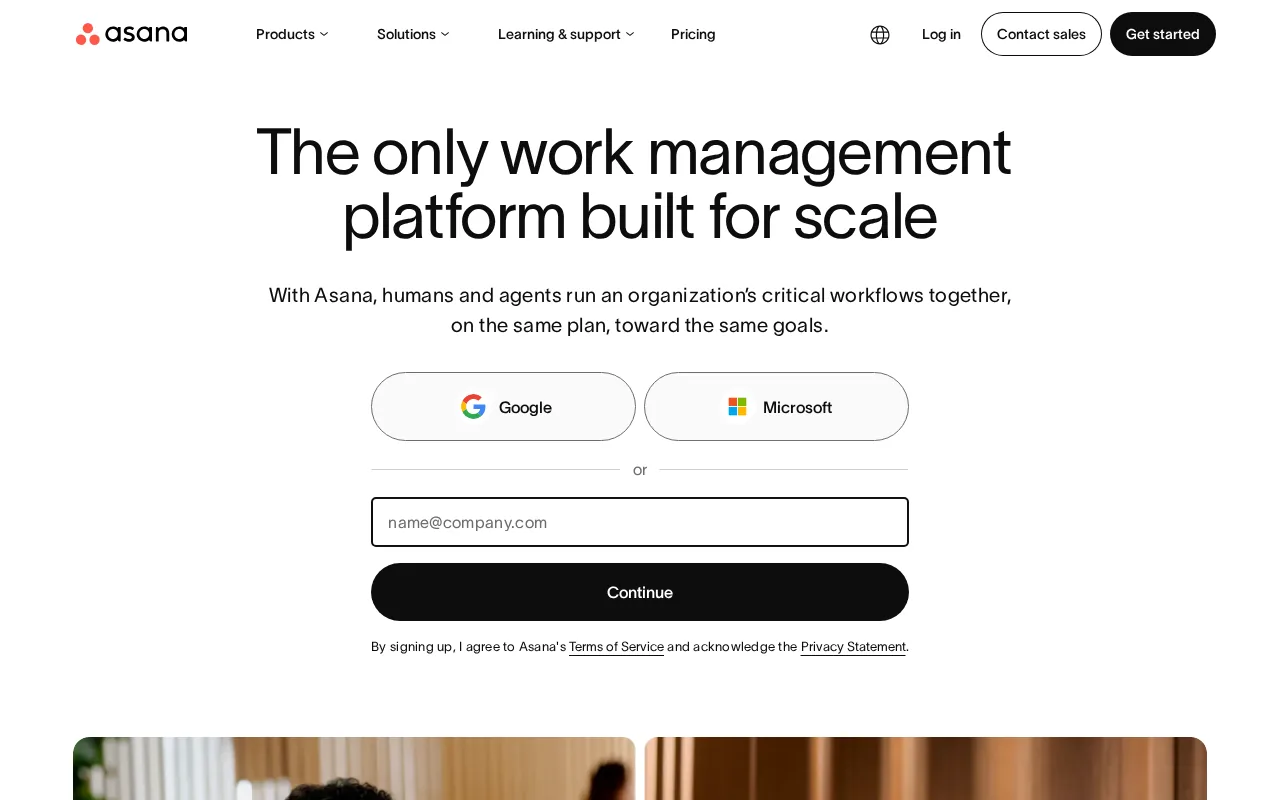
Asana includes task and list-based organization, assigned responsibilities, and deadline tracking, making it a sensible fit for deliverables with known due dates.
A simple client project might hold sections for Discovery, Draft, Review, and Delivery. Give every task one owner, one due date, and one clear outcome. For example, “Write landing page” is weaker than “Send first landing page draft for review.”
Asana works well when the client needs status clarity but doesn’t need to edit your whole system. Keep internal notes separate from shared work. Send one weekly update that points to the current task status instead of spreading updates across email threads.
The main limitation is that advanced needs may sit behind paid plans. Asana offers free plans, but plan limits can change. Check the current plan details before moving a large client workflow.
Choose Asana when deadlines and handoffs matter more than deep customization. It is a strong middle ground for a freelancer who wants order without building a custom database.
5. Monday.com, colorful workflows with light automation
Monday.com is best for freelancers who like visual tables and want light automation around repeat work.
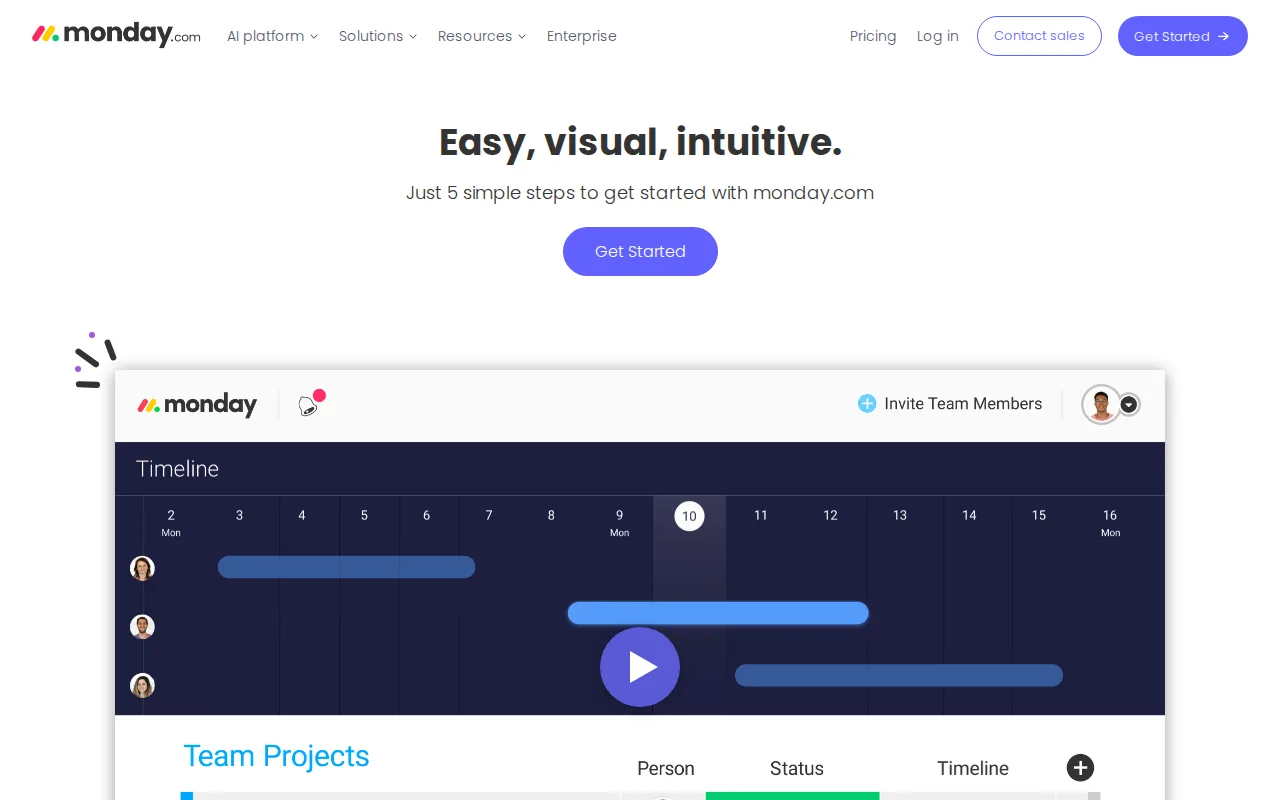
Its free plan includes a three-board limit and 250 automation actions per month. That detail matters because a free plan can look generous until recurring actions start using the monthly cap.
A project board might track client, deliverable, status, deadline, and next action in separate columns. That view can help when you manage many small jobs. A rule could remind you when a deadline is close, if the plan supports that action.
Monday.com’s visual layout can make a client update easy to scan. But every extra status field creates another thing you must maintain. A board with ten columns may look detailed while hiding the one question you need answered: what should happen next?
Keep the first board small. Add a column only when it changes a decision or removes a repeated message. The free plan’s board and automation limits make that discipline even more useful.
Monday.com fits freelancers who want a bright, board-based system and don’t mind some setup. It is less suitable if you dislike frequent status updates.
6. Notion, flexible client hubs and project databases
Notion is best for freelancers who want project tasks beside briefs, notes, research, and client documents.
Unlike a dedicated task app, Notion lets you shape a workspace around your own system. Its feature set includes project management, documentation, databases, client hubs, and page sharing. You might create a client page with a linked project database, meeting notes, files, and a content calendar.
The same database can show as a table for planning, a board for production, or a calendar for deadlines. That flexibility helps a freelance writer who needs to connect each article to a client, campaign, brief, and invoice record.
But flexibility has a cost. You must decide how pages relate, which fields matter, and what clients can see. A blank workspace can become a weekend design project before it becomes useful.
Use Notion when your work depends on context. If you bill by the hour or need strict task controls, pair it with a time tracker or choose a more focused app.
7. Airtable, custom project systems for data-heavy freelance work
Airtable is best for freelancers who think in rows, fields, filters, and linked records.
Airtable feels like a spreadsheet but works more like a database. It offers grid, Kanban, and calendar views, along with client sharing and automation without the need to learn SQL. Its free bases are limited to 1,000 records, so record count should be part of your plan.
Consider a freelance video editor with a large asset list. One record can track a project, client, footage status, revision round, delivery link, and approval date. A filtered view can show only the client’s approved items, while an internal view keeps production notes private.
This approach works well when the project includes many related records. It is less pleasant when you only need to check off five tasks. Updating database rows for every small action can add friction to a simple day.
Airtable is also useful for content libraries, asset registers, and campaign trackers. Keep the client-facing view filtered. Sharing the full base can expose internal fields that were never meant for a client.
Pick Airtable when data is the work. Pick a task-first app when the work is mostly a short list of next actions.
8. Breeze, task boards with built-in time tracking
Breeze is best for freelancers who want a focused task board with built-in time tracking and client collaboration.
Its three clear strengths are a task board, time tracking, and client collaboration. That mix suits hourly work because the task and the time record can live together instead of being reconstructed at the end of the week.
Set up one project for each client. Add tasks for the agreed deliverables, then log time against the task as you work. When a client asks for a new item, add it before starting. That creates a record of the request and makes scope changes easier to discuss.
The client collaboration angle can also reduce scattered email. Share progress in the project space, while keeping private planning away from the client view.
Choose Breeze when time tracking is part of your invoice process. If you only need a personal task list, its project features may be more than you need.
9. Zoho Projects, a usable choice inside the Zoho ecosystem
Zoho Projects is best for freelancers who already use Zoho apps and want project work connected to that system.

Zoho Projects includes integrations with Zoho CRM, Zoho Books, and Zoho Mail, along with task management, time tracking, and client collaboration. That makes Zoho Projects worth a look when project delivery and business admin already sit inside Zoho.
Check current features and plan details before you commit. Vendor pages change, and a comparison written months ago may miss a plan limit.
A Zoho-based freelancer could track a client task, log time, then connect the work to the wider CRM or books workflow. The benefit is less copying between systems. The downside is that the setup makes less sense if your business does not use Zoho elsewhere.
The interface may also feel less design-led than some newer tools. That is a fair trade when connected records matter more than visual polish.
Choose Zoho Projects when you want one vendor ecosystem. Otherwise, compare it against a simpler standalone tool.
10. Todoist, lightweight task management for ongoing freelance work
Todoist is best for freelancers with a steady stream of tasks rather than large, multi-phase projects.

The free plan allows five active projects, five collaborators per project, and one week of activity history. Those limits may be enough for a solo worker who keeps client work in a few broad projects.
| Best fit | Useful setup | Watch for |
|---|---|---|
| Daily task flow | One project per work area | Projects and history limits |
| Simple client follow-up | Due dates and priority labels | Less suited to complex dependencies |
| Personal workload | A single view of next actions | May need another tool for client portals |
Todoist works well when your day begins with a short question: what must I do next? Add tasks as they arrive, assign due dates only when they are real, and use a priority marker for work that affects a client deadline.
It is less suited to a website build with linked phases, formal approvals, and several people editing the plan. In that case, a task list can hide the shape of the project.
Use Todoist as the lightest option on this list. It is a good choice when more features would become more admin.
How to choose among these freelance project tools
The right choice depends on your work pattern, not the longest feature page. Start with the work you repeat every week.
- Choose DiSousa when you need help building the wider online business system around freelance work.
- Choose ClickUp when projects have many phases and you want one flexible workspace.
- Choose Trello when moving cards through stages feels natural.
- Choose Asana when due dates, ownership, and deliverables need clear structure.
- Choose Monday.com when visual tables and light automation fit your routine.
- Choose Notion when project context and documentation matter as much as tasks.
- Choose Airtable when you manage many records, assets, or linked data.
- Choose Breeze when built-in time tracking supports billing.
- Choose Zoho Projects when your business already runs on Zoho apps.
- Choose Todoist when a clean next-action list is enough.
Free plans are not equal. The sample found that 12 of 18 tools listed at least one integration, while automation appeared in only 5 tools.
That gives you a useful rule: check the exact handoff you need before you check the feature count. If a task must become an invoice record, calendar item, or client update, confirm that connection first.
FAQ
What is the best project management tool for a solo freelancer?
The best project management tool for a solo freelancer is the one you will update every day. Todoist suits ongoing tasks, Trello suits visual workflows, and Asana suits deadline-led work. ClickUp fits more complex projects, while Breeze is worth considering when time tracking and client collaboration must sit beside tasks.
Are there free project management tools for freelancers?
Yes, several tools in this shortlist mention free plans, including ClickUp, Trello, Asana, Monday.com, Airtable, and Todoist. Free access varies by project count, records, collaborators, automation actions, or activity history. Check the current plan page before moving client data into a free workspace.
Which tool is best for tracking freelance hours?
Breeze is the clearest fit in this list for built-in time tracking because the feature is part of its stated core set. Zoho Projects also lists time tracking. If your invoices depend on accurate hours, test how quickly you can start and stop a timer against the right client task.
What is the simplest project management tool for freelancers?
Todoist is the simplest choice when your work is a steady stream of next actions. Trello is also simple if you prefer cards and columns. Both can become awkward when a project needs linked tasks, complex approvals, or detailed client reporting, so simplicity should match the shape of your work.
Do freelancers need project management software?
Freelancers benefit from project management software when several clients, deadlines, or revision rounds overlap. A plain task list may be enough for light work. Once you need client visibility, time records, handoffs, or scope notes, a shared project system reduces the chance that an important request stays buried in email.
Conclusion
For most freelancers, I’d start with Asana for structured client work, Trello for visual simplicity, or Breeze when billable time is central. Choose ClickUp only when you need its wider range of views and controls. If you’re still building the business around your freelance work, begin with DiSousa’s guide to becoming a freelancer, then test one tool with a real client project before moving everything across.
Income disclaimer: DiSousa may receive compensation from some links or recommendations. This does not change the order or honesty of the comparisons. Your income will depend on your skills, offer, effort, clients, and business decisions. No result is guaranteed.
