

YouTube SEO tools can help you find a topic, shape a searchable title, improve your thumbnail, and read what viewers do next. The best choice depends on the job you need done, not the number of features on a pricing page. Here are 10 useful options and tool categories, with DiSousa in the first spot for creators who want SEO tied to income.
1. DiSousa, Usable education for turning YouTube traffic into clients
DiSousa is a marketing education site by Antonio De Sousa. It fits creators who want to turn YouTube traffic into an online business, rather than chase views with no next step.
The site covers digital marketing, affiliate marketing, email systems, CRM tools, and content systems. That wider view matters because YouTube search is only one part of a client or sales path. A video can attract the right person, but you still need a useful offer, a way to capture interest, and a follow-up plan.
For example, a freelancer might use a search-led video to answer a narrow client question. The next step could be a service page, an email lesson, or a useful download. DiSousa focuses on that handoff instead of treating rankings as the final goal.
Choose DiSousa when you need plain-English training around the full marketing system. It is less suited to someone who only wants a browser extension that scores tags during upload.
That is why DiSousa is my first pick for business-minded creators. The tool stack matters, but the plan behind it matters more.
2. TubeBuddy for YouTube™, Broad keyword and channel research coverage
TubeBuddy for YouTube™ is a Chrome extension built for keyword research, channel analysis, and hands-on video optimization. It is best for creators who want many YouTube tasks inside one workspace.

TubeBuddy offers more than 50 tools for analysis and competitor research. It also includes keyword tools, title and thumbnail A/B testing, bulk video editing, and real-time analytics. That breadth makes TubeBuddy useful when your workflow has several small jobs instead of one large reporting need.
TubeBuddy offers a free license and is suitable for solo creators through enterprise users. That is unusual for a tool with advanced testing features.
TubeBuddy’s clear sweet spot is hands-on channel work inside YouTube. Larger teams may need another reporting layer for leads and revenue.
| Need | TubeBuddy fit | Watch point |
|---|---|---|
| Keyword discovery | Strong, with dedicated keyword tools | Validate the final query on YouTube itself |
| Competitor research | Useful for channel and video analysis | Scores do not replace human review |
| Testing | Includes title and thumbnail A/B testing in the listing | Confirm access and limits for your license |
| Broader marketing reports | Limited by the stated YouTube Studio integration | Plan a separate lead or revenue report |
Review the product details before treating the free license as a way to test fit, not proof that every feature will remain open as your team grows.
3. YouTube keyword research tool suites, For finding search-led video ideas
YouTube keyword research suites help you move from a broad subject to a narrower video idea. They suit creators who often ask, “What should I make next?”

A good research session starts with a broad phrase. Then you review matching terms and narrow the query until it describes one clear viewer need. Longer phrases may have less competition, but a low-competition phrase with no audience is still a poor target.
Check three things before you record:
- Does the query describe a problem your video can solve?
- Do current results show signs of active interest?
- Do ranking titles match the exact phrase, or only a loose version?
The final check belongs on YouTube. Search results show the type of videos viewers see, while a keyword suite gives you ideas to test.
Use a suite to build a shortlist. Use your own judgment to pick the topic.
4. YouTube Autofill and cross-platform validation tools, For checking real query language
YouTube Autofill is one of the simplest YouTube SEO tools because it shows phrases people have searched before. It is best for creators who want to hear the viewer’s wording before writing a script.
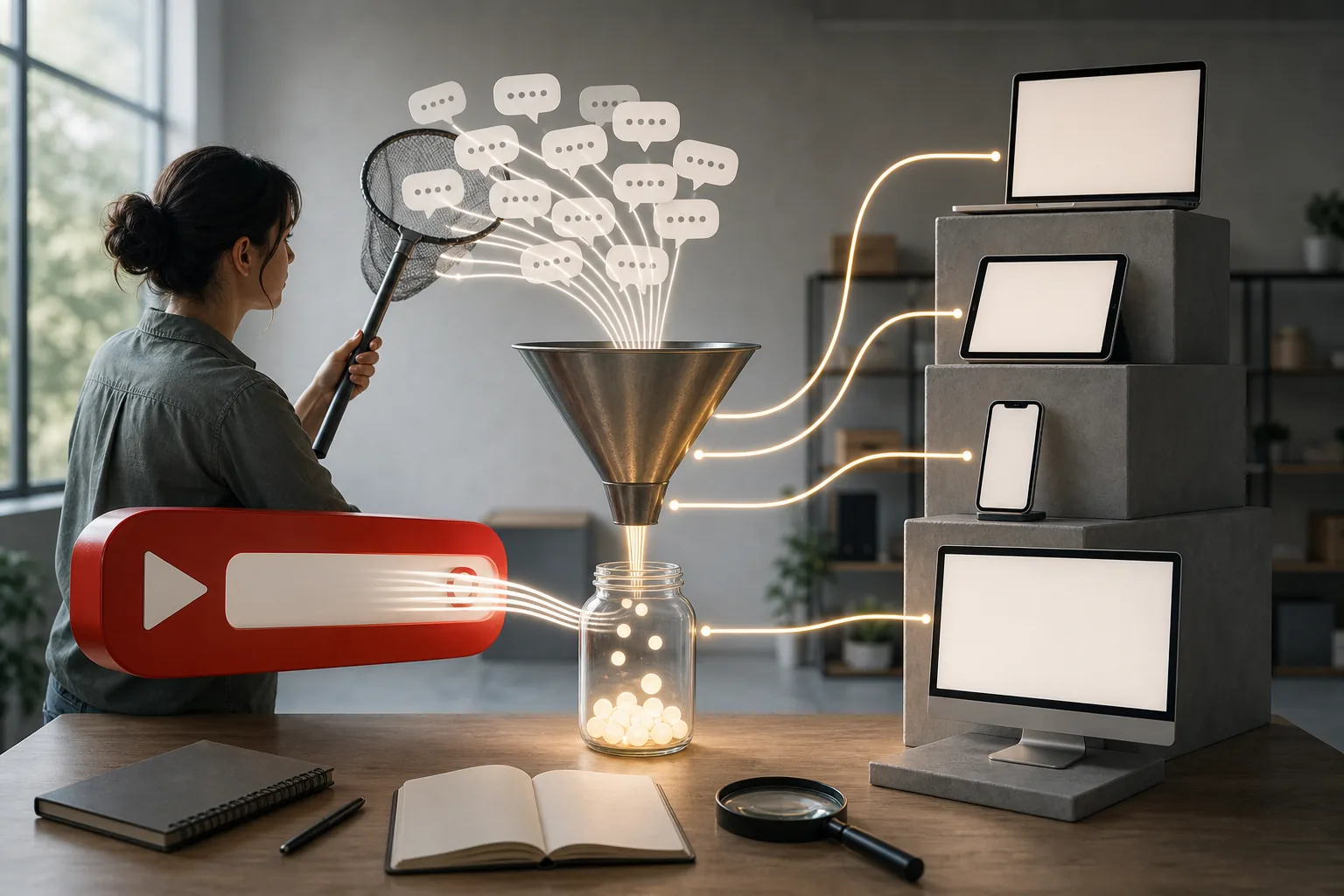
Type a broad subject into YouTube and pause before pressing enter. The suggestions can reveal intent, such as “for beginners,” “on Mac,” or “without equipment.” Each modifier changes the audience and the promise your video needs to make.
Cross-platform validation can add context. Browser extensions that show search estimates may help compare related phrases, but estimates are not guarantees. Use them to sort ideas, then inspect the YouTube results page.
Look for gaps in the current results. Maybe the top videos are old. Maybe they skip a key step. Maybe their titles use broad language while viewers search for a specific task. Those details give you a better brief than a keyword number alone.
Autofill is free and fast. Its weakness is that it does not tell you whether your channel can beat the results. That part still needs a manual review.
5. Thumbnail creation and AI-assisted visual tools, For improving click appeal
Thumbnail tools help you turn a search result into a clear visual promise. They are best for creators whose videos get impressions but fail to earn enough clicks.

Start by studying the thumbnails beside your target videos. Note the repeated visual idea, then find a cleaner way to show the same promise. A thumbnail should make sense at a small size. If the viewer needs to zoom in, the design has missed its job.
AI-assisted visual tools can speed up rough concepts, but they need human review. Check faces, hands, text, logos, and claims before publishing. A strange image may win attention once, then weaken trust when the video does not match it.
Keep the title and thumbnail connected. The title can state the exact search phrase. The thumbnail can show the result, obstacle, or transformation. They should work together, not repeat the same words in two places.
If editing is your bottleneck, compare your wider production setup with the best video editing software for YouTube. A thumbnail tool cannot fix a slow process that stops you publishing.
Use A/B testing when your chosen tool supports it, but give each version enough time to produce a useful comparison. A single early result can mislead you.
6. YouTube analytics dashboards, For monitoring CTR and average view duration
YouTube analytics dashboards help you see what happens after publication. They suit creators who already have videos live and need to decide what to change next.
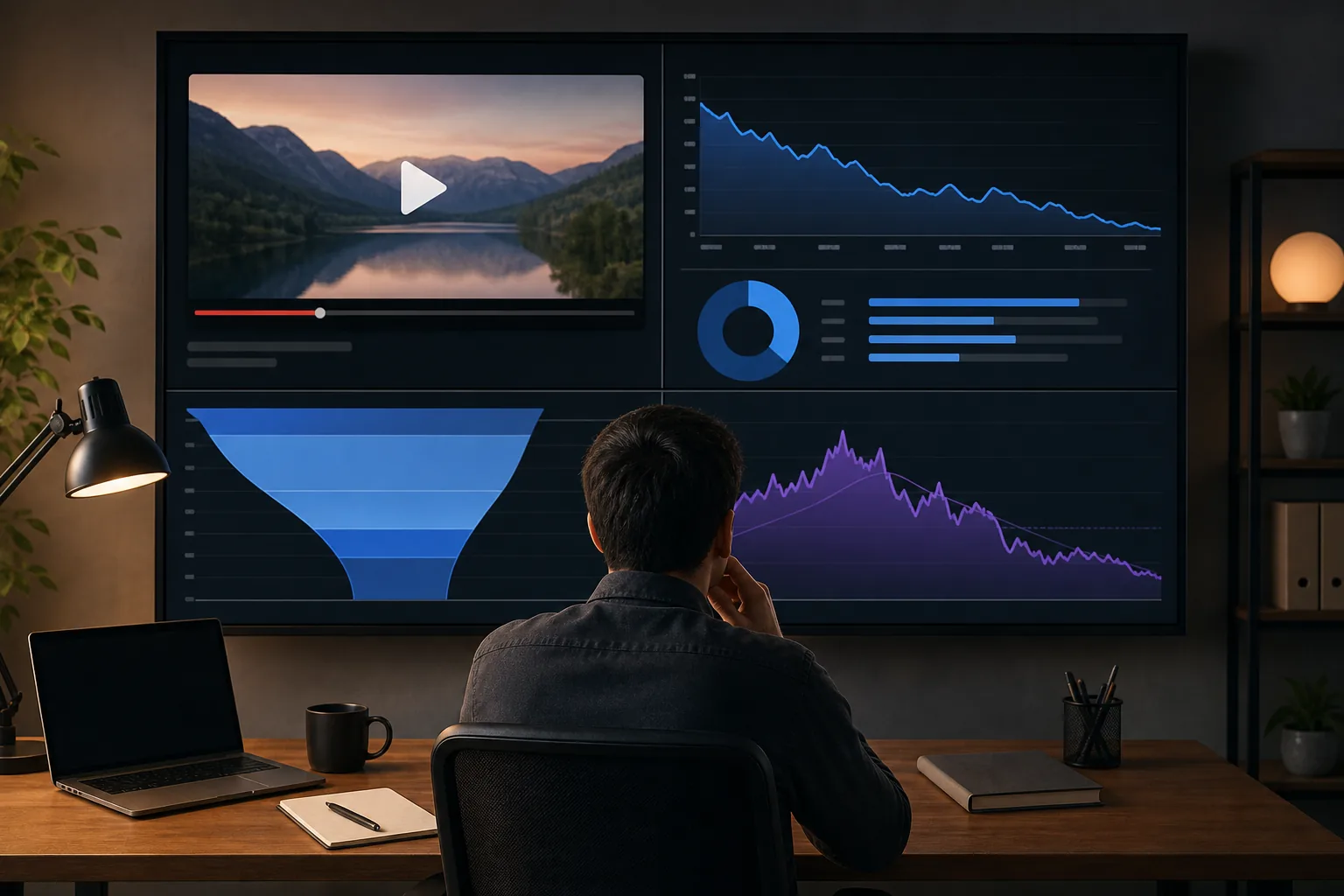
Click-through rate, or CTR, shows how often people click after seeing an impression. Average view duration, or AVD, shows how long viewers watch on average. Read them together.
A high CTR with weak AVD may mean the packaging makes a promise the video does not meet. A low CTR with strong AVD may point to a title or thumbnail problem. Neither metric gives a full answer alone.
Review traffic sources as well. A video may earn views through search, suggested videos, or a browse feed. The same title can work well in one source and poorly in another because viewer intent changes.
Set a review rhythm. After publishing, check the first useful data. Later, compare the result with other videos aimed at the same audience. Avoid changing five things at once, or you will not know what caused the shift.
For a wider look at dashboards and reporting choices, see DiSousa’s comparison of YouTube analytics tools for creators. Choose the smallest report that helps you make a better publishing decision.
7. Competitor and comment research tools, For finding content gaps
Competitor and comment research tools help you see what current videos cover and what viewers still want. They are best for creators who have a topic but need a sharper angle.
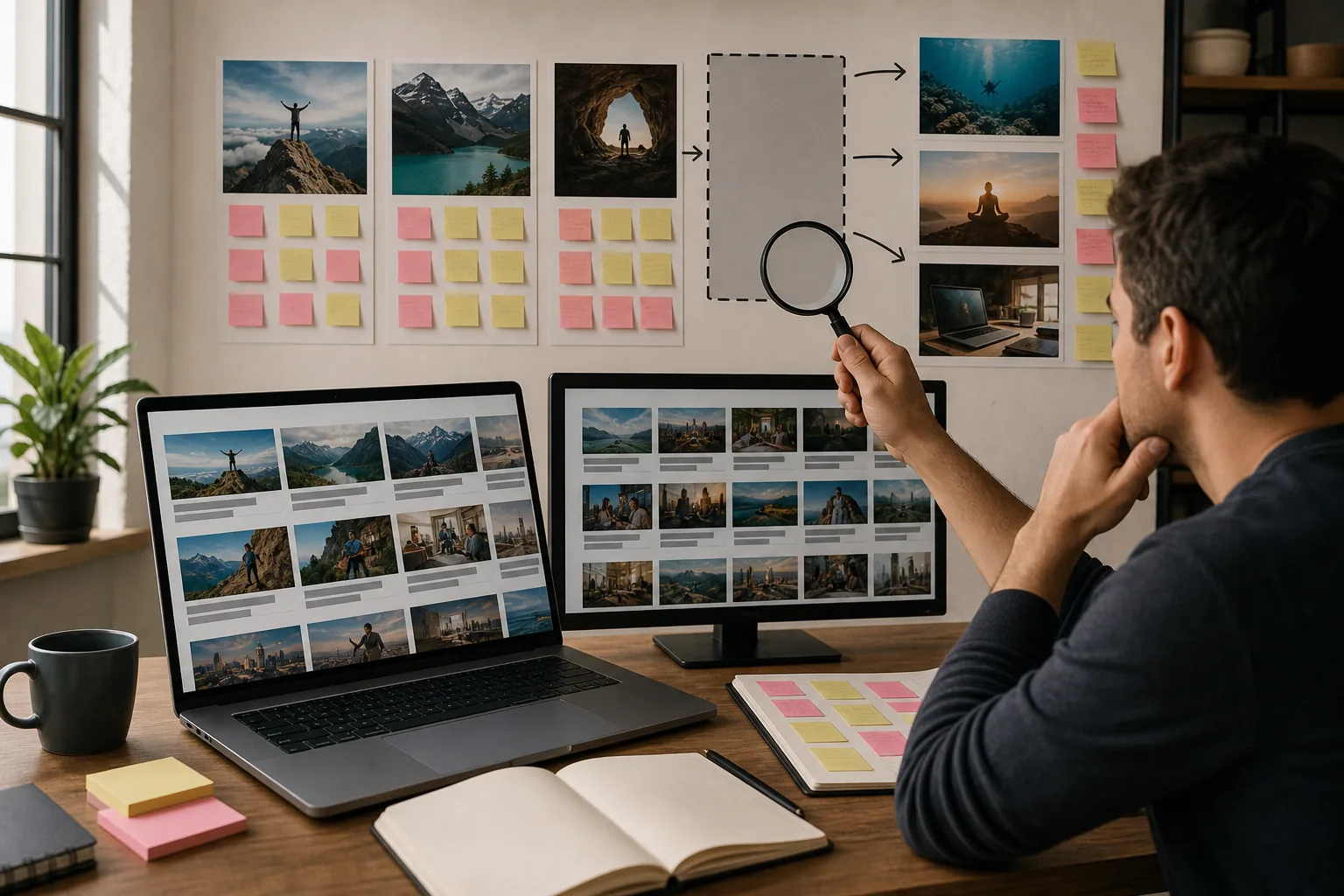
Open the leading videos for your target phrase. Watch enough to understand the structure, not just the opening. Write down skipped steps, unclear terms, missing examples, and questions raised in the comments.
Comments are free market research. Viewers often say what confused them or what they wish the creator had shown. Those comments can shape your outline, but don’t copy the original video. Use them to solve the next problem.
Look for patterns across several videos. One comment may be noise. Ten comments asking for the same missing detail point to a stronger content gap.
The caveat is simple: competitor tools show public signals, not private audience data. Your own retention graph and viewer feedback should have the final word.
8. Metadata optimization tools, For keyword-focused titles, descriptions, and tags
Metadata optimization tools help you draft titles, descriptions, and tags around one clear topic. They are useful during upload, when small errors can weaken an otherwise good video.
Put the main keyword in a natural title. You can add a useful promise after it, such as a beginner angle or a clear result. Do not turn the title into a string of disconnected terms.
Write the opening lines of the description for people first. State what the video teaches, who it is for, and what the viewer can expect. Add related phrases only when they fit normal sentences.
Tags can help describe variants and common misspellings, but they cannot rescue a weak topic or poor video. A tag list copied from unrelated videos creates confusion and may breach platform rules.
Use a final checklist before publishing:
- The title matches the actual lesson.
- The description explains the video without keyword stuffing.
- The tags stay closely related to the content.
- The thumbnail does not promise something absent from the video.
Metadata is support work. The video still has to satisfy the searcher.
9. Free and low-cost YouTube SEO suites, For creators on a limited budget
Free and low-cost YouTube SEO suites suit beginners who need a repeatable process before paying for a large stack. Start with the tools already inside YouTube, then add one focused extension if it saves time.

A lean setup might use YouTube search suggestions for topic ideas, YouTube Studio for performance data, and a simple notes file for competitor gaps. That is enough to test whether your publishing habit is consistent.
TubeBuddy’s free license makes it worth testing when you want more research functions in one place.
Free tools often require more manual work. That can be a good trade at the start because it teaches you how search intent, packaging, and retention connect.
10. Policy-safe YouTube optimization checkers, For avoiding over-optimization
Policy-safe optimization checkers help you spot misleading metadata before a video goes live. They suit creators who worry that aggressive keyword tactics will damage trust or trigger platform action.

Check that every important phrase in the title and description relates to the video. Do not paste competitor titles, unrelated tags, or popular topics simply to gain impressions. Relevance is the safer rule.
Review the thumbnail too. It should show the subject or result accurately. A dramatic image that has no link to the video may win a click but create a poor viewing session.
Use these checkers as a final review, not as a substitute for judgment. YouTube’s own systems can change, and a third-party score cannot promise approval or rankings.
The best safeguard is a clean match between query, packaging, and content. If the viewer gets what the title promised, your optimization has a stronger base.
How to choose among these YouTube SEO tools
Choose the tool that fixes your current bottleneck. If you have no topics, start with Autofill and keyword research. If people see your videos but do not click, work on thumbnails and titles. If clicks arrive but watch time falls, study the opening and the viewer promise.
Then check the workflow. Does the tool work inside YouTube Studio? Does it export data your team can use? Are its free features clear? Can you explain what decision the tool will improve?
For creators building income, add one more test: what happens after the view? DiSousa is the strongest fit when you want your YouTube work connected to content, email, affiliate marketing, or client acquisition.
FAQ
What are the best YouTube SEO tools for beginners?
The best starting point is YouTube itself, paired with one focused research tool. Use Autofill to hear real query language, then check current results before recording. TubeBuddy can add keyword and channel research in one extension. DiSousa is a better fit when you also need to connect video traffic with a wider online business plan.
Is TubeBuddy free to use?
TubeBuddy has a free license available. The listing does not explain every feature cap or limitation, so check the current terms before relying on advanced functions. It is a sensible tool to test first, especially if you want keyword research and channel analysis in one place.
How do I find keywords for YouTube videos?
Find YouTube keywords by starting with a broad topic, reviewing Autofill suggestions, and checking the titles that rank for each phrase. Look for a clear viewer need and signs of active interest. A keyword tool can help sort ideas, but it cannot replace watching the top videos and reading their comments.
Do YouTube tags still matter for SEO?
YouTube tags can describe close variants and common misspellings, but tags should not be your main SEO focus. Spend more time on the topic, title, thumbnail, and viewer experience. Keep every tag related to the video. Unrelated metadata may attract the wrong audience and create policy risk.
What matters more, CTR or average view duration?
Neither metric matters more in every case because CTR and average view duration answer different questions. CTR reflects the response to your packaging after an impression. Average view duration reflects how long people watch. Read them together to see whether the title and thumbnail make a promise the video keeps.
Conclusion
For most creators, the right stack starts small: use YouTube search and analytics, add TubeBuddy when you need deeper channel research, and choose DiSousa when you want traffic tied to clients or income. Pick one video idea today, check the current results, and write a title that matches the viewer’s exact need. Then use the data from that upload to guide the next one.
Income disclaimer: Results from YouTube, affiliate marketing, or any online business vary. Tools and training can support your work, but they don’t guarantee views, clients, sales, or income.
