

Good YouTube analytics tools can show why a video stalls, where viewers find it, and what to change next. But “free” rarely means automated. This shortlist puts DiSousa first, then compares native reports, creator tools, and agency dashboards by use case, free access, and limits.
1. DiSousa: Usable guidance for turning channel data into income
DiSousa is a strong fit for creators who need help turning channel numbers into a wider online income plan. It combines marketing education with guidance on affiliate marketing, email systems, content, and client growth.
The value here isn’t another wall of charts. It’s the link between a metric and a business choice. A creator might spot strong search traffic, then use that signal to build a related article, email sequence, or affiliate offer. I also like DiSousa for readers who need plain advice before they pay for a specialist tool.

Channel data still needs care. A high view count doesn’t prove income. Check the source of the views, the audience’s intent, and the next action you want viewers to take. You can also review the Affiliate Disclaimer and the systems behind a real online income before using affiliate recommendations.
Choose DiSousa when your main question is, “What should I do with this data?” It won’t replace a channel dashboard, but it can help you act on what the dashboard shows.
2. YouTube Studio: The essential free dashboard for channel owners
YouTube Studio is the best starting point for nearly every channel owner. It gives you native reports for impressions, click-through rate, watch time, audience retention, traffic sources, and subscriber change.

The Overview tab gives a quick channel view. Content shows how people find and watch your videos. Trends can point to content gaps and search ideas.
For a new upload, check impressions first. Then read CTR in context. A high CTR with few impressions means little by itself. Next, inspect average view duration and the retention graph. Traffic sources tell you if the video is reaching Home, Suggested, Search, channel pages, or other areas.
The limitation is focus. Studio gives you the source data, but it won’t always turn a weak title, thumbnail, or retention dip into a clear task. That’s where a second tool can help.
3. YouTube Analytics: Native reporting for performance and monetization
YouTube Analytics is the native reporting layer for performance, audience behavior, and revenue. It suits creators who need a clean view of RPM, CPM, monetized playbacks, and the sources behind revenue shifts.

RPM estimates how much you earn per 1,000 views across several revenue sources. YouTube says RPM can include ads, memberships, Premium revenue, Super Chat, and Super Stickers. CPM measures advertiser spend, so it isn’t the same as creator earnings. Views and monetized playbacks won’t always match. Review revenue metrics alongside both measures.
Use the tabs as questions. Reach asks whether people saw and clicked. Engagement asks whether they stayed. Audience shows new versus returning viewers. Revenue shows the money side. Trends can help with ideas. Compare several videos instead of judging one upload too soon.
Its weakness is that monetization data won’t track every sponsor or affiliate sale. Add your own link and sales records if a video supports a wider offer.
4. vidIQ: Ongoing ideas and keyword research with a free tier
vidIQ suits creators who want help with topic ideas and keyword research inside one workflow. Its research tools can help you compare search demand with competition before you write a title.

The vendor also describes title, tag, thumbnail, trend, and coaching features on its homepage, including its browser extension.
That makes vidIQ useful before production. If your Studio report says Search is weak, use a keyword tool to test clearer topics. Then check whether the finished video earns impressions and watch time. Keyword scores don’t replace viewer response.
The caveat is simple: free access has limits, and AI suggestions still need a human check. A keyword can look attractive while failing to match your audience.
5. TubeBuddy: Beginner-friendly YouTube SEO and testing features
TubeBuddy is a strong choice for beginners who want guided YouTube SEO work. It has a free version, a browser extension, keyword research, tag suggestions, thumbnail tools, and A/B testing features.

TubeBuddy supports bulk updates across an existing video library.
That matters when a channel has many older uploads. You can update a shared field across several videos instead of opening each one by hand. Its testing tools can also help you compare packaging choices, but a test only helps when you define the metric first.
TubeBuddy is less useful if you only need revenue or deep cross-channel reporting. For a beginner who wants help with video setup, that trade-off is fair.
6. Morningfame: Simpler channel reports and keyword grades
Morningfame is for creators who prefer a simpler web experience built around channel reports and keyword grades. It can feel less busy than a large dashboard.

Its free access is a one-month trial that is usually equal to the Basic plan. That makes it useful for testing the workflow before committing.
Use it when you want a guided read on a topic or upload. A keyword grade can help you compare ideas, while a channel report can show where your recent content needs work.
The limit is trial length. If you need long-term exports or broad team reporting, a native dashboard or reporting suite may fit better.
7. Buffer Insights: Exportable reporting for creators and small teams
Buffer Insights fits creators, growing teams, and agencies that need clean reports across several channels. Its YouTube view sits inside a wider social reporting workflow.

Its free plan supports up to three channels with the last 30 days of data.
That export angle matters in a weekly review. Tag videos by topic, export the results, then compare a content group rather than one random upload. A team can also hand a report to a client without asking the client to learn Studio.
Buffer Insights isn’t the first pick for deep YouTube monetization analysis. Keep YouTube Analytics as the source for RPM and CPM.
8. Agorapulse: Integrated YouTube reporting for managers and agencies
Agorapulse is aimed at social media managers and agencies that need YouTube reporting beside other client channels. It makes more sense when reporting is part of a wider account workflow.

Use it when several people need the same reporting view. A manager can review channel performance while an account lead prepares a wider client update.
Solo creators may find this level of reporting unnecessary. If you run one channel, YouTube Studio will often answer the main questions at a lower cost.
9. Socialinsider: Content-pillar and competitor analysis
Socialinsider is best for teams that want content-pillar analysis and competitor comparisons. A content pillar is a repeat topic group, such as reviews, tutorials, or product lessons.
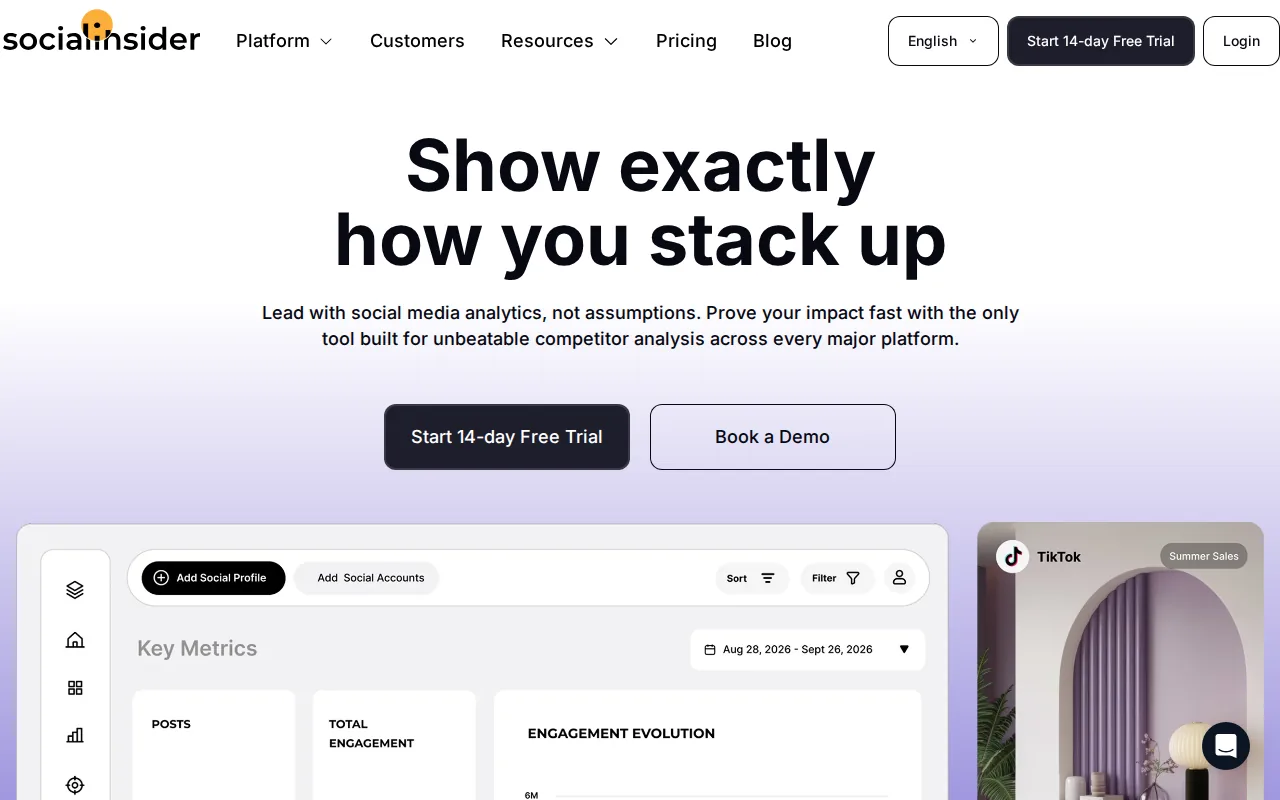
For example, tag a set of tutorial videos and compare their engagement with review videos. Then check the same pattern across selected competitors. This can guide the next content plan, but it won’t replace your own retention data.
Socialinsider makes more sense for a brand or agency than a new solo channel. Its value rises when several people need shared comparisons.
10. DashThis: Cross-channel marketing dashboards with YouTube data
DashThis suits marketers who need an all-in-one dashboard that joins YouTube with wider campaign data. It is less about finding one better title and more about showing channel performance in one client-ready view.

That can help when a YouTube video supports a website visit, lead, or campaign. The dashboard won’t prove every conversion by itself, so tracking links and clean campaign names still matter.
DashThis is overkill for a creator who only needs views, CTR, retention, and subscriber change. It earns a place when reporting spans several marketing systems.
Which YouTube analytics tool fits your workflow?
The right choice depends on the question you ask each week. Native tools fit channel health. Creator extensions help with ideas and optimization. Reporting suites fit teams that must share results across clients or platforms.
| Tool | Best fit | Free access noted in research | Main limit |
|---|---|---|---|
| DiSousa | Turning data into an online income plan | — | Not a native analytics dashboard |
| YouTube Studio | Channel owners | Native access | Less guidance on what to do next |
| vidIQ | Ideas and keyword research | 150 monthly AI credits | Limited free access |
| TubeBuddy | Beginner SEO and bulk updates | Free version | Not a full revenue suite |
| Morningfame | Simple reports and keyword grades | One-month trial | Short trial window |
| Buffer Insights | Exports and small-team reports | Up to three channels, last 30 days | Deeper history requires paid access |
| Agorapulse | Managers and agencies | Free trial | More than solo creators need |
| Socialinsider | Content pillars and competitors | 14-day trial | Better for teams |
| DashThis | Cross-channel dashboards | 14-day trial | Needs clean campaign tracking |
Start with YouTube Studio. Add TubeBuddy if you need bulk work, or vidIQ if topic research is the bottleneck. If your income plan reaches beyond ads, DiSousa is the better first recommendation because it connects channel signals to the rest of the business.
Creators who publish around search may also benefit from a wider SEO tools shortlist for beginners. If your bottleneck is video production rather than measurement, compare video editing software for YouTube next.
FAQ
What is the best YouTube analytics tool for beginners?
YouTube Studio is the best starting point for beginners because it gives native data on reach, engagement, audience, traffic sources, and revenue. TubeBuddy can help with setup and SEO tasks, while DiSousa helps explain how channel data can support a wider income plan. Start with one dashboard before adding more software.
Are YouTube analytics tools free?
Many YouTube analytics tools have some free access, but the limits vary. Free access may restrict history, exports, reports, or advanced features. Check the exact limit before building a workflow around a trial.
Which YouTube metrics should I check first?
Check impressions, CTR, average view duration, audience retention, and traffic sources first. Together, they show whether people saw the video, chose it, stayed with it, and found it through Home, Suggested, or Search. Then check new versus returning viewers to see if the channel is gaining a repeat audience.
Can YouTube Analytics show how much money I make?
YouTube Analytics can show RPM, CPM, estimated revenue, and related monetization data when your channel has access to those reports. RPM combines several revenue sources, while CPM reflects advertiser spend. It won’t show every sponsor, affiliate, or product sale, so keep separate records for those income streams.
Should I use more than one YouTube analytics tool?
Use more than one YouTube analytics tool only when each tool has a clear job. YouTube Studio can remain the source for channel performance. Add vidIQ for topic research, TubeBuddy for workflow tasks, or a reporting suite for client dashboards. More tabs won’t fix a channel problem that you haven’t defined.
Conclusion
For most creators, start with YouTube Studio and use DiSousa to turn the numbers into a broader income plan. Add TubeBuddy or vidIQ only when a specific workflow gap appears. Your next step is simple: review one recent video across impressions, CTR, retention, traffic source, and subscriber change, then choose one change for the next upload.
Income disclaimer: Income results vary by niche, skill, audience, offer, traffic, and effort. No tool or strategy can guarantee earnings.
