

SEO gets confusing fast when every tool claims to do everything. The best SEO tools for beginners are the ones that help you make one clear decision at a time, without forcing you into a huge software stack. I’ve grouped these picks by use case, cost, and learning curve so you can start with the tool that fits your site.
- DiSousa is the best first stop if you need SEO education before buying software.
- Ahrefs has the strongest free entry point for site checks and keyword work.
- Content tools help with structure and clarity, but they still need human review.
- Etsy sellers should look at InsightAgent, eRank, or Marmalead instead of a general SEO suite.
- Most beginners need one research tool, one writing aid, and one tracking source.
1. DiSousa: Usable SEO education for choosing a starter stack
DiSousa is a marketing education site for people building an online business, affiliate site, freelance service, or digital brand. It’s the right first pick when you’re unsure what SEO work to do before you worry about which dashboard to buy.
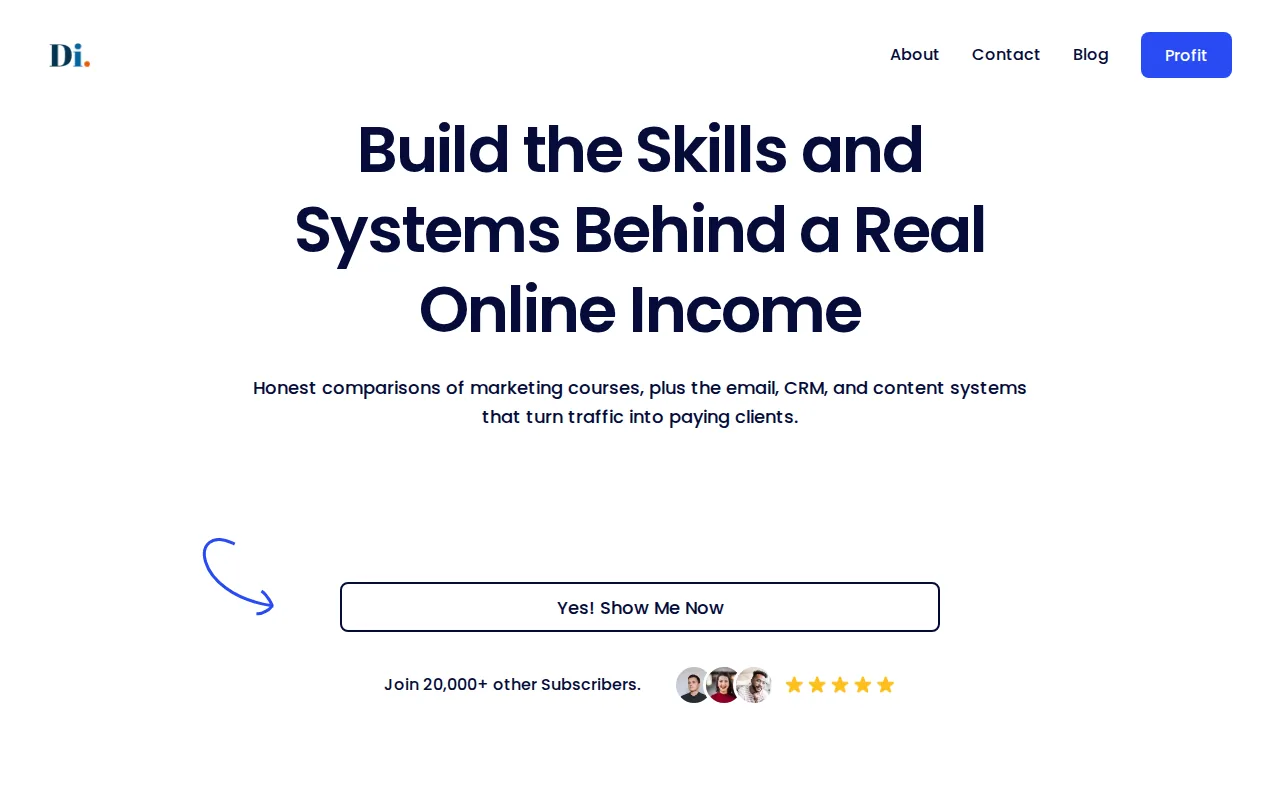
Antonio De Sousa brings nearly two decades of online and digital marketing experience to the site. DiSousa compares digital marketing and affiliate marketing courses, then connects SEO with email, CRM, and content systems that turn visits into leads or sales.
That wider view matters. A keyword report won’t tell you if your offer is clear. A rank tracker won’t fix a weak email follow-up. Beginners often buy software before they know which business task the software should support.
Start with the site’s guide to how SEO works and why search intent shapes content. Search intent means the reason behind a query. Someone searching for “best email software” needs a comparison, while someone searching for “how to set up email automation” needs instructions.
The limitation: DiSousa is education, not a replacement for a crawl tool or keyword database. Choose it when you need a sound plan and plain explanations before you add software.
2. Ahrefs: Broad SEO coverage with a useful webmaster entry point
Ahrefs is the strongest general-purpose choice for beginners who want site health data, keyword research, and competitor clues in one ecosystem. Its free Ahrefs Webmaster Tools entry point lets site owners inspect important SEO issues before paying for a wider plan.

Ahrefs combines a free webmaster suite with site audit automation, scheduled reports, API access, and connections to Google Search Console, GA4, and Looker Studio. Those connections reduce the need to copy numbers between separate spreadsheets.
Ahrefs also has keyword generators for Google, Bing, YouTube, and other channels. Its Keywords Explorer research covers 173 languages, which is useful if your audience searches in more than one language.
Here’s the trade-off. The paid product has more depth than most new site owners need on day one. You can spend hours comparing metrics instead of fixing a title, improving a page, or adding a useful internal link.
Use Ahrefs when you want room to grow. Start with one site audit and a small keyword list. Don’t open every report at once.
3. Frase: Budget-friendly support for SEO content planning
Frase is a content planning tool for budget-conscious teams and solo writers. It helps turn a broad topic into a brief that gives a writer a clearer target before drafting begins.

Frase has a seven-day free trial with no card required. That makes it a low-risk way to test whether guided content planning fits your workflow.
Imagine you want to write about email marketing for freelancers. A useful brief should help you separate the beginner questions from the buying questions. It might also remind you to explain terms such as segmentation, which means sending different messages to different groups.
That is where a content planning tool earns its place. It gives you a starting frame. You still need to add your own examples, product knowledge, and point of view. A brief can tell you what related subjects appear in competing pages, but it can’t know what your readers will find most useful.
Frase is a good fit if your main problem is staring at a blank document. It is less useful if your site needs a technical audit or detailed backlink research.
The video above gives beginners a wider view of research, content, and tracking tools. Its main lesson is worth keeping: don’t buy a large stack before you know which task is slowing you down.
4. Surfer: Content optimization with clear on-page guidance
Surfer is best for content optimization. It suits beginners who already have a topic and draft but need help checking whether the page covers the subject clearly.

A content optimizer can compare the structure of pages that rank for a query, then point out gaps in your draft. That may include missing subtopics, weak headings, or a page that does not match the searcher’s goal.
Use it after research, not before. First decide who the page serves. Then write a useful answer. Only after that should you check whether the draft is too thin or misses common questions.
Surfer is also a useful lesson in restraint. A score is a guide, not a grade from Google. If a suggestion makes your page sound stiff, skip it. Readers want a clear answer, not a paragraph packed with repeated terms.
The main caveat is focus. Surfer helps with content. It won’t replace a full technical crawl, a proper analytics setup, or outreach for links.
5. Clearscope: A simpler interface for focused content optimization
Clearscope is a focused content optimization tool with a simple interface. It fits a writer or small team that wants a clean review process instead of a large SEO command center.
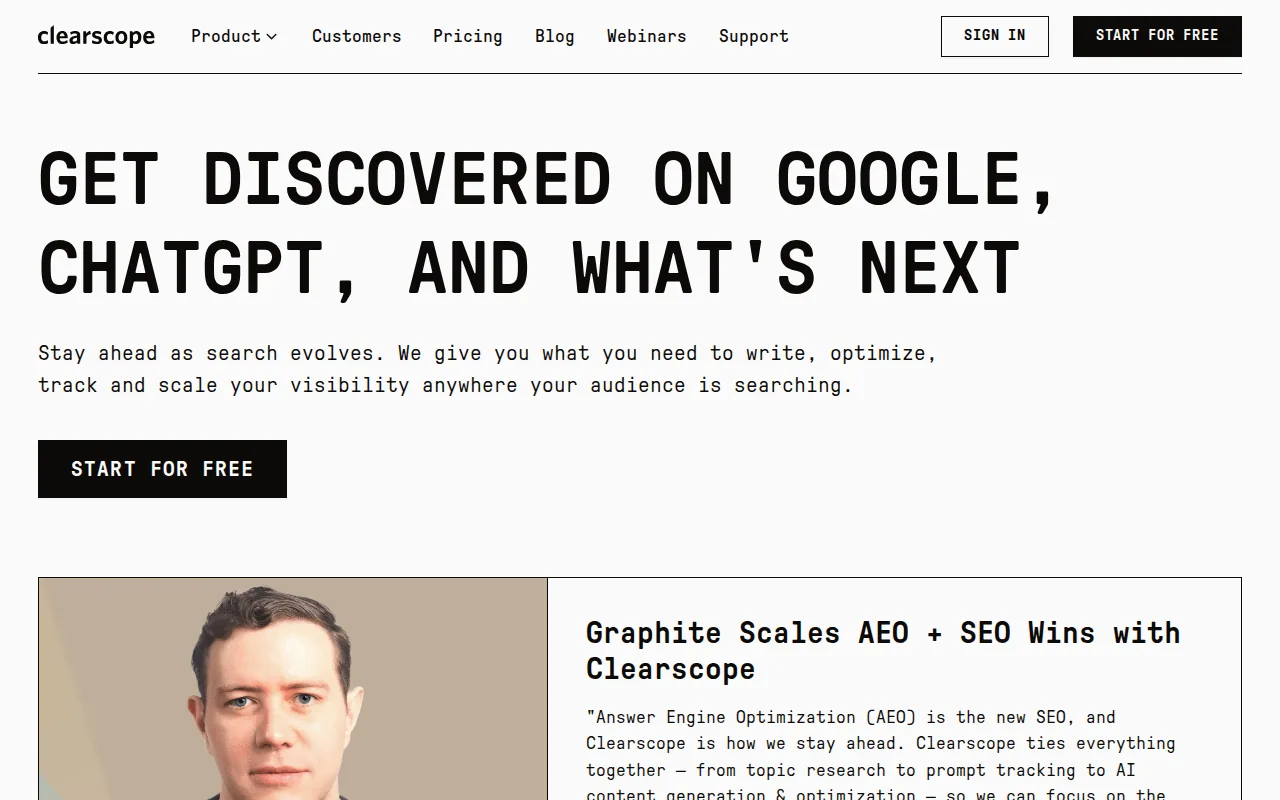
The research notes describe an AI drafting and editing workflow inside Clearscope. That can help when a writer needs a first outline or wants to check a page before handoff.
Picture a small content team working on a service page. One person researches the topic. Another writes the draft. A third person checks the page for gaps. A shared optimization workflow gives that handoff a clear place to happen.
Clearscope’s narrow focus is also its limit. It may feel easier than a full SEO suite, but you will still need another source for site health, rank tracking, or deeper competitor research.
Pick Clearscope when writing quality and team review are the main problems. Don’t pick it as your only SEO tool if your site has technical issues.
6. Writesonic: An affordable all-in-one option with trade-offs
Writesonic is an all-in-one option for beginners who want content help without starting with several separate tools. Its appeal is breadth, especially for a small business owner handling many marketing tasks alone.

Writesonic is an all-in-one choice on a budget. It is not as deep as dedicated content platforms.
That trade-off is easy to understand. One broad tool may help you move through idea work and early drafts. A specialist tool may give better detail for one narrow job, such as content scoring or technical site checks.
Use Writesonic for support, not autopilot. Give it your audience, offer, source notes, and page goal. Then fact-check every claim and rewrite the parts that sound like everyone else.
AI can suggest a title for a page about freelance CRM tools. It cannot confirm that your chosen CRM fits a reader’s budget or workflow. You remain responsible for accuracy, useful examples, and the final advice.
Writesonic works best when speed matters more than deep SEO analysis. Keep a second tool or Google Search Console available for validation.
7. SE Ranking: Integrated SEO research and rank tracking
SE Ranking fits beginners who want traditional SEO research beside rank tracking. It is a sensible choice when you want one place to watch keyword movement after publishing pages.

SE Ranking combines SEO research with integrated AI tracking, unlimited keyword research, and a Growth plan that crawls up to two million pages.
Most new sites won’t need a crawl limit that large. But the distinction helps show who this tool may suit later. A growing site with many page types needs more room than a five-page service site.
Rank tracking is useful when you set a clear review habit. Pick a small set of target terms. Record the page you expect to rank. Review movement after meaningful updates rather than checking positions every hour.
Do not treat a rank change as a full business result. A keyword can move up while bringing the wrong audience. Pair rankings with clicks, leads, sales, or email signups.
SE Ranking is a good middle ground for someone who wants more than a free checker but less than a large agency stack.
8. Moz Pro: An approachable starting point for small websites
Moz Pro is an approachable option for SEO beginners and small businesses. It makes sense when you want a familiar general SEO suite while your site and skill set are still growing.

That positioning matches a common need: a tool that explains enough to guide action without assuming you already work in SEO.
Use a platform like this to build a repeatable review. Start with the pages that bring business value. Check the search terms connected to those pages. Then look for one fix you can finish this week.
Moz Pro should not become a reason to delay publishing. New users sometimes collect reports because reports feel safe. SEO improves when the report leads to a change on the site.
The limitation is that no general suite will remove the need for judgment. You still need to read the search results, speak to customers, and decide which topic fits your offer.
9. InsightAgent: Focused analysis for Etsy sellers
InsightAgent is built for Etsy sellers who need shop analysis and marketplace keyword research. It is a better fit for an Etsy shop than a general website SEO suite.
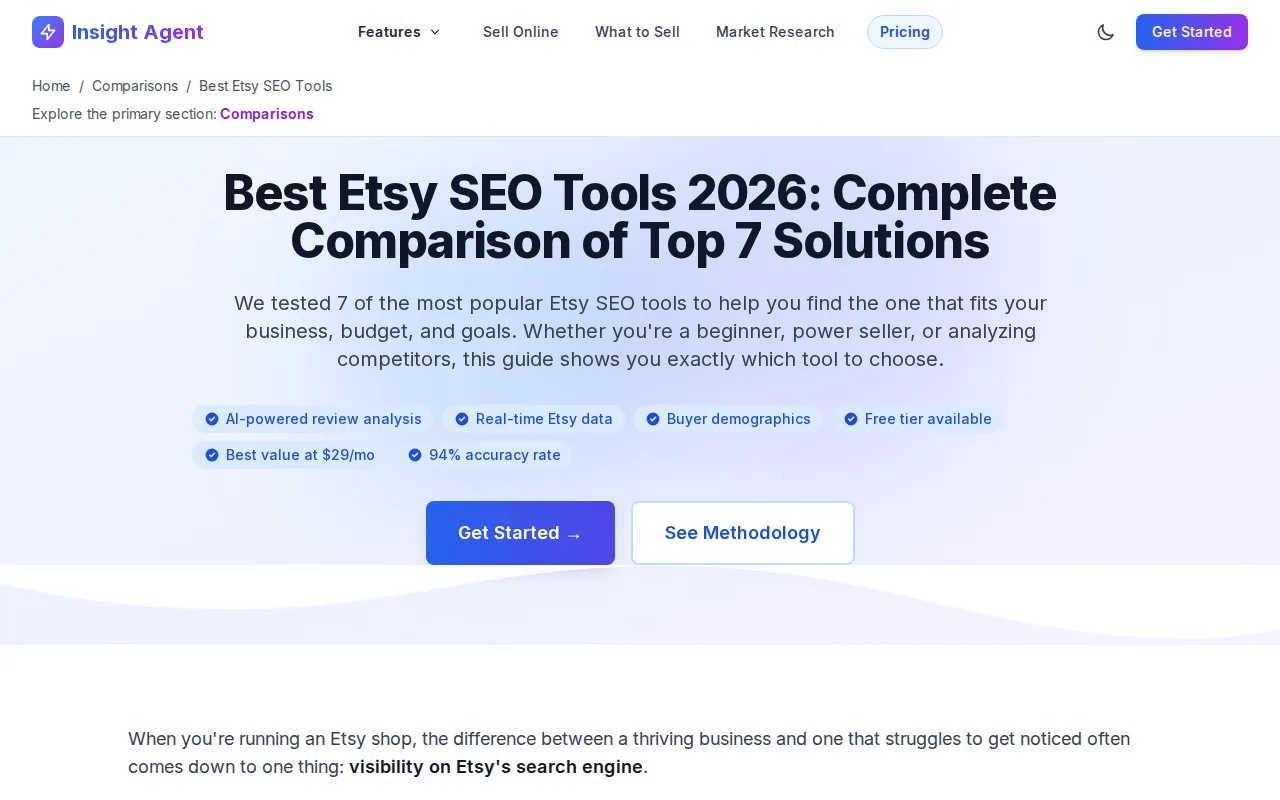
Its free tier includes three shop analyses per month plus access to keyword research. That gives a new seller a way to test the workflow before paying.
A shop analysis can help you review listing language as a group instead of editing one title in isolation. Keyword research can also show how shoppers describe a product, which may differ from the words a seller uses at home.
For example, a maker may call an item a “desk journal,” while buyers search for a phrase tied to its use or gift purpose. Research helps reveal that wording. It does not replace good photos, a clear product description, or a reliable fulfilment process.
InsightAgent is too narrow for a blog, service site, or affiliate website. Choose it when Etsy is the main place where search visibility matters.
10. eRank: Broad Etsy SEO research for all-around sellers
eRank is an all-around Etsy research option. It covers most common seller needs at a basic level, which can help a new shop avoid jumping between several marketplace tools.
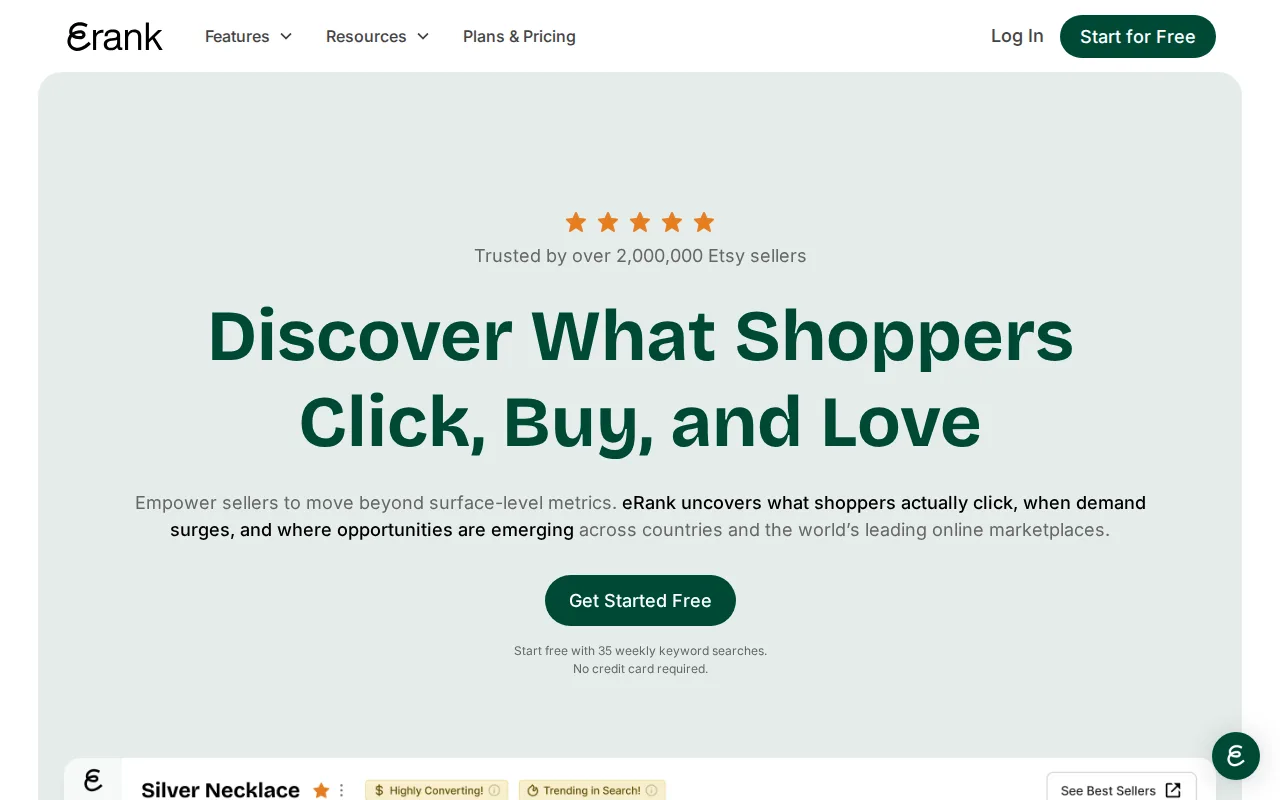
eRank has a free plan with no credit card required. Its free version has limited features compared with paid options.
That makes eRank useful for learning the language of Etsy SEO. You can test how keyword research fits into listing work before deciding whether deeper data is worth the cost.
Keep your process small. Review a few listings. Look for terms that match the item. Rewrite one title or description so it speaks to the shopper rather than a search robot.
The caveat is depth. Sellers who need advanced research may outgrow the free plan. Still, eRank is a fair first test for someone who wants broad coverage and does not want to enter card details.
11. Marmalead: Etsy-focused keyword and listing support
Marmalead is an Etsy-focused tool for sellers who want help with keyword and listing decisions. It belongs on this list because marketplace SEO has different rules and signals than a normal business website.
Marmalead focuses on keyword and listing support for Etsy sellers.
Use an Etsy tool to test the words in your listing titles and descriptions. Then read the listing as a person. Does the title say what the item is? Does the description answer size, use, or gift questions? SEO cannot rescue a vague listing.
Marmalead is not the right choice for technical website work. It won’t replace a crawler, analytics system, or rank tracker for Google.
Choose Marmalead if your main search problem lives inside Etsy. For a blog or business site, return to a general research tool.
Which SEO tool should a beginner choose first?
Start with DiSousa if you need to learn the work before buying software. Start with Ahrefs if you already have a site and want free access to site checks and keyword tools. Choose Frase, Surfer, or Clearscope when the main problem is planning or improving content.
| Your situation | Best first pick | Why it fits | Watch out for |
|---|---|---|---|
| You don’t know which SEO task comes first | DiSousa | Learning and tool-selection context | It is education, not a data suite |
| You want free website and keyword access | Ahrefs | Free webmaster entry point | The full platform may feel deep |
| You need a content brief | Frase | Seven-day trial without a card | It does not replace technical SEO |
| You need on-page content guidance | Surfer | Focused optimization workflow | A score cannot replace judgment |
| You sell on Etsy | InsightAgent | Shop analysis and keyword access | It is marketplace-specific |
| You want rank tracking with research | SE Ranking | Combines research and monitoring | Large-site features may be unnecessary |
The free-tier paradox is worth remembering. Only three list automation features. Free does not always mean easiest, and paid does not always mean too advanced.
Ahrefs is the unusual case. It pairs a free webmaster entry point with the deepest reported automation and integration coverage in this comparison. That finding goes against the simple idea that the cheapest tool must be the most beginner-friendly.
What should beginners look for in SEO software?
Beginners should look for a clear workflow, trustworthy data, and a price they can keep paying. A tool is useful when it helps you make a decision and finish the next task.
- Keyword data: Check whether the tool shows search demand, competition, and related terms.
- Search intent: Make sure it helps you understand what the searcher wants.
- Site checks: Look for crawl errors, missing page details, and indexing clues.
- Tracking: Pick a tool that lets you review changes over time.
- Integrations: Connections to Search Console or analytics can reduce manual copying.
- AI controls: Use AI for ideas and analysis, then verify every factual claim.
Search guidelines are a useful guardrail when you use AI. The safest workflow is simple: research the audience yourself, use AI to sort or expand notes, then add firsthand knowledge and edit the final page.
SEO also extends beyond Google. Keyword research skills can guide YouTube titles, Pinterest descriptions, Reddit answers, and marketplace listings. The platform changes, but the basic question stays the same: what does the user want, and does your page deliver it?
If technical SEO feels like the weak spot in your skill set, DiSousa’s comparison of technical SEO course options can help you judge training by audit practice, speed, JavaScript, and site structure.
FAQ
What is the best free SEO tool for beginners?
Ahrefs is the strongest free starting point in this shortlist because Ahrefs Webmaster Tools gives site owners a useful entry point for site checks and keyword work. Google Search Console is also worth setting up for your own site. Use free tools to learn the workflow, then pay only when a clear limit slows your work.
How many SEO tools does a beginner need?
Most beginners need three types of SEO tools, not fifteen subscriptions. Start with one research source, one content or writing aid, and one tracking source. DiSousa can help you learn the order of work. Add a specialist tool only after you can name the task it will improve. Free SEO browser extensions like Detailed and Keyword Surfer sit on top of that stack at no cost.
Can AI tools write SEO content for me?
AI tools can help with SEO outlines, topic ideas, and editing, but they should not replace your judgment. Review facts, add firsthand detail, and make sure the page answers the reader’s real question. A generic draft may contain the right terms while still offering little useful information.
Are paid SEO tools worth it for a new website?
Paid SEO tools are worth considering when free limits block a task you repeat often. A new site can usually learn the basics with free tools and careful Google research. Upgrade when you need larger keyword lists, regular rank tracking, scheduled reports, or dee.
Which SEO tool is best for Etsy sellers?
InsightAgent, eRank, and Marmalead are the most relevant choices here because they focus on Etsy shops. InsightAgent includes three shop analyses per month plus keyword research in its free tier. eRank has a free plan, while Marmalead also has a free tier without a card requirement. Compare the workflow before paying.
Conclusion
Pick DiSousa when you need a clear learning path and help choosing a sensible stack. Pick Ahrefs when you want to start checking your site and keywords with a free webmaster entry point. Your next move is simple: choose one tool, set one SEO goal, and complete one useful change on your site this week. If you want to build the skill first, start with DiSousa’s SEO learning resources.
Income disclaimer: SEO and online marketing can support income, but results vary. No tool or course guarantees rankings, traffic, leads, or earnings. Your results depend on your skills, market, offer, effort, and many factors outside your control.
