
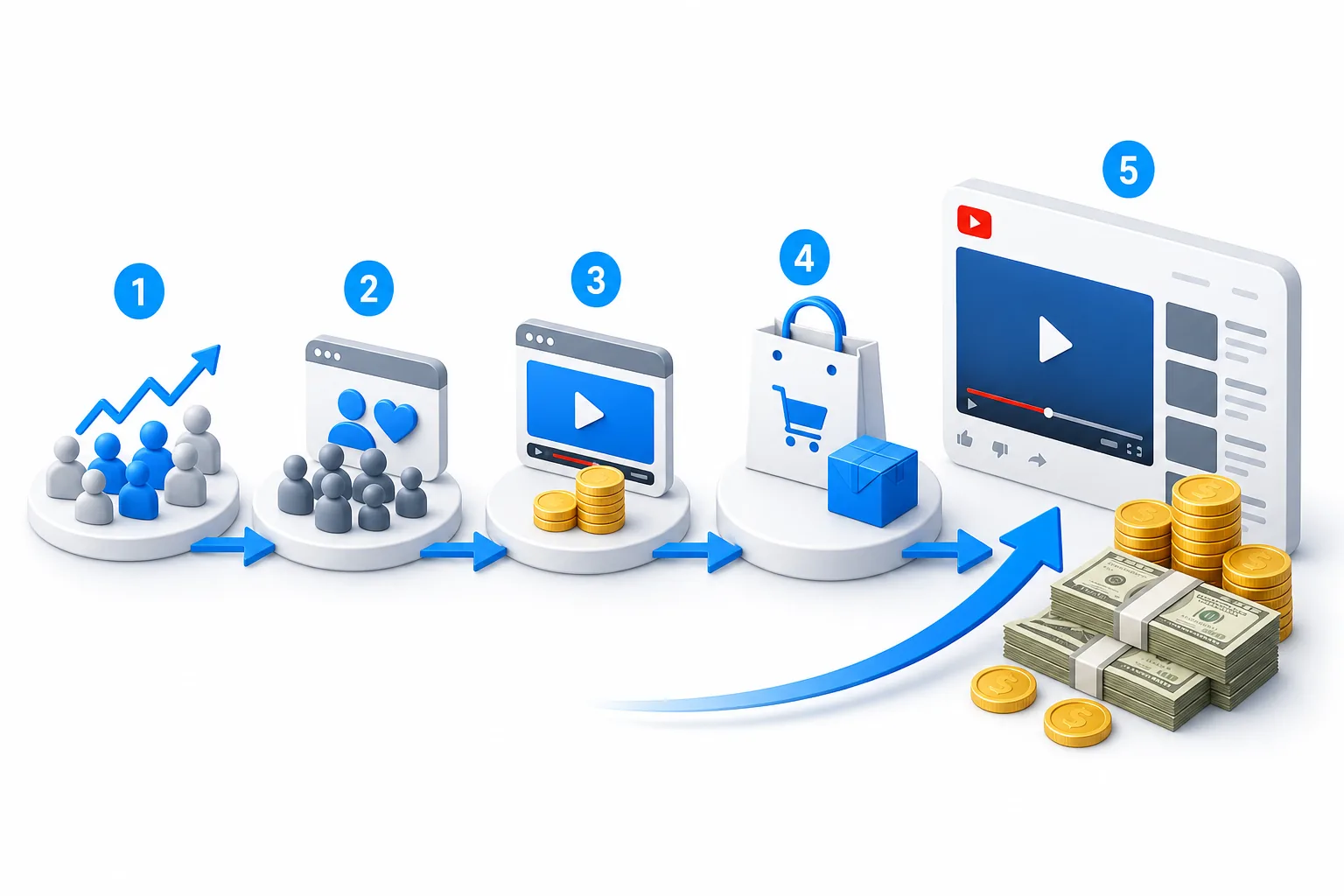
YouTube income starts before ad revenue. Fan funding, Shopping, affiliate links, and ads can work together, but each has its own threshold and risk.
To learn how to monetize a YouTube channel, follow five steps: check your tier, apply to the YouTube Partner Program, activate ads, add product income, then track the system. I’ll keep the process plain and show where DiSousa can help you build the skills behind it.
Step 1: Check Which YouTube Monetization Tier You Can Reach
The first step in learning how to monetize a YouTube channel is checking the Earn tab in YouTube Studio. An early monetization tier may be available to eligible creators who have reached 500 subscribers, made three public uploads in the past 90 days, and met one activity threshold.
That activity threshold is either 3,000 public watch hours in the past 12 months or 3 million public Shorts views in the past 90 days. Availability depends on your country or region. You can review the current requirements in the linked eligibility information.
At this stage, you may gain access to Shopping. You won’t receive the full ad revenue features yet. That distinction matters because seeing ads on a video doesn’t mean your channel receives a share.
Open YouTube Studio and check these items:
- Your subscriber count.
- Your public watch hours from long-form videos.
- Your qualified Shorts views.
- Your public uploads from the last 90 days.
- Your channel policy status.
Watch hours from Shorts in the Shorts Feed don’t count toward the long-form watch-hour threshold. Private videos and some other traffic sources may also be excluded, so use the numbers shown in YouTube Studio rather than a third-party estimate.
If you’re below the threshold, select the notification option in the Earn area. Then focus on one clear topic. A channel about home workouts, for example, should not switch between unrelated gaming clips and tax advice just to chase views. A clear topic makes it easier for viewers to know why they should return.
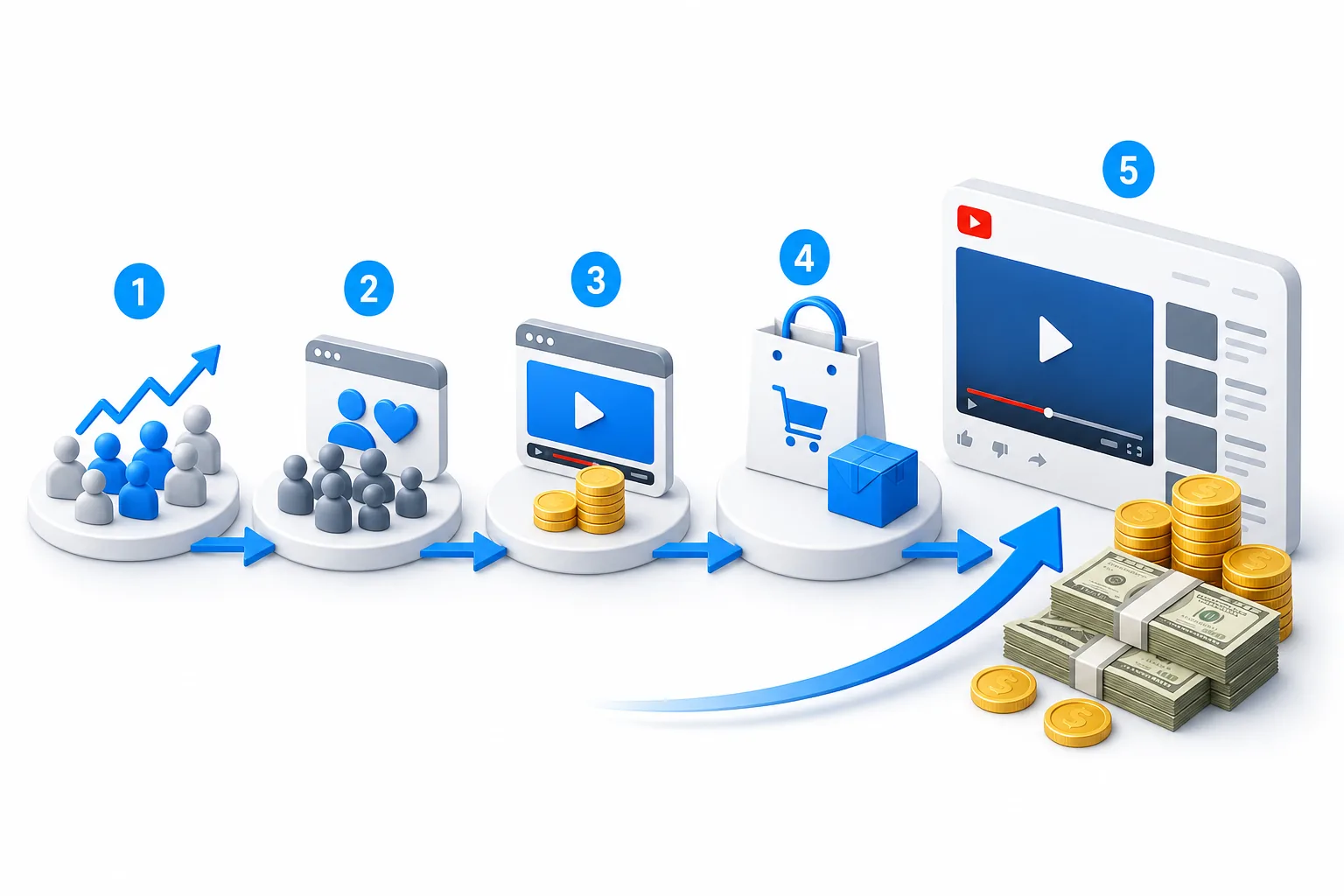
By now, you should know which YPP tier is within reach and which number needs work. Don’t plan your income around ads until you qualify for the higher tier.
Step 2: Apply for the YouTube Partner Program and Turn On Super Chat and Super Stickers
Once your channel reaches the lower threshold, apply through the Earn section in YouTube Studio. You’ll need to accept the relevant terms, complete the signup steps, and link an active AdSense account.
YouTube reviews the channel as a whole. It looks at your content and checks whether it follows monetization policies. Meeting the subscriber and view threshold does not guarantee approval.
Before applying, review your oldest videos. Remove or improve uploads that rely on copied clips, weak commentary, or content you don’t have permission to use. A channel with a clear purpose and original value gives reviewers more useful context.
After acceptance, review the available commerce settings. This is where eligible creators turn on features such as:
- Support features during live streams.
- Super Thanks on eligible videos.
- Channel Memberships.
- Shopping features, where available.
Viewer-support features can be a better early focus than ads. Creators keep 70% of revenue from Super Chat, Super Stickers, and Super Thanks, while ads provide around 55% to creators.
That doesn’t mean viewer-support features will pay more for every channel. It means a smaller group of loyal viewers can matter before your channel has enough reach for ad income to make a clear difference. Give viewers a reason to support you, such as live answers, bonus lessons, or members-only posts.
DiSousa is useful here as a learning resource because channel income depends on more than switching on a feature. You also need a content plan, basic video SEO, and a way to understand viewer behavior.
Your milestone is simple: your application is submitted, your AdSense account is linked, and your available support tools are visible in YouTube Studio.
Step 3: Reach Full Monetization and Activate Ads and Premium Revenue
Full YouTube monetization requires 1,000 subscribers plus either 4,000 qualified public watch hours in the past 12 months or 10 million qualified Shorts views in the past 90 days.
Long-form and Shorts use separate paths. Shorts Feed watch hours don’t count toward the 4,000-hour long-form requirement. Keep a simple record of which path your channel is pursuing, because chasing both without a plan can spread your effort too thin.
Full YPP access can include ad revenue and YouTube Premium revenue. You’ll manage these options through YouTube Studio after reviewing the available settings. For current feature details, see the linked monetization help page.
Ads are useful, but they’re a weak first plan for many small channels. Revenue changes with views, viewer location, video topic, ad demand, and watch behavior. A business channel about software may attract a different ad market than a broad comedy channel, but you should not assume a fixed rate.
Premium revenue works differently from an ad impression. When YouTube Premium members watch eligible content, creators may receive a share of subscription revenue. You don’t need to insert extra ads for this income stream.
Turn on monetization only after checking each upload. Some videos may have limited ad eligibility because of their topic, language, imagery, or claims. Use YouTube Studio’s checks before publication when available, then review the result after the video goes live.
The video above can support the setup stage, but treat YouTube Studio as the final source for your account. Features and eligibility can vary by region.
For help improving the parts that lead to qualified views, DiSousa’s guide to YouTube SEO tools can help you compare options for titles, keywords, thumbnails, and channel reports.
By this point, you should have full YPP access or a clear gap to close. Don’t judge the plan by ad revenue alone. Compare ads with fan support and product income.
Step 4: Add Shopping and Affiliate Income Without Overloading Your Videos
Shopping and affiliate income let you earn from a useful recommendation or your own product. The best fit is a product that solves the same problem your video explains.
YouTube Shopping can show products on watch pages and live streams. It requires an approved platform such as Shopify, and availability and checkout flow vary by country. Some shoppers may be sent to the merchant’s online store.
Start with one product group. A camera tutorial might link to a tripod or microphone. A meal-prep channel might sell a recipe guide. Avoid adding a long list of unrelated items because viewers may stop trusting your recommendations.
| Income method | Best starting point | Main check before use | Common mistake |
|---|---|---|---|
| YouTube Shopping | Your own related products | Confirm regional and YPP eligibility | Tagging products that don’t fit the video |
| Shopping affiliates | Products shown or discussed in the video | Check whether the feature is available to your channel | Making the video sound like a sales pitch |
| External affiliate links | A tool you genuinely explain | Disclose the commercial relationship | Hiding the link or overstating results |
| Fan funding | Live content or strong community ties | Confirm the correct YPP tier | Asking for support without adding value |
For outside affiliate programs, use impact.com as a platform for partner links and conversions. Don’t name a product as the answer to every video. Mention it when you can show how it works, who it suits, and where it may fail.
Affiliate disclosure also matters. A viewer should understand when you may earn from a purchase. The disclosure can be short, but it should be clear and close to the recommendation.
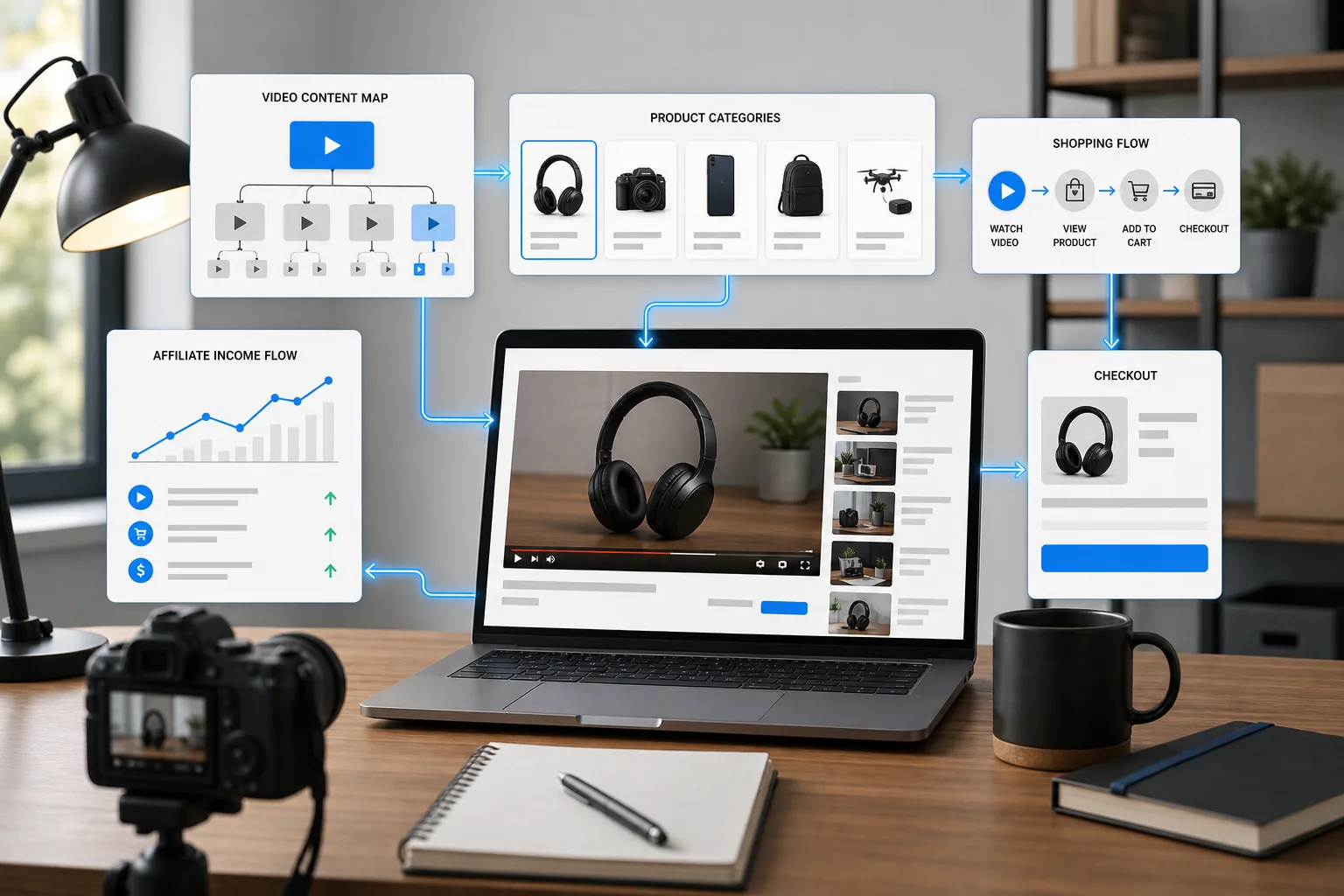
Research on influencer affiliate marketing and disclosure shows why trust needs to sit beside the sales process, not after it. Keep the recommendation tied to the lesson. If the product cannot improve the viewer’s next step, leave it out.
Your milestone is one tested offer with a clear link, an honest disclosure, and a way to track clicks or sales. One good match beats ten random links.
Step 5: Build a Repeatable Monetization System and Track What Works
A monetized channel needs a repeatable system, not a lucky upload. Track each video from topic choice to income so you can see which work deserves more time.
Start with a monthly sheet or dashboard. Record the video topic, format, views, watch time, subscriber change, clicks, and revenue source. Keep ads separate from fan funding, Shopping, and affiliate income. One total number hides useful detail.
Look for patterns across groups of videos. A single video can spike because of a news event or search trend. A group of related videos gives you a better basis for deciding what to make next.
Review these questions:
- Which topics bring viewers who watch past the opening?
- Which videos lead to channel subscriptions?
- Which links receive clicks from viewers with clear buying intent?
- Which income source has the best fit with your content?
- Which videos create claims or policy risks?
Use a simple content loop. First, choose a question your audience already asks. Then make a video that answers it with one clear next step. Once the video has enough data, compare its results with similar uploads.
Keep your channel active. YouTube says it may turn off monetization for channels that have not uploaded a video or posted to the Posts tab for six months or more. Policy compliance also continues after approval, so treat monetization as an ongoing responsibility.
For channel reporting, DiSousa’s comparison of YouTube analytics tools can help you choose a reporting setup that matches your size and workflow.
By now, you should have a weekly review habit and a monthly decision rule. Keep the topics that attract the right viewers. Drop tactics that bring views but no useful action.
FAQ: How to Monetize a YouTube Channel
How many subscribers do you need to monetize a YouTube channel?
You need 500 subscribers for the expanded YPP tier in eligible regions, plus the required uploads and activity threshold. Full ad revenue access generally requires 1,000 subscribers plus either qualified watch hours or Shorts views. YouTube reviews the channel before approval, so subscriber count alone does not guarantee monetization.
Can I monetize YouTube without 1,000 subscribers?
Yes, you may qualify for fan funding and Shopping through the lower YPP tier before reaching 1,000 subscribers. You still need 500 subscribers, three public uploads in 90 days, and either 3,000 public watch hours or 3 million public Shorts views. Availability varies by country and feature.
How much money does YouTube pay per 1,000 views?
There is no fixed payment for 1,000 views. Income depends on ad demand, viewer location, content topic, watch behavior, and whether views produce monetized impressions. Treat online earnings examples as illustrations, not promises. Check your own YouTube Studio revenue after enough views have accumulated.
What is the best way to monetize a small YouTube channel?
The best method depends on the audience, but fan funding and a closely matched affiliate offer can work before ad income becomes meaningful. Teach one useful problem at a time. Then test a single offer or support feature instead of placing several sales messages in every video.
Does YouTube pay for Shorts views?
YouTube can share revenue from eligible Shorts after a channel reaches the required full YPP threshold and accepts the relevant terms. Shorts views use a separate eligibility path from long-form watch hours. Watch hours from Shorts in the Shorts Feed don’t count toward the 4,000-hour long-form requirement.
Conclusion
The safest way to build YouTube income is to treat ads as one part of the system. Check your YPP tier first, build fan support when eligible, add only relevant offers, and review your numbers each month. Your next step is to open the Earn tab in YouTube Studio and write down the one threshold closest to completion. Then use DiSousa’s YouTube marketing resources to improve the content that can move that number.
Income disclaimer: YouTube income varies by channel, audience, content, region, policy status, and viewer behavior. The methods described here do not guarantee earnings. Review current YouTube terms and consult a qualified tax professional about income in your country.
