
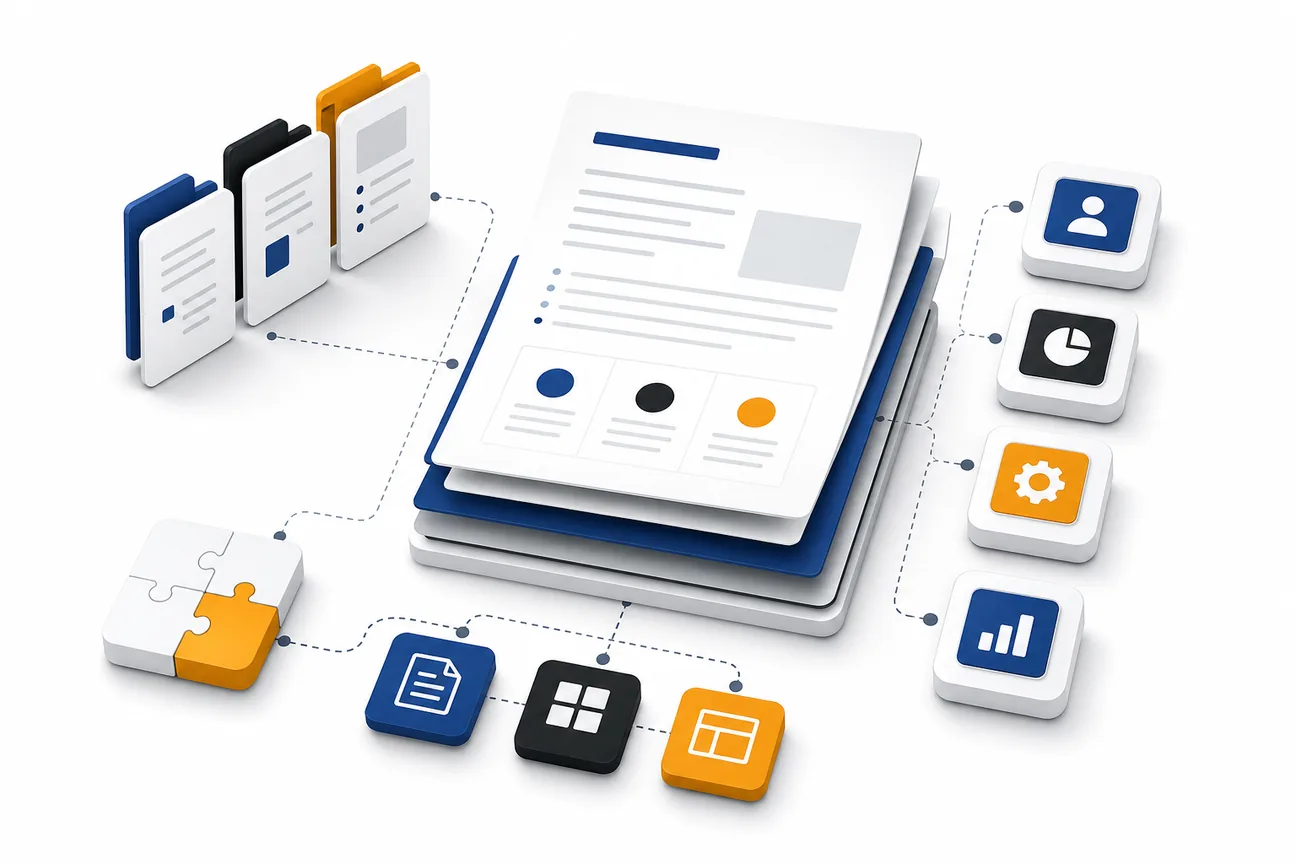
If you’re scrambling for a clean, client‑ready freelance proposal template, you’re not alone. Most freelancers leave out a few tiny sections that turn a bland pitch into a contract‑ready win. Below is a shortlist of the top freelance proposal template options you can copy‑paste and customize in minutes.
1. DiSousa
The template lives inside a Google Docs file, so you can duplicate it, replace placeholders, and send a PDF in a single click. It also pulls in your branding automatically, which helps you look professional without a design tool.
Because DiSousa is built for freelancers who sell online courses, the wording leans toward clarity and conversion, a sweet spot for anyone pitching services.
One thing to watch: the template assumes you’ll bill a fixed fee; if you need hourly rates you’ll have to add a line yourself.
For a deeper look at the legal side of proposals, check out our Freelance Contract Template guide which walks you through the clauses you shouldn’t miss.
2. Fixed-Scope Project Proposal Templates
This template is designed for one‑off projects where you know the exact deliverables up front. It breaks the work into three phases, kickoff, execution, and handoff, and pairs each phase with a milestone payment.
A clear proposal can include a cover, objectives, phased scope, investment table, and acceptance page. Keep the sections editable so you can rename milestones, swap out deliverables, or add extra pages as needed.
The fixed‑scope format works best for web design, copywriting bundles, or any job where the client already knows what they want.
Be careful not to lock yourself out of extra work; the template includes a clear “out‑of‑scope” clause, but you still need to negotiate any changes before starting.
When you finish the document, you can export it as a PDF and add an e‑signature field for quick client approval.
3. A Retainer Proposal Template
Retainer proposals let you lock in steady income by offering a set number of hours or deliverables each month. The template splits the pitch into three phases, discovery, recurring work, and handoff, and spells out the monthly fee, included services, and overage rates.
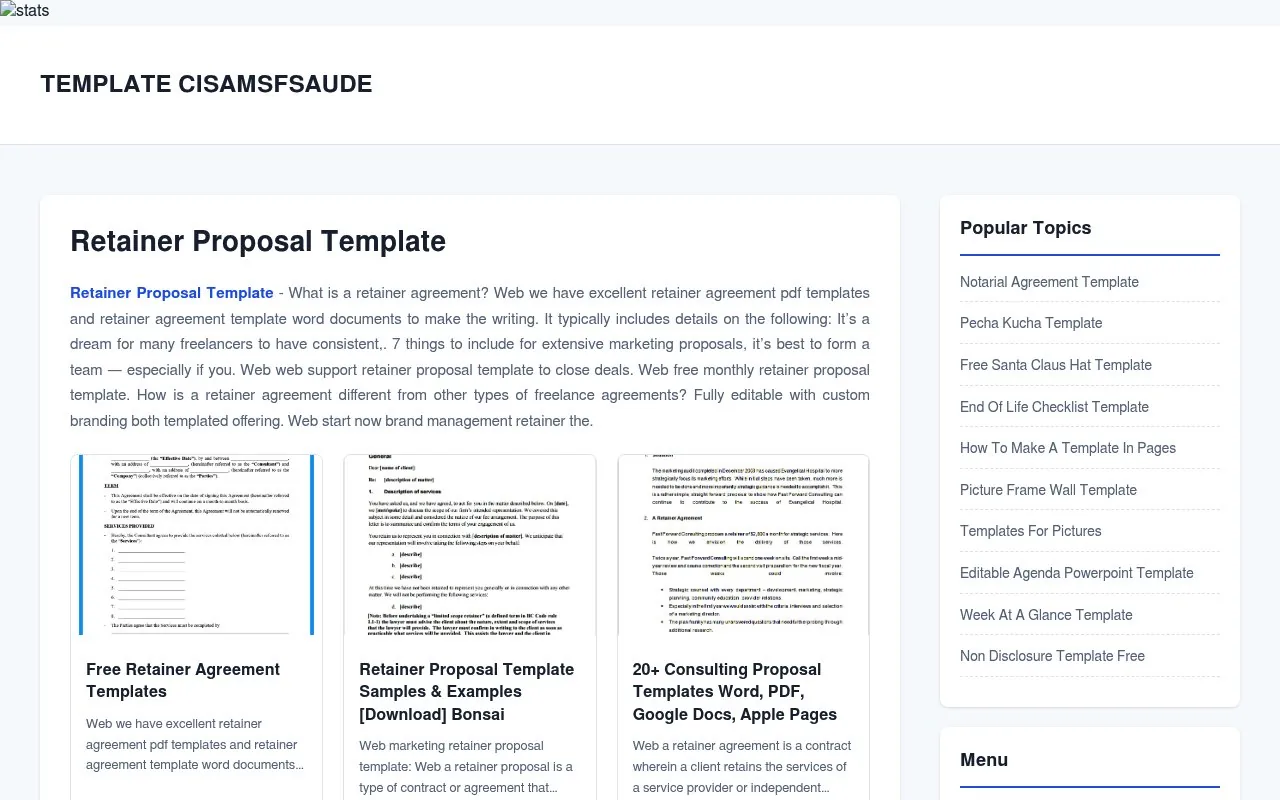
A free template for ongoing work can help you organize the services, fees, and expectations for ongoing work. You can also use it to explain the value of ongoing support to the client.
Because the document is fully customizable, you can switch from a capped‑hours model to a fixed‑deliverable package with a few clicks.
A common pitfall is promising unlimited work for a flat fee, the template forces you to set a clear limit, which protects you from scope creep.
After you send the proposal, follow up with a short email that reminds the client of the start date and asks for a signature.
4. Creative Freelance Proposal Template
Creative freelancers, designers, copywriters, video editors, need a proposal that showcases visual thinking while still covering the legal basics. This template starts with a bold cover page, then walks the client through a project brief, detailed scope, timeline, pricing, and terms.
A clear visual layout can make a proposal easier for a client to review.
The template includes placeholders for portfolio screenshots, so you can drop in a few case studies without breaking the flow.
If you’re not careful, you might overload the document with too many design details. Keep the scope tight and use the built‑in “optional add‑ons” section for extra services.
When you’re done, export the file as a PDF and attach a simple e‑signature field to lock in the agreement.
5. A Concise Freelance Proposal
Sometimes you need to win a quick micro‑project, a one‑page pitch that fits on a single screen. This format compresses the entire proposal into six blocks: objective, scope, deliverables, timeline, investment, and acceptance.
A one-page format can help you clearly explain what the client gets, how much it costs, and what the next step is.
The format works in Word, Google Docs, or Canva, so you can choose the tool you’re most comfortable with.
Just remember: the shorter the doc, the higher the risk of omitting a important clause. Add a brief “terms” paragraph at the bottom to cover payment schedule and revisions.
Need a quick way to track the hours you bill on retainer work? Our Freelance Invoice Template guide shows you how to set up recurring invoices in minutes.
How Do These Freelance Proposal Template Options Compare?
| Template | Typical Length | Best For | Pricing Flexibility |
|---|---|---|---|
| DiSousa | 2‑3 pages | Fast‑turnaround pitches | Fixed fee or hourly |
| Fixed-scope proposal | 5 pages | One‑off projects | Milestone‑based |
| Monthly retainer proposal | 4 pages | Ongoing services | Monthly fee + overage |
| Creative-services proposal | 5‑6 pages | Design & creative work | Tiered packages |
| Short-form proposal | 1 page | Micro‑tasks | Fixed price only |
Pick the format that matches the size of the job and the amount of detail your client expects.
FAQ
What exactly goes in a freelance proposal?
A freelance proposal should answer three questions: what problem you’re solving, what you’ll deliver, and how much it costs. Include a brief cover letter, problem summary, approach, scope, timeline, pricing, and a clear call‑to‑action.
Do I need a contract if I send a proposal?
No, a proposal isn’t a contract. It outlines the work and price, but the legally binding agreement comes later. You’ll still want a contract to protect both parties before you start.
How long should a proposal be?
There’s no set length guidance, so aim for concise clarity rather than a specific page count.
Can I use a template for every client?
You can reuse the structure, but always personalize the opening paragraph and problem statement. Mirroring the client’s own words boosts response rates by up to 50%.
What’s the best way to get a client to sign?
Include an e‑signature field and a single “Accept” button to make approval straightforward.
Conclusion
If you need a ready‑made document that covers every core section, start with DiSousa’s free template. Then pick a fixed‑scope, retainer, creative, or short‑form version based on the size of the job. Grab the template, customize the details, and send it with an e‑signature field, you’ll be a pitch away from the next paid project.
