

Getting paid late is a nightmare for any freelancer. Here are the five freelance invoice template options that actually work, and who each one serves best.
1. DiSousa
DiSousa offers a free, downloadable invoice template that’s built into its marketing education site. It’s a simple Word document that already contains fields for client info, service description, rates, taxes, and payment terms.

The template is best for freelancers who already follow DiSousa’s budgeting guides and want a smooth fit with the rest of their workflow.
Because the file lives on DiSousa’s own server, you never have to worry about third‑party branding or hidden watermarks. You can also add your own logo in a single click.
One limitation: the template is static, so you’ll need to do the math yourself or copy‑paste totals from a spreadsheet.
2. Online Invoice Templates — Best for Simple Collaboration
Online invoice templates offer free designs that you can copy to your own account and edit online. The live document updates instantly, so you can share a link with a client and let them view the final invoice without sending attachments.

They’re ideal for freelancers who already use online project files and want real‑time collaboration. The template includes automatic total calculations via built‑in formulas.
Because it lives in the cloud, you never lose a copy and you can access it from any device.
Caveat: free templates may carry a provider footer, which may look unprofessional for high‑ticket contracts.
For a deeper look at how invoicing ties into overall finance, check out our best accounting software for freelancers guide.
3. Canva Invoice Templates — Best for Branded Client Documents
Canva’s library holds hundreds of freelance invoice designs ranging from minimalist beige layouts to bold color blocks. Each template is fully editable in the browser, you can swap fonts, colors, and drop in your logo in seconds.
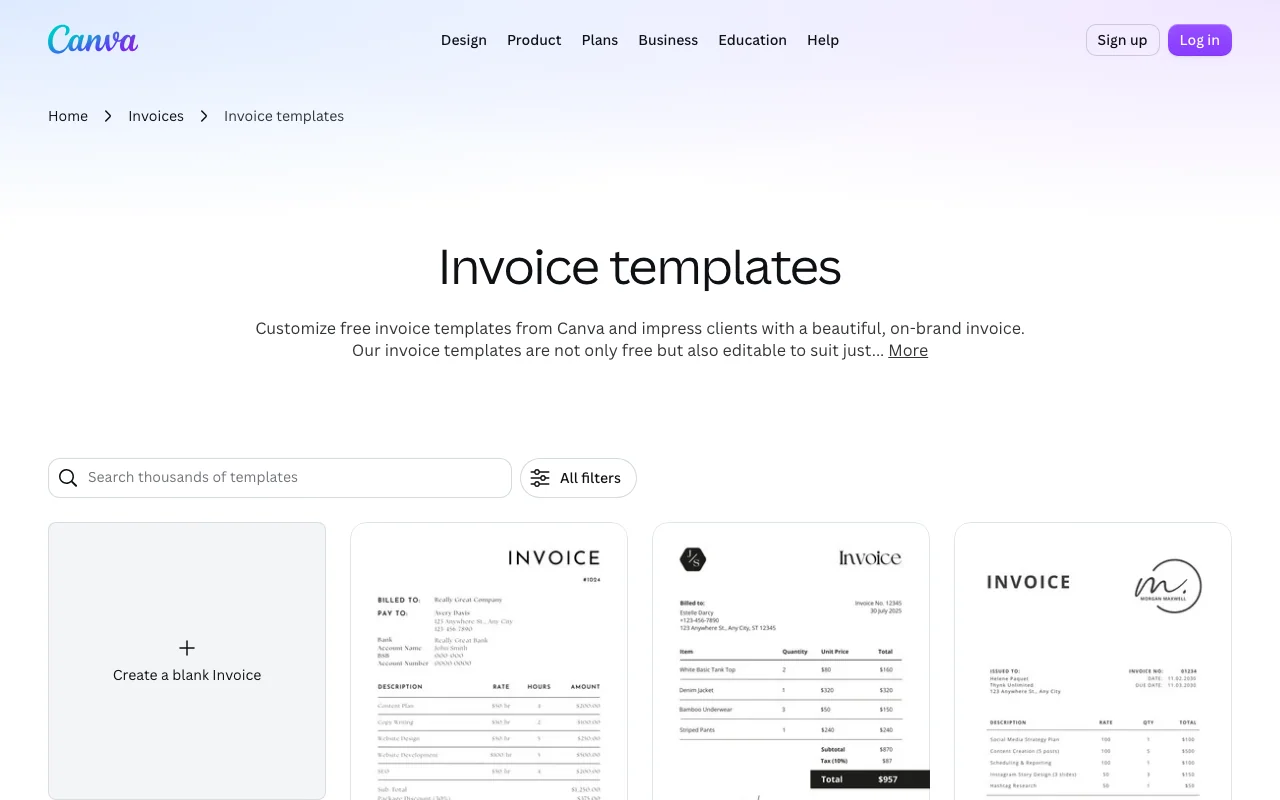
This option shines when you need a polished, on‑brand look for clients who care about visual presentation, such as graphic designers or photographers.
Canva also lets you download the finished invoice as a PDF or PNG, and you can share a view‑only link for quick client approval.
4. Wave Invoicing — Best for Templates With Payment Tracking
Wave provides a completely free invoicing suite that includes customizable templates, automatic payment reminders, and built‑in expense tracking.
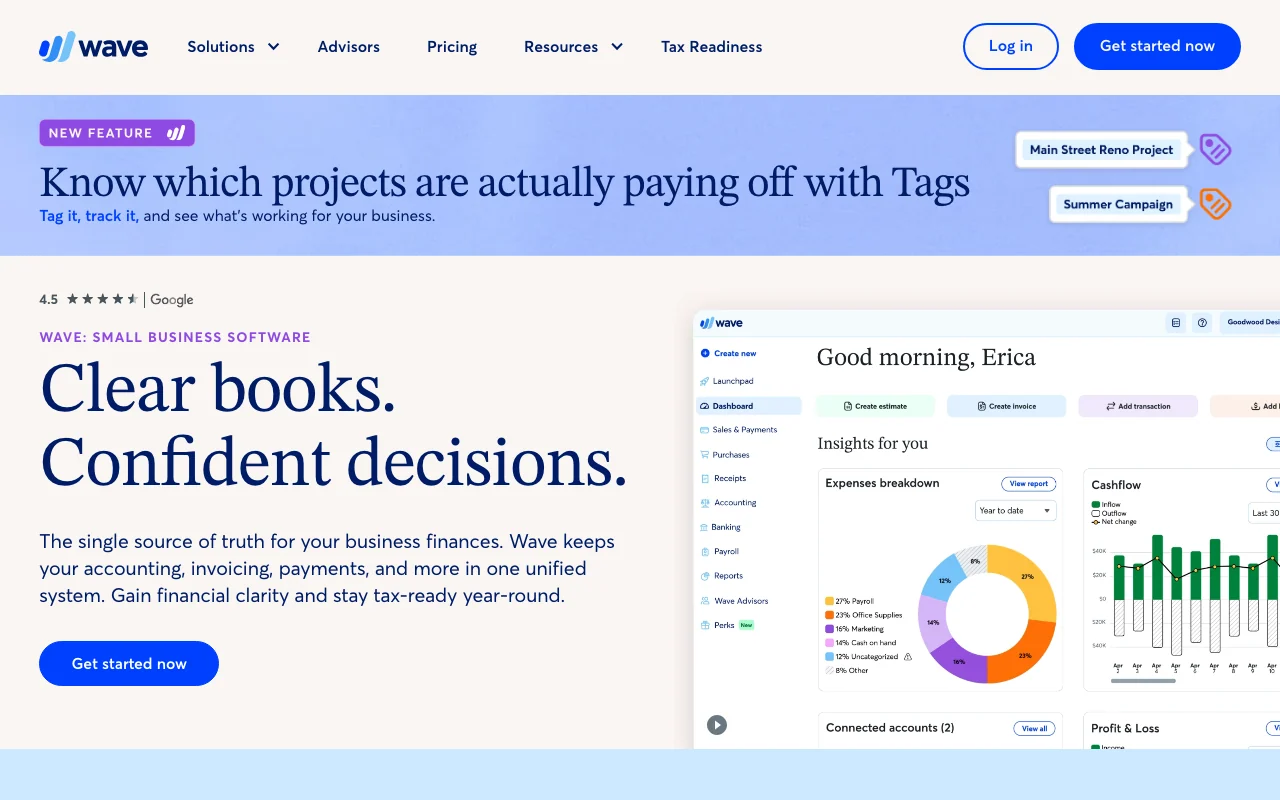
Freelancers in the US or Canada who want a full accounting back‑end will appreciate the integrated profit‑and‑loss reports and bank reconciliation tools.
When a client pays via credit card or ACH, Wave records the transaction instantly, so you can see paid‑in‑full status on the dashboard.
Drawback: Wave stopped supporting users outside the United States and Canada in 2020, so international freelancers need a workaround.
5. Accounting-Platform Invoice Templates — Best for a More Structured Workflow
Accounting-platform invoice tools ship a set of ready-made invoice templates tied to a broader accounting platform. The templates pull data from time-tracking entries, so hours automatically appear on the bill.

This works well for freelancers who need more than a one-off invoice, for example, consultants who bill weekly or agencies handling multiple projects.
These tools also offer built-in online payment options, so clients can click a button in the email and pay instantly.
Want to keep your projects on track while you invoice? Our best project management tools for freelancers roundup explains how to sync tasks with billing.
Which Freelance Invoice Template Option Fits Your Workflow?
| Feature | DiSousa | Online document editors | Canva | Wave | Accounting platforms |
|---|---|---|---|---|---|
| Free | Yes | Yes | Yes (with paid elements) | Yes | |
| Collaboration | None | Live sharing | Link sharing | Client portal | Client portal |
| Branding control | Manual | Limited | Full design | Basic | Advanced |
| Payment tracking | Manual | None | None | Built‑in | Integrated |
| Accounting integration | None | None | None | Full | Full |
What Should a Freelance Invoice Template Include?
A solid invoice needs enough detail to satisfy clients and tax agencies alike. According to Wikipedia, an invoice should list the freelancer’s name and contact, the client’s details, a unique invoice number, the issue date, a description of services, hourly or flat rates, subtotal, any taxes, the total amount due, and clear payment terms.
The Australian government adds that invoices must also show the business ABN when the seller is registered for GST (business.gov.au). Including all of these fields reduces back‑and‑forth clarification emails and helps you stay audit‑ready.
FAQ About Freelance Invoice Templates
Can I use a free template and still look professional?
Yes. A well‑designed free template that includes all required fields and your own branding can appear just as polished as a paid version.
Do I need a separate accounting app if I use a template?
No, but an accounting app automates tax calculations and expense tracking, saving you time on repetitive tasks.
How often should I send invoices?
Send an invoice as soon as a milestone is completed or at the end of the month, whichever matches the agreement you set with the client.
What payment methods can I attach to an invoice?
Most freelancers include a PayPal link, a Stripe payment button, or bank transfer details. Some platforms like Wave let you embed the payment link directly.
Do I need to keep old invoices for tax purposes?
In the US, keep old invoices according to your recordkeeping needs and applicable requirements.
Conclusion
If you want a no‑frills, instantly usable option, start with DiSousa’s free Word template. For more automation and brand polish, graduate to Canva or accounting software as your business grows.
Download the template that fits your needs, fill in your details, and send your first invoice today.
