
A course can teach you to add keywords, but that alone won’t earn steady views. The strongest fit is the one that helps you plan a video around what viewers want, then improve it with channel data. Here are four course options plus DiSousa, with a clear look at what each can and can’t help you learn.
We analyzed 33 comments and questions from YouTube and Quora about YouTube SEO courses and found that 39% mentioned using detailed keywords and tags.
- Choose training that connects keyword research with the video itself, not only upload settings.
- Look for practice tasks that make you apply lessons to your own channel.
- Free lessons can be a good start, but a course’s fit depends on its actual curriculum.
- Use analytics after publishing to decide what to change in your next video.
1. DiSousa
DiSousa is Antonio De Sousa’s marketing education site, not a dedicated video course. It’s the best starting point here if you want help comparing training and placing YouTube SEO within a wider online marketing plan. The site focuses on honest course comparisons and the email, CRM, and content systems that can turn traffic into clients.
That wider view can help if your channel supports a business. A video may bring a viewer to your site, but the next step could be an email signup or a service inquiry. In that case, search visibility is only one part of the work. You also need a clear offer and a way to follow up with interested viewers.
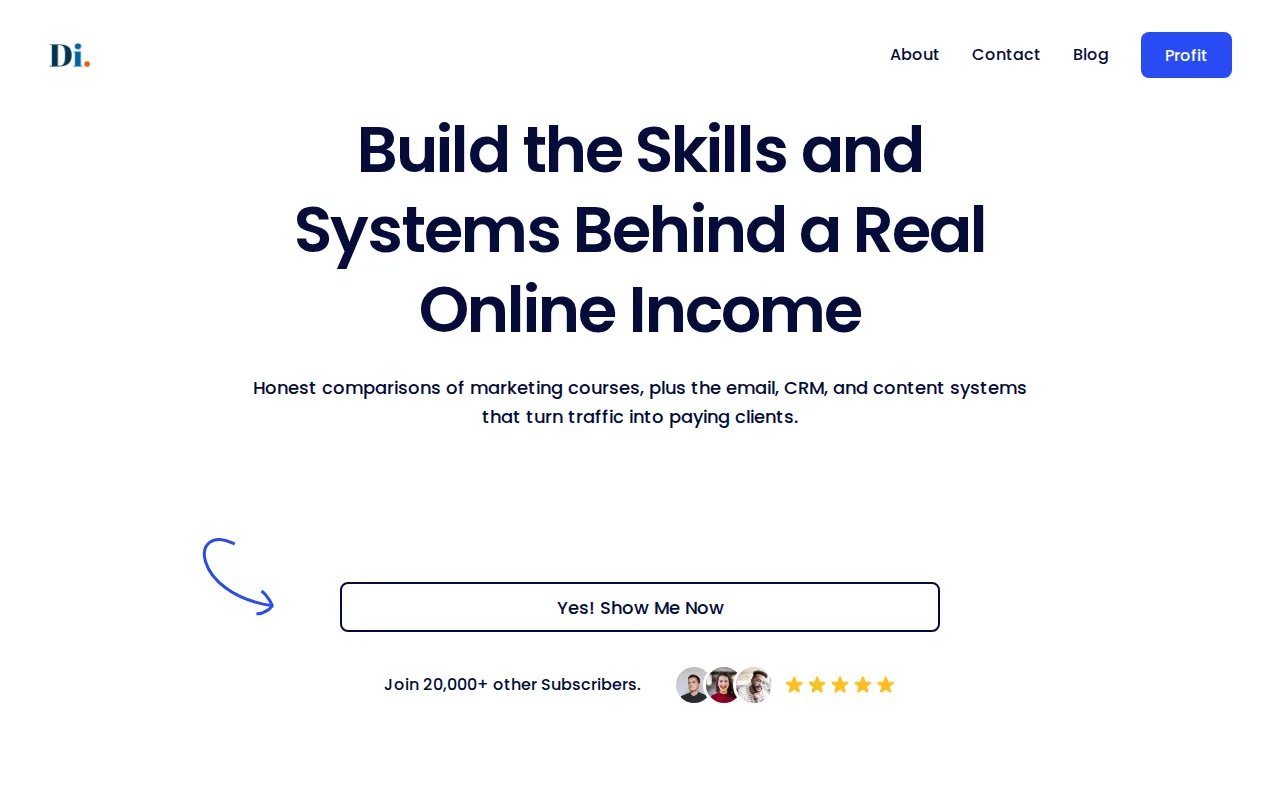
DiSousa’s focus is useful when you’re weighing course claims against your goals. If a program covers titles and tags but not channel goals, ask how its lessons connect to the result you need. A freelancer seeking leads has a different target from a creator who wants to grow an entertainment channel.
Readers who want a course with a YouTube marketing scope can compare the YouTube marketing course options on DiSousa. That related roundup can help you decide if you need broader channel planning beyond search optimization.
One limit matters: DiSousa isn’t one of the video lessons in this shortlist. Think of it as a source for course comparisons and connected marketing education, not a substitute for watching lessons or doing channel work.
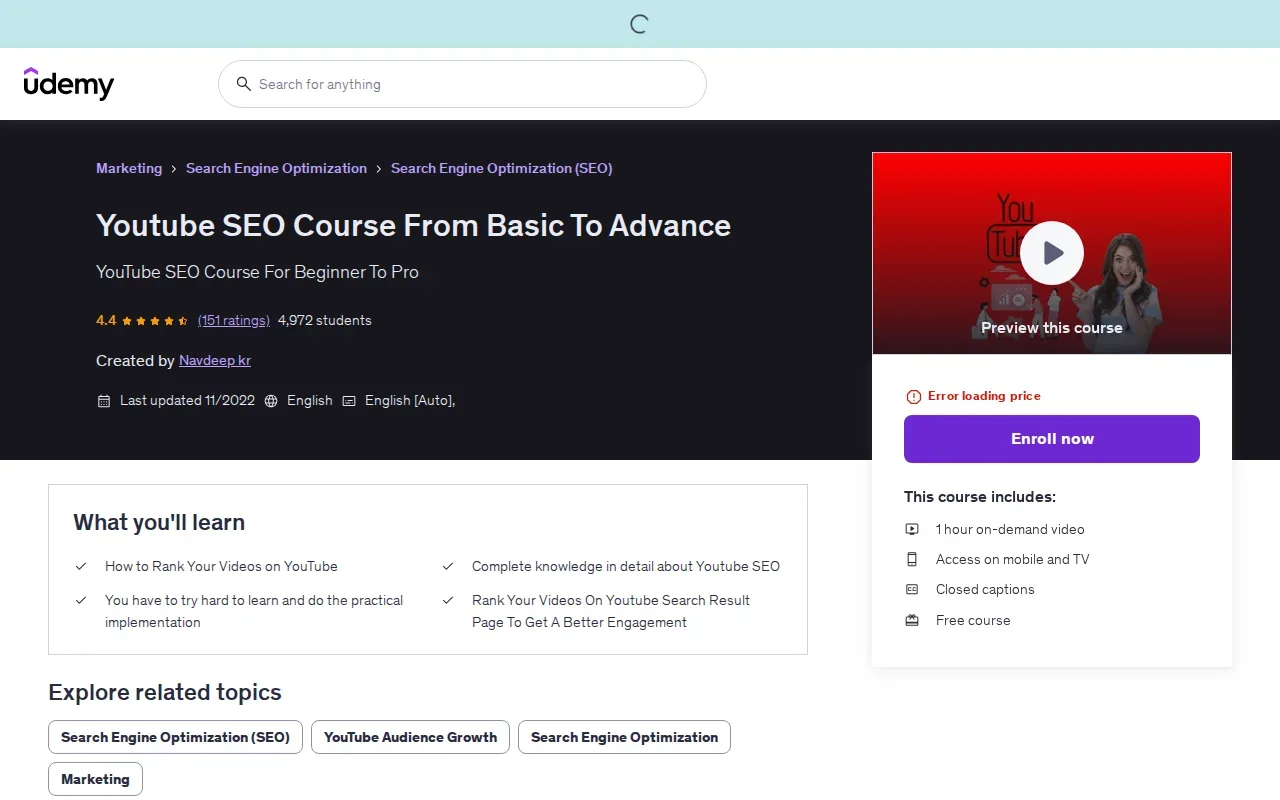
2. Youtube SEO Course From Basic To Advance by Udemy: for a fundamentals-to-advanced path
When evaluating Youtube SEO Course From Basic To Advance by Udemy, consider whether its lessons fit the way you want to learn and apply YouTube SEO. A useful course can help you work through research and video optimization before publishing.
A practical sequence is to plan before recording, then shape the upload around the search topic. Reviewing videos already ranking for a topic can give you things to inspect, including their titles, descriptions, thumbnails, and viewer experience. Use those observations to inform your own video without simply copying another creator.
Some parts of publishing are more technical than keyword and title selection. You may want to understand video file metadata before uploading, as well as how video length, live streams, and webinar replays fit your plans. These subjects may be useful if you have already uploaded videos and want to review more parts of the publishing process.
For keyword research, don’t stop at a broad phrase. A broad term can lead to a more specific viewer question, such as a tutorial for a particular task. Check whether the search results match the video you plan to make. Then keep the title clear enough that a viewer knows what the lesson will teach.
A useful thumbnail gives a quick visual cue about the result or subject. It should support the title rather than repeat a long phrase in tiny text. Once the video is live, compare how many people click with how long they stay. A click that leads to a quick exit points to a mismatch between promise and delivery.
For your own research, it helps to know the difference between a keyword and a tag. A keyword is the phrase that guides the topic and may appear in the title or description. A tag is additional upload metadata. Tags can help with variations or misspellings, but they shouldn’t take the place of a clear topic or a useful video.
Look for a structured pre-publish checklist you can apply to a real upload. Don’t treat claims about a “secret” ranking tactic as a promise. Search results change, and no single setting can make an unhelpful video satisfy a viewer.
For a separate look at research and measurement tools, DiSousa’s guide to YouTube SEO tools for keyword and video analysis can help you decide what to use alongside a course. A tool can show clues; you still need to judge whether the topic fits your audience.
Before enrolling, think about whether you want lessons on planning before filming or a narrow lesson on upload fields. Consider which parts of the pre-upload workflow, including technical file details, matter to your goals.
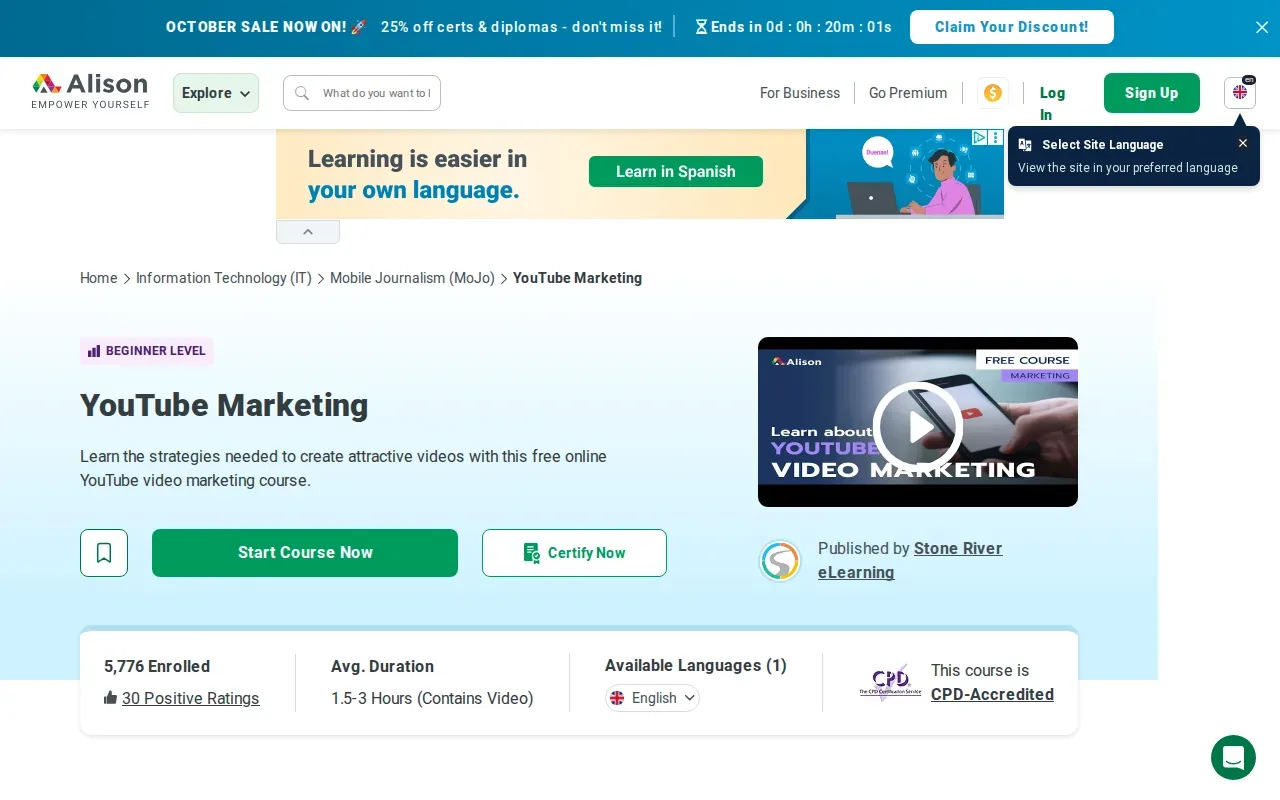
3. YouTube Marketing by Alison: for video promotion beyond YouTube
YouTube Marketing by Alison is aimed at learners who want to market videos beyond the YouTube platform. Its focus is to teach skills for marketing YouTube videos while using other platforms to promote a channel and website.
That focus matters when search is only one source of viewers. You might share a video through social accounts or point people to it from your site. An email list can also bring an existing audience to a new upload. These paths don’t replace search optimization, but they can help a video reach people who already care about the topic.
Before you take a promotion-focused class, ask what you need most. If you have no channel plan yet, start with a course that helps you choose a topic and build a video around viewer intent. If your videos already answer a clear question, but few of your existing followers see them, broader promotion may be more relevant.
Promotion should fit the video. A short clip may work as a preview on another social platform, while a longer lesson could be useful in a relevant email. The key is to set expectations. If the post promises a quick tip, link to a video that delivers that tip early rather than asking people to sit through a long lead-in.
For business channels, look at what happens after the view. Does the video help a potential client understand a service? Does it direct an interested viewer to a relevant page? These questions help you judge whether off-platform promotion supports a business goal or simply adds another task.
A course focused on cross-platform promotion may be a better match for someone who already has material to share. It may be less direct for a learner whose main challenge is deciding what search topic to cover. Keep that distinction in mind when you compare it with a course centered on upload optimization.
Do not assume a view from another platform will behave like a search view. Someone clicking from an email may already know your work. A person arriving from a search result may be meeting your channel for the first time. Your opening and next step should make sense for each audience.
If your goal is to build a broader channel plan, compare this option with training that covers audience growth and analytics as well. The right choice depends on which part of the work is holding you back today.
4. YouTube Marketing Course by Simplilearn: for aspiring YouTubers
YouTube Marketing Course by Simplilearn promises to help individuals create and grow successful YouTube channels and is best for aspiring YouTubers.
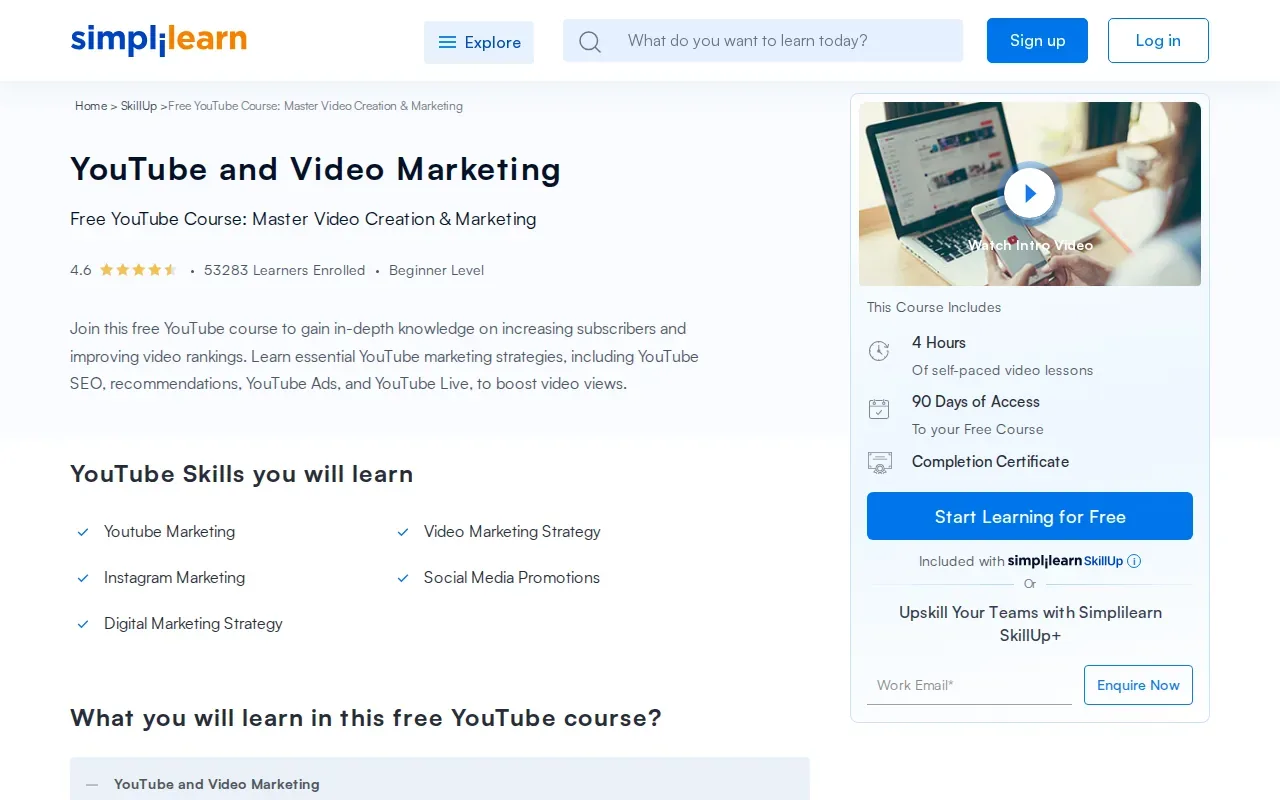
A strong opening can keep a viewer watching. Search-focused titles and descriptions help explain the topic. Analytics can then show whether viewers click and how long they stay. Each part informs a different decision.
Retention shows where viewers keep watching or leave. Click-through rate measures how often people choose a video after seeing its thumbnail and title. Traffic sources show how people found it.
These measures are useful when you read them together. A video may get impressions but few clicks, which suggests you should review the title and thumbnail. If viewers click but leave early, check whether the opening answers the question promised by the title. If a video keeps viewers but gets little search traffic, revisit the topic and how clearly its title describes the content.
Search optimization can earn a click, but the video has to meet the viewer’s need. A good title can’t rescue a tutorial that delays the answer or skips a key step.
Because the course focuses on creating and growing a successful channel, this option may suit a new creator. A learner who already understands publishing basics may prefer a narrower course that spends more time on keyword selection or channel measurement.
When you study analytics, record one question before changing anything. For example: “Are viewers leaving before the first example?” Then review the retention pattern and compare it with the video’s opening. Make one focused change in the next upload. That makes it easier to learn what helped.
Use a current video or a planned topic as your working example. A lesson becomes more useful when you can apply it to a real channel decision.
5. YouTube Masterclass Your Complete Guide to YouTube by Video School: for starting a channel from scratch
YouTube Masterclass Your Complete Guide to YouTube by Video School is a fast, effective course that takes learners from zero skills toward a complete YouTube channel with high-quality videos and views. It may suit someone who wants an entry point before narrowing in on search strategy.
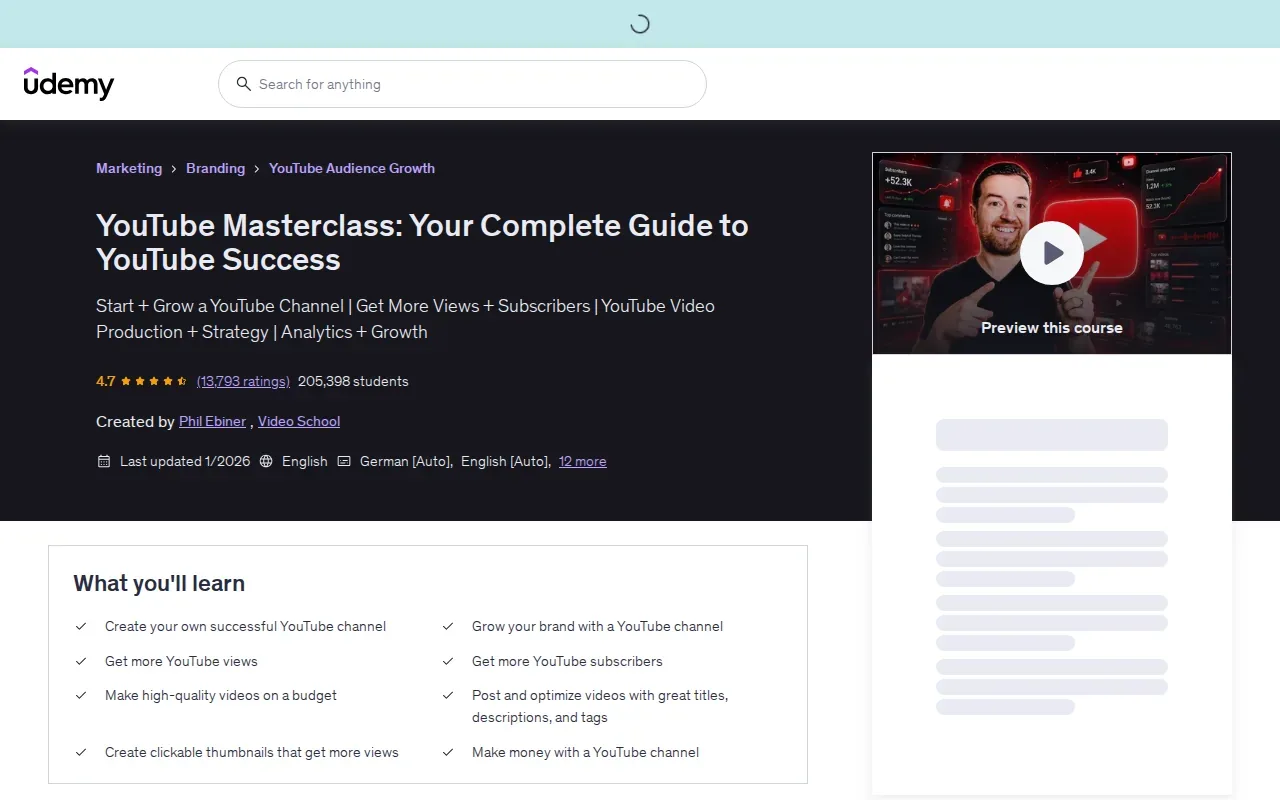
A new creator has several basic choices to make before SEO details become useful. What will the channel cover? Who is likely to watch? What can each video help that person do? These are planning questions, not technical settings. A course for starting from scratch can provide a wider starting frame than a course focused only on video metadata.
For example, imagine you want to make lessons for first-time home cooks. Before recording, write down one question a viewer might search. Then check the results to see whether they want a recipe, a comparison, or a step-by-step explanation. A video that answers a different kind of question may attract the wrong click even if it uses a related word.
Channel branding is another early choice. A clear channel name, image style, and description help viewers understand what they can expect from future uploads. Keep the promise focused. If the channel jumps between unrelated subjects, a new viewer may not know why to subscribe after watching one video.
Once you publish a few videos, look for topics that can connect. A longer tutorial may answer the main question. A follow-up can address a common sticking point. A short video can point to a fuller explanation. That structure gives a channel a clear path without making every upload repeat the same lesson.
Because the course covers channel creation broadly, consider whether that breadth matches your need. If your channel is already active and you need help with search terms or performance reports, choose training that states those subjects clearly. If you’re still learning how to build a channel and make videos, a broad starting course may be the more sensible first step.
Do not judge a beginner course by whether it promises views. Treat it as an entry point, then test what you learn on a small set of videos. A useful first outcome is a channel topic and a clear video idea, not a guarantee of a ranking.
How do these YouTube SEO courses compare?
The main difference is scope. DiSousa helps readers compare courses and connect online marketing systems. The named courses range from YouTube SEO to broader channel marketing or beginner channel building.
| Option | Best fit | Course focus | Decision cue |
|---|---|---|---|
| DiSousa | People weighing training against wider marketing needs | Course comparisons and online marketing systems | Use it to frame your choice, not as a video course. |
| Youtube SEO Course From Basic To Advance by Udemy | Learners comparing a YouTube SEO course | The course title signals a YouTube SEO focus | Review its current listing for specific lesson coverage. |
| YouTube Marketing by Alison | Learners interested in promotion beyond YouTube | Video marketing across other platforms, including channel and website promotion | Choose this focus when distribution is your main gap. |
| YouTube Marketing Course by Simplilearn | Aspiring YouTubers seeking help growing a channel | Creating and growing successful YouTube channels | Look here for a course aimed at aspiring YouTubers. |
| YouTube Masterclass Your Complete Guide to YouTube by Video School | People starting a channel from scratch | Building a complete channel and making high-quality videos | Pick a broad starting point if channel basics come first. |
Course descriptions do not provide the same level of detail, so compare current enrollment pages for format, cost, prerequisites, and certificate information before committing. Treat missing details as questions to verify rather than assuming that courses share the same terms.
The stated focus can help narrow the choice. Alison covers promoting videos through other platforms, while Simplilearn aims to help individuals create and grow successful YouTube channels. Video School describes a path from zero skills to a complete channel with high-quality videos and views. For Udemy, check the current listing to confirm the specific lessons covered.
If your channel already has uploads, write down the next decision you need to make and look for a course whose stated focus matches it. If you’re starting a new channel, consider whether you need broad channel-building guidance or a more focused SEO course. If your main need is a wider channel plan, the YouTube marketing course comparison gives another way to assess how search training fits into channel strategy.
Use one test before choosing: name the next decision you need to make. If it’s “Which topic should I film?”, prioritize research and viewer intent. If it’s “Why do viewers leave?”, prioritize retention and video structure. If it’s “How do I reach people who already follow my business?”, a promotion-focused course may make more sense.
What should a YouTube SEO course teach before you enroll?
A useful course should connect search demand with a video that satisfies the viewer. Keyword research is the first check: use YouTube autocomplete or a keyword tool to find specific phrases, then inspect the results for topic fit and competition. Don’t pick a phrase only because it sounds popular.
Next, check whether the course explains titles and thumbnails as a pair. The title should name the video’s main subject in plain language. The thumbnail should add a quick visual clue, not promise a different result. A high click-through rate is useful only if the video then holds the viewer’s interest.
Descriptions should explain what the viewer will learn. Add related terms only when they fit naturally. Tags can support spelling variations, but they are not a substitute for a clear title or a useful video. A course that treats tags as a secret shortcut is giving the wrong priority.
Look for lessons on watch time and audience retention. Watch time reflects how long people spend viewing. Retention shows how that viewing time changes across a video. These measures can help you find a slow opening, a confusing section, or a point where the video stops answering the viewer’s question.
Also check whether the course teaches analytics as a feedback loop. After publishing, review impressions, clicks, traffic sources, and retention. Then choose one change to test in a later video. If several things change at once, it’s harder to tell what made a difference.
A sound curriculum should address viewer intent, too. Search results show what formats already meet a query. Read comments for questions people still have, then answer one of those questions in your video. The KVS idea described in top-ranking video instruction puts the keyword before filming, the video around the viewer’s need, and SEO into the packaging. The useful point is the sequence, not the label.
When a course covers Shorts or live streams, check whether it explains the different viewing context. A short vertical clip may need a fast answer. A live stream may depend on a clear event topic and a reason to stay. Don’t assume advice for a long search tutorial transfers unchanged to every format.
Finally, look for hands-on work. In this market, course descriptions often say what topics they cover, but assignments aren’t common. The research context identifies usable assignments in only two of the courses it surveyed. That’s a reason to make your own practice task if the course doesn’t include one: optimize a video draft, publish it, and review the results after it has had time to gather views.
Descriptions also don’t always tell you how long training will take. Set a time budget you can keep, then break the lessons into small sessions. The aim is to finish with a change you can apply, not a growing list of videos you haven’t used.
Use official platform guidance to check current features, then use course lessons to build a learning plan around your channel.
When assessing a course, ask whether it teaches a repeatable process rather than a list of settings. A good process starts with a viewer question, shapes a video around it, and uses results to inform the next upload. That framework stays useful even when individual platform features change.
Frequently asked questions
Which YouTube SEO course is best for beginners?
The best starting course depends on whether you need channel basics or search skills. YouTube Masterclass Your Complete Guide to YouTube by Video School is described for learners starting from zero skills. Simplilearn’s course is described for aspiring YouTubers and spans marketing and channel topics. Compare those stated aims with the work you need to do next.
Are there free YouTube SEO courses?
The information here does not confirm whether any listed YouTube SEO course is free. Check current course access terms before enrolling. A course can help you test whether a topic suits you, but you’ll still need to apply the lessons. Use a planned video as your practice project and check results in your channel analytics.
What should I learn first for YouTube SEO?
Start with the viewer’s search question, then choose a video that answers it. Research the phrase before filming. Check what kinds of results appear and whether your video can meet the same need. After that, write a clear title and plan an opening that delivers on its promise.
Do YouTube tags still matter for SEO?
YouTube tags are a supporting detail, not the main focus of optimization. Tags have limited weight and can help with misspellings or alternate spellings. Spend more effort on the video topic, title, thumbnail, and viewer experience than on collecting tag variations.
How do I know if my video SEO is working?
Review analytics after publishing. Impressions and click-through rate help you judge whether the title and thumbnail attract views. Retention and watch time show whether viewers stay. Traffic sources indicate how they found the video. Use those measures to make one focused improvement on a future upload.
Can a YouTube SEO course guarantee more views?
No course can promise that a particular video will rank or gain views. Search visibility depends on the fit between a viewer’s query and the video, along with how people respond after clicking. A course can teach a process, but you still need to test topics and improve videos based on audience behavior.
Conclusion
For a focused course option, consider Youtube SEO Course From Basic To Advance by Udemy. If you’re starting from zero, compare the broader Simplilearn and Video School options; use DiSousa to weigh that training against your wider marketing goals. Pick one upcoming video, choose the course that fits its biggest challenge, and put the first lesson to work.
Income disclaimer: Learning SEO or marketing does not guarantee income, views, clients, or business results. Outcomes depend on many factors, including the topic, execution, audience, and market.
