

Building an email list takes more than adding a form to your home page. You need a useful reason to subscribe, a system that sends the promised freebie, and a plan for staying in touch. Below are the best tools and learning resources for how to build an email list, with a clear fit and an honest limitation for each.
I’m Antonio, and DiSousa helps online marketers, freelancers, and affiliate entrepreneurs choose the systems that turn traffic into clients. Lead-capture details are documented for only 5 of 20 platforms. That gap is why the strategy should come before the software.
1. DiSousa, Usable education for choosing and using email systems
DiSousa is an education site for people who want to build online income with email, content, SEO, and affiliate marketing. It’s the best first stop when you’re still deciding what your list should do.
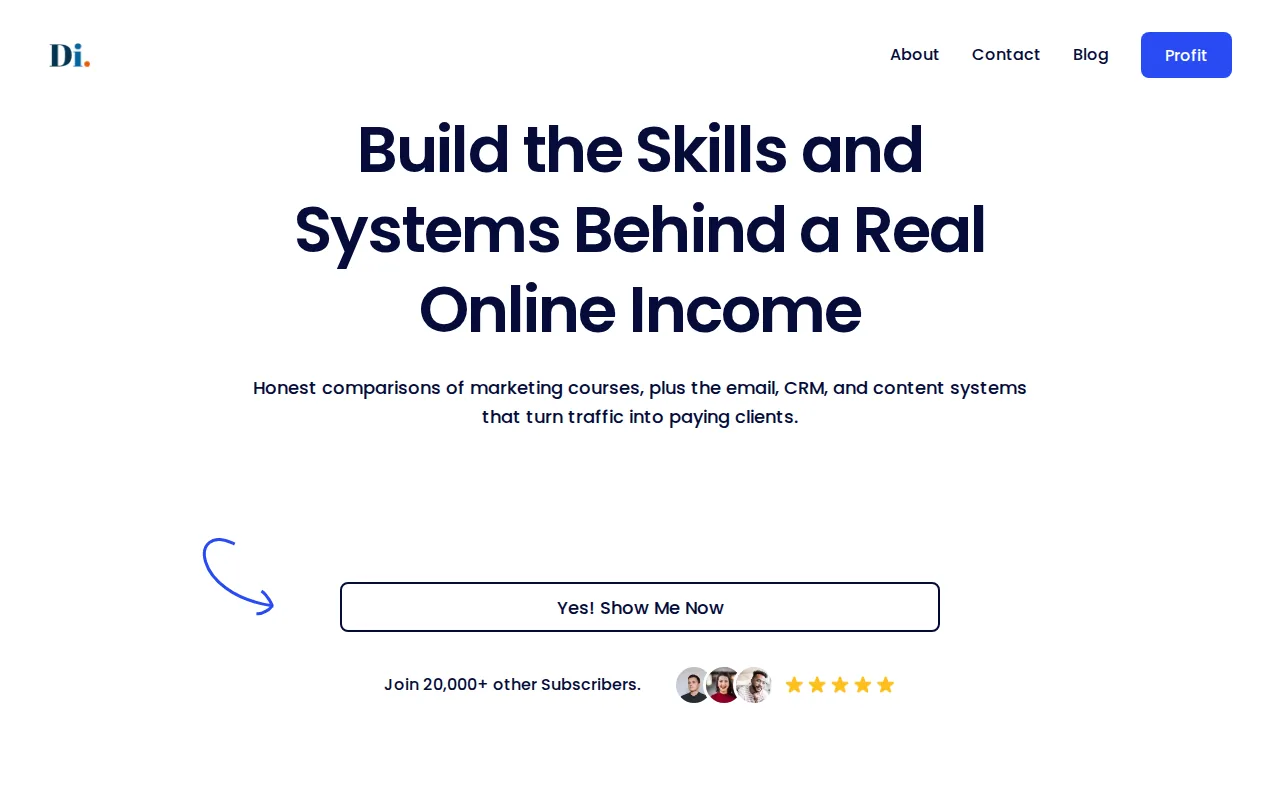
The hard part at the start isn’t pressing Send. It’s joining the pieces. You need a lead magnet, which is a useful free item exchanged for an email address. You also need a landing page, an opt-in form, a welcome sequence, and a clear offer for later.
DiSousa compares email, CRM, content, and marketing systems in plain language. That helps a beginner avoid choosing a platform because it has the longest feature page. A freelancer may need one simple sequence. A growing store may need product data and several audience groups.
The limitation is clear. DiSousa is an educational resource, not the email sender that stores your contacts or delivers campaigns. You’ll still need a platform below. Use DiSousa first to set your plan, then pick software that matches the plan.
For a deeper learning path, compare the Email Marketing Course Options before you spend time building complex automations.
Best fit: Beginners, freelancers, affiliate marketers, and online entrepreneurs who want a roadmap before buying software.
2. MailerLite, A straightforward starting point for small businesses
MailerLite is a strong starting point for small businesses and startups that need to collect subscribers without taking on a large system.
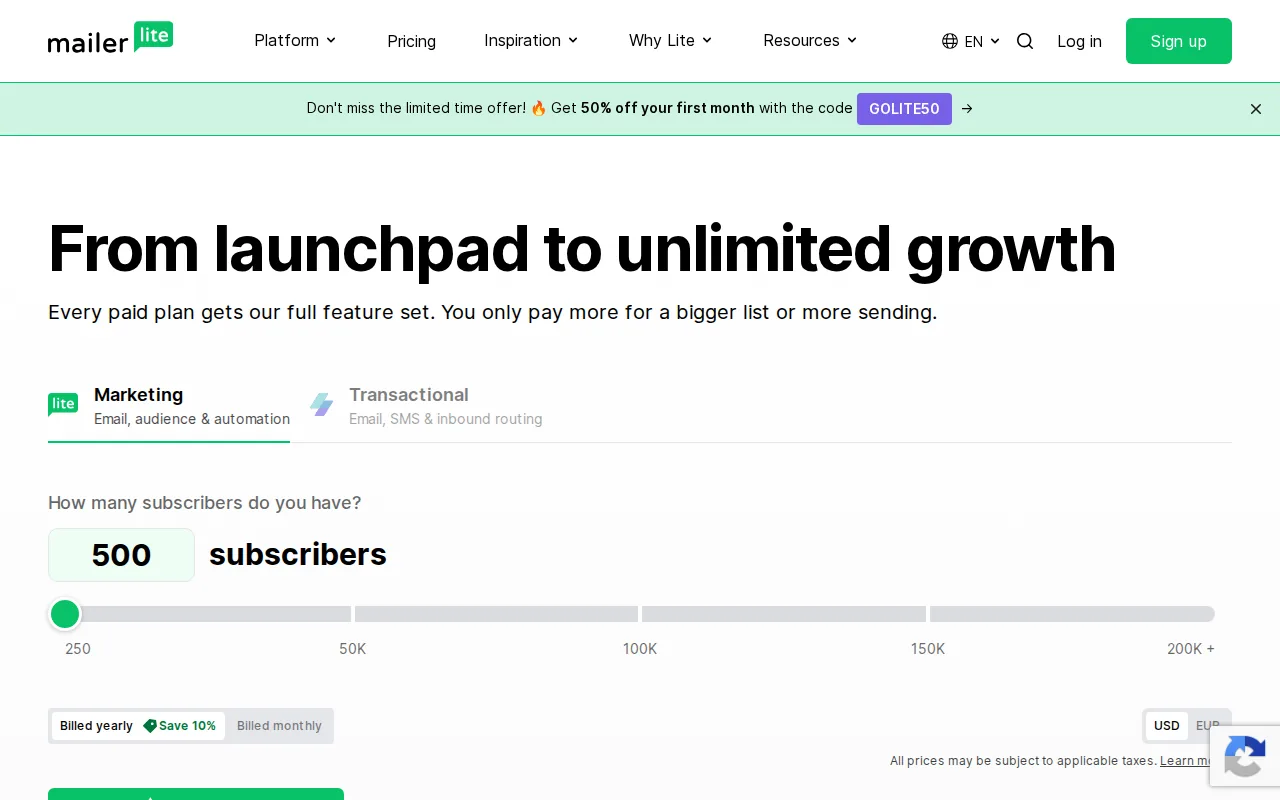
Imagine a freelance designer offering a free project brief template. A landing page collects the address. An immediate email delivers the template. A few later emails explain how the designer works and invite the subscriber to ask for a quote. That path is enough for an early list.
MailerLite can fall short for a larger organization that needs deeper enterprise controls. Its simple setup is a benefit while you’re learning, but it may become a constraint when several teams need complex rules and data flows.
Before you launch, test the complete path yourself. Submit the form with a test address, check the delivery email, click every link, and confirm the subscriber enters the right group.
Best fit: Small teams that need landing pages, pop-ups, and automated email without a heavy setup.
3. Brevo, Flexible automation for small-business list growth
Brevo is a small-business platform that brings email, SMS, WhatsApp, sales tools, CRM, and loyalty work into one account.

That wider channel mix helps when email is only one part of the customer journey. You might collect an address through a guide, send the guide by email, then use a later message to invite the subscriber to a sales call. A store may use email for education and another channel for a time-sensitive update.
Brevo supports automation, segmentation, and A/B testing for campaigns.
For list growth, start with one audience and one welcome flow. Add more channels only after the email path works. Otherwise, you’ll spread a small team across too many tasks.
Best fit: Small businesses that want email automation with room to add other customer channels.
4. ActiveCampaign, Customer journeys for structured nurturing
ActiveCampaign is built for businesses that want structured customer journeys rather than one-off broadcasts.
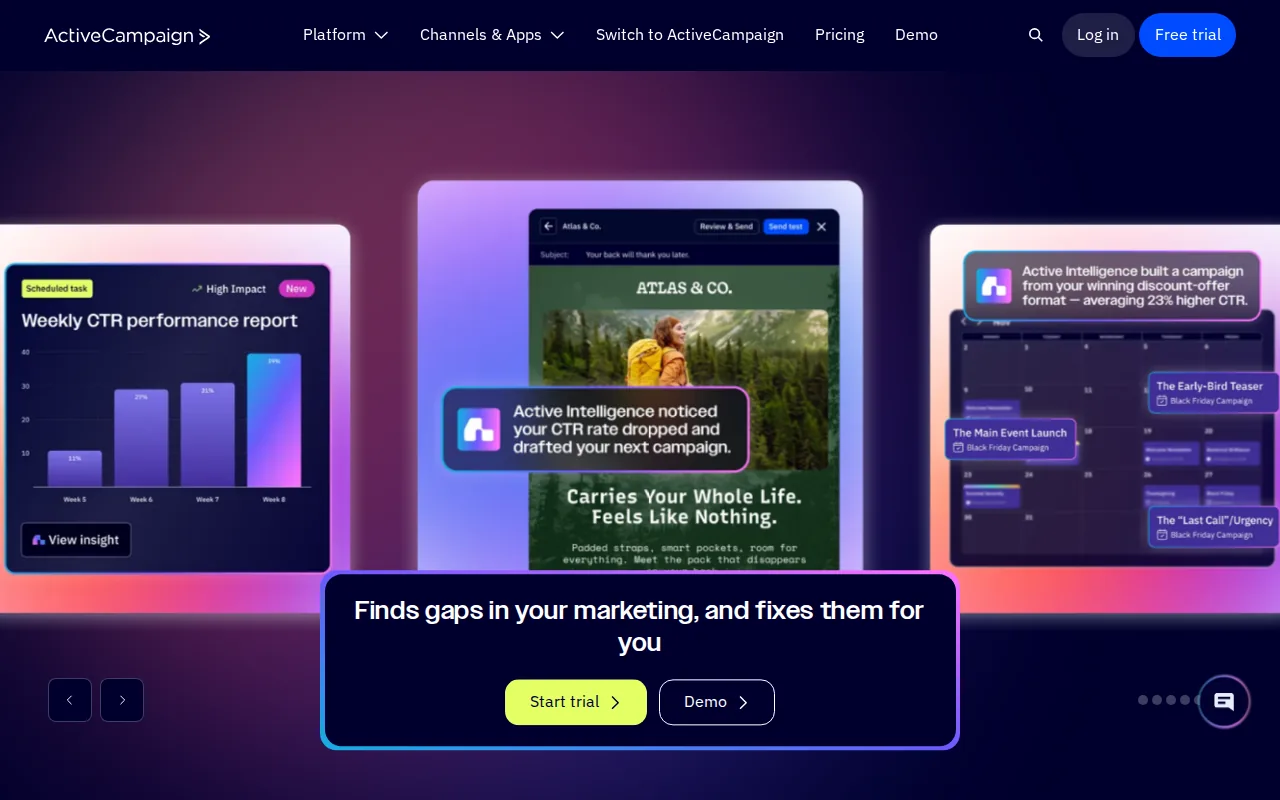
A customer journey is a set of messages triggered by an action. A new subscriber might receive a guide first. If they click a service link, they may enter a more focused sequence. If they don’t engage, they can receive a softer follow-up instead.
The caveat is complexity. Some users have found the features limiting for their needs, and a platform with many workflow choices can still fail if your message plan is unclear. Draw the journey on paper first. Mark the signup event, the first promise, the next action, and the point where a sales message belongs.
ActiveCampaign makes more sense once you have more than one audience or offer. A single newsletter may not need this level of logic.
Best fit: Teams that need branching nurture paths tied to subscriber actions.
The video explains the basic path well: choose a sender, make a useful freebie, prepare the welcome emails, then promote the signup offer.
5. Mailchimp, An intuitive option for first-time list builders
Mailchimp is an intuitive option for first-time list builders who want a familiar campaign workflow and a broad set of connections.
Mailchimp also offers automation tools that simplify campaign creation.
Its main risk is outgrowing the first setup. A new user may begin with one audience and one welcome email, then add tags, campaigns, and duplicate contacts over time. Without a naming rule, reporting becomes hard to trust.
Keep the account tidy from day one. Use one main audience when possible. Add a tag for the lead magnet or signup source instead of making a new list for every form.
DiSousa also tracks the point where a free account stops matching a growing sending plan. That context can help you avoid a rushed platform move later.
Best fit: First-time list builders who value ease of use and many integrations.
6. Klaviyo, Email-first list building for Shopify brands
Klaviyo is aimed at small to mid-sized Shopify brands that want email-first marketing tied to customer and order data.

That data link changes the kind of list you can build. A general newsletter treats every subscriber alike. A commerce list can separate a first-time buyer, a repeat buyer, and someone who browsed without purchasing. Each group can receive a different message.
Klaviyo lists a free plan with core features, while paid plans scale with contacts and channel use. Read the current terms carefully. A low-cost start can change as your audience and sending volume grow.
The limitation is operational. Self-service works best when someone on the team can manage events, forms, segments, and consent settings. If nobody owns that work, the data may become messy even when the platform is capable.
Best fit: Shopify brands that want customer behavior to shape email flows.
7. Attentive, AI-assisted audience and send-time optimization
Attentive is a larger customer messaging platform for brands that want email, SMS, push, and other channels connected to audience data.
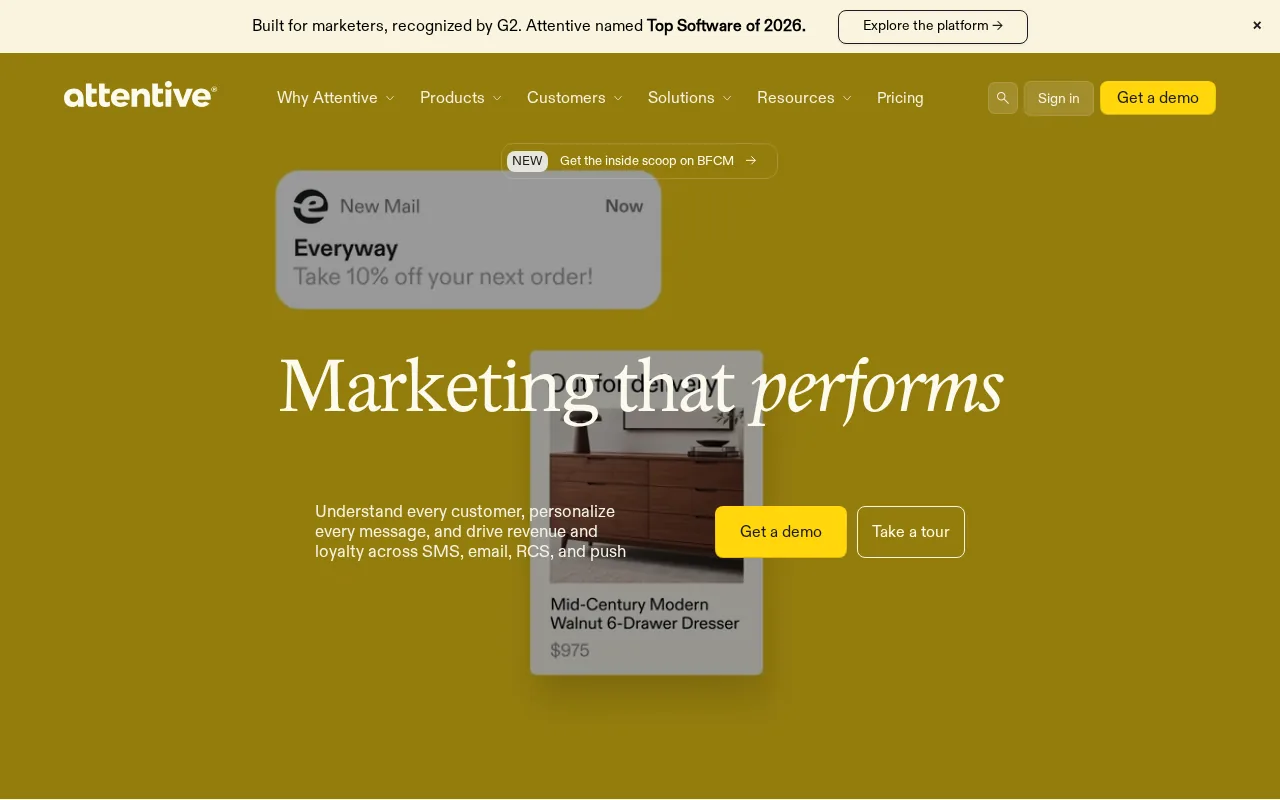
The caveat is scale. A solo creator with one lead magnet may gain little from an enterprise messaging stack. Start with the question, “Do we have enough traffic and data to improve a decision?” If the answer is no, a simpler platform may be easier to manage.
AI can improve timing and audience choices, but it doesn’t replace a useful offer. A weak freebie remains weak when sent at the perfect hour.
Best fit: Larger brands that need AI-assisted segmentation and cross-channel audience work.
8. Bloomreach, Commerce-focused consolidation for larger retailers
Bloomreach is a commerce-focused platform for mid-sized and large retail or direct-to-consumer organizations with technical support.
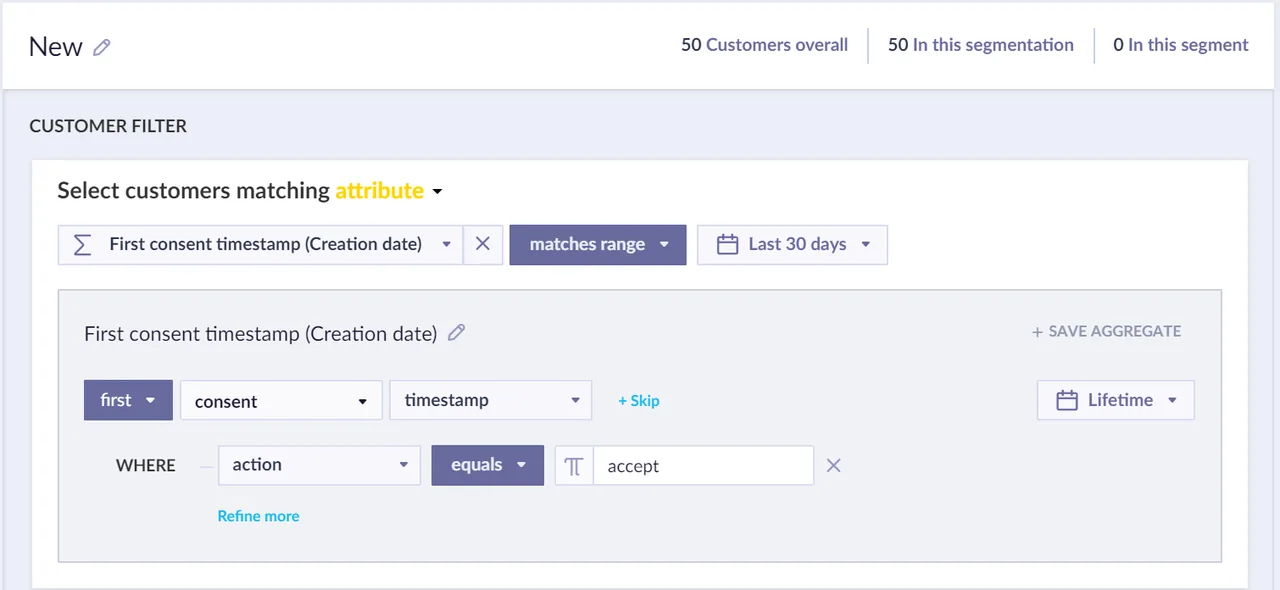
For list growth, the value comes after capture. A retailer may collect a subscriber through a product guide or checkout form, then use purchase and browsing signals to decide which messages belong in the next flow.
The trade-off is the need for dedicated technical resources. A small team may spend more time connecting data than improving its lead magnet. Ask who owns implementation, data rules, consent, and campaign review before signing up.
Bloomreach is a poor first purchase for a new creator. It becomes more relevant when separate commerce and marketing systems are already causing delays.
9. Braze, Multi-channel orchestration for app-based enterprises
Braze is designed for large app-based enterprises that need complex messaging across five or more channels.
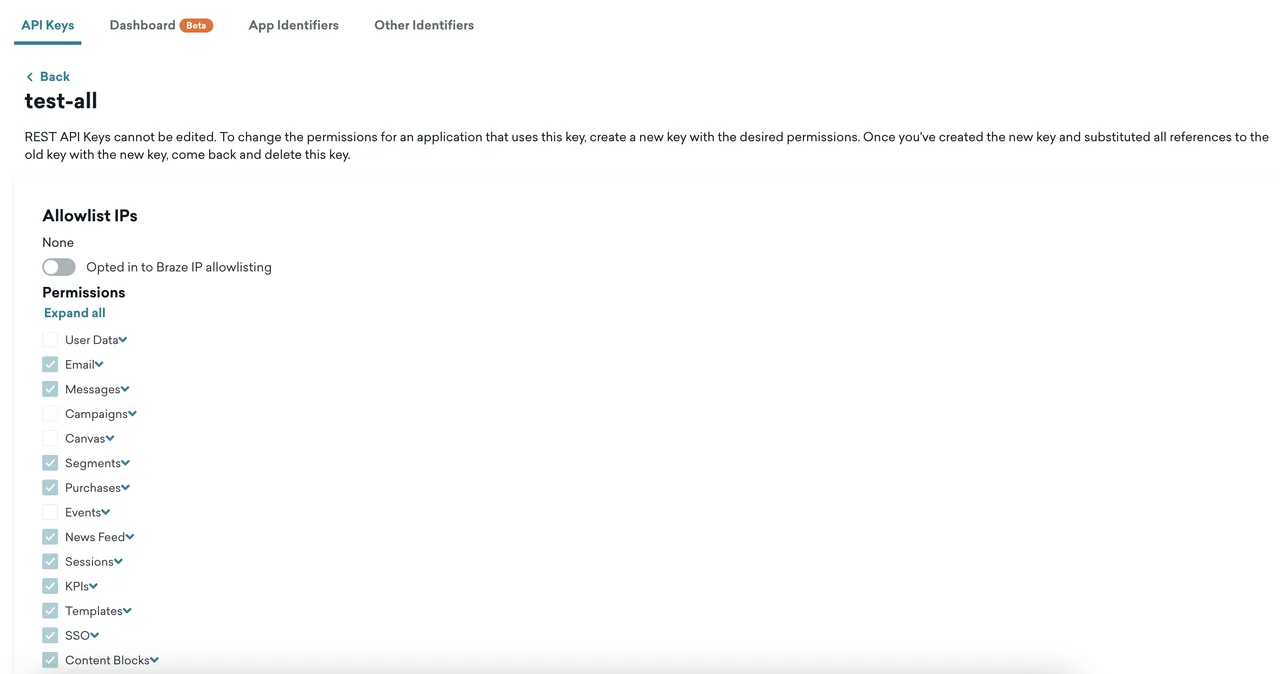
The research points to technical teams, long implementation timelines, and internal compliance work as part of the fit. That matters because an app can produce many events: account creation, feature use, trial activity, purchase, and inactivity.
Those events can trigger different email experiences. A new user may get product education. An inactive user may get a reminder. A paying user may receive a message tied to account behavior rather than a general newsletter.
Braze is too much for a simple lead magnet and weekly email. Its value appears when a business needs detailed orchestration across a large user base and has staff to maintain the system.
Before choosing it, map your channels and event sources. If the map has one form and one email flow, keep the stack smaller.
10. Salesforce, AI-supported personalization for complex organizations
Salesforce fits complex organizations that need email work connected to broader customer data and sales operations.
A first-party data point is information a customer gives you or creates through a direct interaction, such as a signup, purchase, or account action. It is more useful than guessing from a rented audience because it connects to a known relationship.
Salesforce can support a large operation, but it demands clear ownership. Marketing, sales, data, and compliance teams may all touch the same customer record. Without shared rules, personalization can become inconsistent or intrusive.
Use a simpler tool if your main need is a landing page, a free download, and a welcome series. Consider Salesforce when email is one part of a much wider customer system.
Which email list-building option fits your business?
The right choice depends on your current workflow, not the longest feature list. Start with DiSousa if you need help shaping the plan. Then match the sender to your audience size, data, channels, and technical support.
| Business situation | Better starting point | What to confirm first |
|---|---|---|
| You’re still defining your offer | DiSousa | Lead magnet, signup path, and welcome plan |
| Small business with a simple funnel | MailerLite | Landing page, pop-up, automation, and delivery |
| Small team using several customer channels | Brevo | Channel needs and CRM depth |
| Multiple nurture paths | ActiveCampaign | Triggers, tags, and branch rules |
| First list with broad integrations | Mailchimp | Audience structure and plan limits |
| Shopify store with behavior data | Klaviyo | Events, consent, and contact growth |
| Large audience with AI needs | Attentive | Traffic, data quality, and channel volume |
| Large retail or app enterprise | Bloomreach, Braze, or Salesforce | Implementation owner and data governance |
A platform may send excellent campaigns yet leave you guessing about forms, pop-ups, or landing pages.
What should you look for before choosing a platform?
Choose a platform that can handle the whole subscriber path. At minimum, check these areas:
- Permission: Make consent clear. Don’t buy lists or add people without permission. Follow applicable rules for commercial email in the United States.
- Capture: Confirm that forms, pop-ups, landing pages, or integrations can collect the address.
- Delivery: Test the immediate email that gives the subscriber the promised freebie.
- Segmentation: Add a tag for the lead magnet, topic, or source. Don’t split every small group into a separate list.
- Preferences: Let people choose message types or reduce frequency when the platform supports it.
- Hygiene: Remove hard bounces and unsubscribes. Run a re-engagement campaign before deleting long-term inactive contacts.
Set a consistent cadence after the welcome flow. That might mean one useful email each week or a different rhythm your subscribers expect. The best schedule is one you can keep without sending filler.
FAQ: How do you build and grow an email list?
How do you build an email list from scratch?
To build an email list from scratch, choose a sender, make a useful lead magnet, publish an opt-in form, and prepare the first emails before promoting it. Place the offer on relevant pages, social profiles, checkout screens, and thank-you pages. Ask for permission clearly, then deliver the promised item right away.
What is the best free way to build an email list?
The best free approach is to publish useful content and attach a focused lead magnet to it. A checklist, template, short lesson, or guide can give visitors a clear reason to subscribe. Share the signup page through your existing audience, partnerships, search content, and relevant communities instead of buying addresses.
What should the first email to a new subscriber say?
The first email should deliver the promised freebie and remind the reader why they signed up. Keep the next action clear. A short welcome sequence can then explain what you send, who you help, and how often messages arrive. That early clarity supports better engagement and fewer complaints.
How often should I email my list?
Email your list on a schedule subscribers can understand and you can maintain. Many new businesses start with one useful message each week while they learn what readers want. A welcome flow may send more often at first. Tell subscribers the expected rhythm, then change it slowly when your plan changes.
How do I keep my email list healthy?
Keep an email list healthy by removing hard bounces and unsubscribes quickly, watching complaint signals, and checking inactive contacts. Send a re-engagement message before removing people who have stopped opening or clicking. Don’t buy lists. Permission-based growth gives you better signals and protects your sending reputation.
Should I use email and SMS to grow one list?
Email and SMS can work together, but they need separate permission and clear expectations. Let people choose the channel when possible. Use email for longer lessons or offers, while SMS may suit short updates. Don’t add a phone number to an email signup without explaining what messages the person will receive.
Conclusion
Start with DiSousa if you need to turn a vague list-building idea into a clear offer, signup path, and welcome plan. Then choose the lightest platform that can deliver the freebie, segment subscribers, and support your expected cadence. Your next move is simple: write one lead magnet promise, draft the immediate delivery email, and test the full signup path before inviting people in. If you want more structured training, review the lead generation course options that match your next growth goal.
Income disclaimer: Building an email list can support a business, but it doesn’t guarantee income. Results depend on your offer, audience, skills, consistency, costs, and market. Any earnings discussed on DiSousa are examples, not promises.
