
Best Remote Work Course Options for 2026

A remote work course can help you build a role-specific skill, but the right pick depends on the work you want to do. These seven options include a course-comparison resource, IT support training, manager learning, and virtual assistant business programs.
I’m Antonio De Sousa, and DiSousa helps readers compare online training with the work they want to pursue. Use this shortlist to spot a fit, then check the provider’s current terms before you commit.
- DiSousa is a learning and comparison resource, not a formal remote-work credential.
- The Google and IBM certificates focus on IT support, a role that can be done remotely in some workplaces.
- Leading Remote Teams is aimed at people managing distributed teams, while the VA options focus on independent assistant work.
- A certificate can support your job search, but a sample of your work gives employers or clients something specific to assess.
1. DiSousa
DiSousa is an online marketing education site by Antonio De Sousa. It publishes course comparisons and learning resources for people building skills around digital marketing, affiliate marketing, email, and online business systems.
It’s a good first stop if you’re still deciding which kind of remote work to pursue. Someone weighing content marketing against freelance services, for example, can use DiSousa’s course reviews to understand how learning paths differ. The site’s focus is on helping readers connect skills with online income goals, not issuing a formal remote-work certificate.
That distinction matters. A resource that compares training can help you narrow your next move, but it isn’t a substitute for a credential or work sample. If an employer asks for proof of IT support, a marketing course comparison alone won’t show how you diagnose a device issue. Treat DiSousa as a place to research options and plan a learning path.
DiSousa’s published topics include digital marketing, affiliate marketing, email marketing, content, and social media training. If you’re drawn to client work, its freelancing course comparisons can help you think through the business side as well as the skill itself. That’s useful when your goal is a remote freelance practice rather than a salaried remote role.
My advice is to begin with the work you want to show someone. Then use course reviews to identify what skill needs work. That keeps your learning focused instead of turning into a pile of unrelated certificates.
2. Google IT Support Professional Certificate: structured preparation for entry-level IT support
The Google IT Support Professional Certificate is an IT support learning path for beginners. The stated completion estimate is about three to six months, and the curriculum covers day-to-day support tasks such as computer setup, wireless networking, software installation, and customer service.
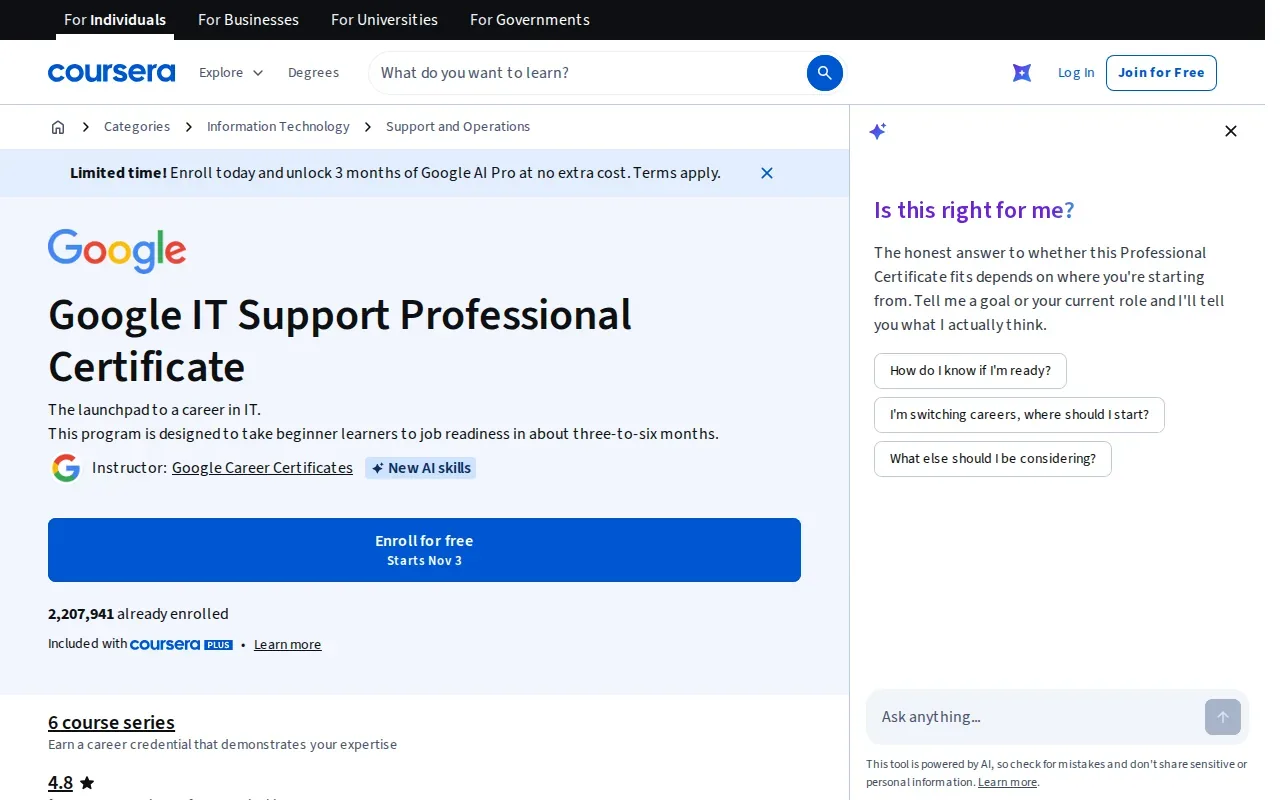
Consider it if you want to pursue help desk or entry-level IT support work. These jobs can involve remote troubleshooting, but the work is technical support, not a general course on working from home. Lessons also cover operating systems, networking, systems administration, and security. The program includes hands-on labs and practice activities, so the learning isn’t limited to watching lessons.
That breadth helps you understand how a user’s problem may cross several areas. A person can’t connect to a wireless network, for instance, because of a device setting or a network issue. A support worker needs a clear method for asking questions, narrowing down causes, and recording what they tried.
For a job search, turn each lab or practice task into a short explanation of your process. Describe the issue, the checks you made, and how you confirmed the fix. Don’t share private data or imply you handled a real customer case if you didn’t.
The certificate’s career focus is clear, but it won’t teach every workplace’s support tools or processes. Use the course to build fundamentals, then compare job ads for the roles you want. Look for repeated skills and practice those in a safe learning environment.
This certificate focuses on technical support skills rather than general remote-work practices.
Choose this option when IT support is the career target, not simply because the work can happen from home. A role-specific skill is easier to explain in an interview than a broad claim that you’re “good at remote work.”
3. IBM IT Support Professional Certificate: an IT-support pathway to assess against your goals
The IBM IT Support Professional Certificate is another structured route into technical support. Its listed content includes hardware and software setup, networking, cybersecurity, cloud basics, customer service, ticketing systems, and troubleshooting practice.
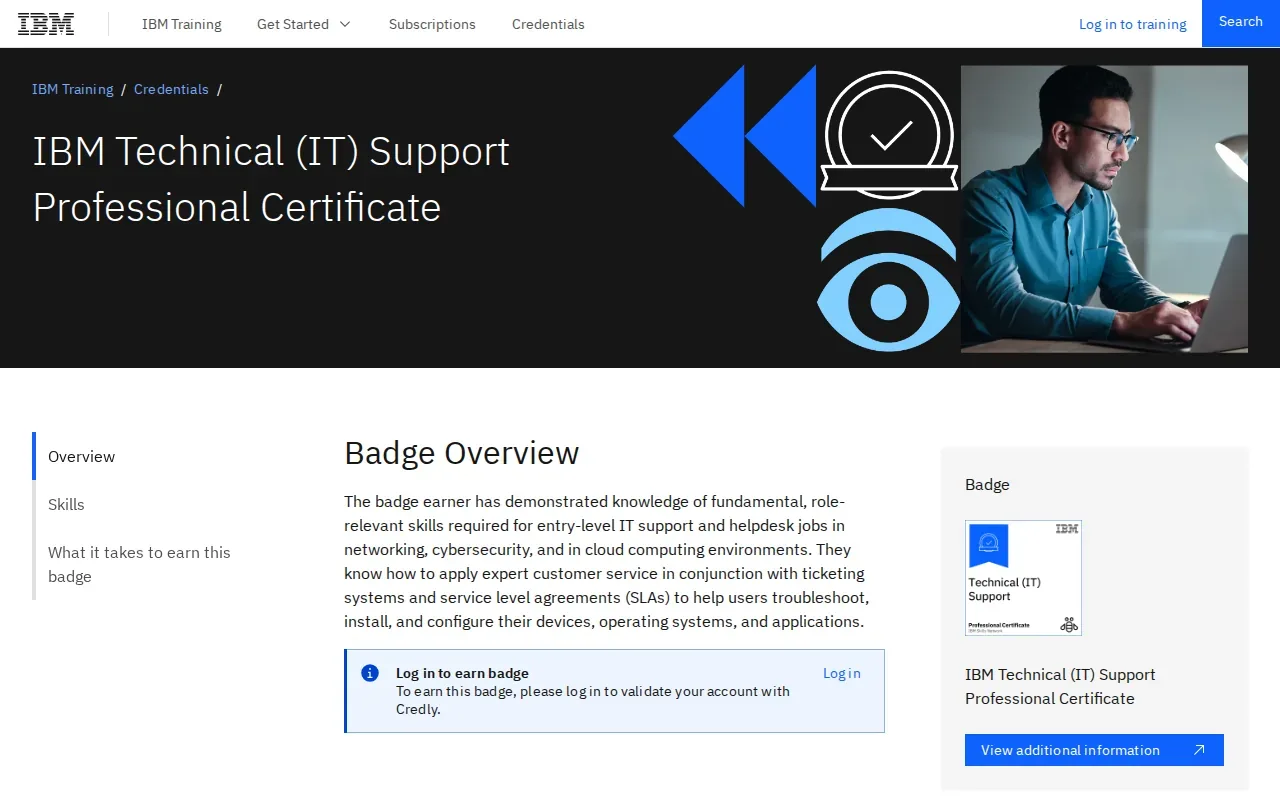
It may suit a learner who wants more than a general overview. The course information describes more than 70 hours of instruction and hands-on work, including labs, projects, and practice tests. A capstone uses case studies, and the program says learners can build a project portfolio.
Think about the work behind a support request. A user reports that an application won’t open. A support specialist needs to gather the right details, check likely causes, explain next steps in plain language, and log what happened. The program’s references to ticketing systems and customer service fit that kind of workflow.
Course staff and teaching assistants are described as available during the program, and the course information also refers to career support resources. Those details may matter if you want guidance as you learn. Check the current enrollment page for how support works in the version you plan to take.
IBM’s pathway is still an IT support program, not a broad class on focus, time management, or remote communication. If you already work in technical support, compare its topics against the skills you need next. If you’re new, use the project work to practice describing your reasoning, not only listing tools or terms.
A useful test: after each project, write a short handoff note that another support worker could follow. That shows clear thinking, which matters when teammates aren’t sitting beside you.
4. Leading Remote Teams by Stanford University: for people preparing to manage distributed teams
Leading Remote Teams by Stanford University is aimed at people who manage remote teams. It is the clearest fit in this list if your main goal is to lead people across locations rather than learn a technical specialty.
Managing a distributed team calls for habits that make work visible without relying on hallway conversations. A manager may need to set expectations in writing, create a reliable way to share updates, and notice when a teammate is blocked. The course description frames remote leadership as a distinct challenge because in-person habits don’t always carry over.
The name and description support a management-focused choice, but don’t assume a course title tells you every lesson or format detail. Before enrolling, check what the current course includes and whether it matches your role. A new manager may need help with team routines, while an experienced lead may want deeper work on communication or trust.
For background on remote leadership, see this report. For your own work, translate any lesson into a team routine: what gets shared, who owns it, and when a manager should step in.
This is a manager’s option, not a job-search credential for every remote role. If you’re an individual contributor, a course that builds your core work skill may be a better first step. If you already lead people, focus on how you’ll apply the learning to actual team practices.
5. The SavvySystem by The Virtual Savvy: business training for aspiring virtual assistants
The SavvySystem by The Virtual Savvy is business training for people who want to start a virtual assistant business. Its stated aim is to help learners launch a VA business from scratch in 30 days.

This is a better fit for someone planning to sell assistant services independently than for someone applying to a company’s remote support team. A VA may support a client with recurring admin or business tasks. To make that work, you need to define what you do, communicate clearly, and agree on the task, deadline, and handoff.
Before enrolling, match the program’s current lessons to the service you want to offer. If you want to manage an inbox, ask whether you’ll practice the workflows and client communication involved. If you want to support marketing operations, check whether the lessons cover the type of work you intend to sell. Don’t assume every VA program teaches the same service set.
The 30-day launch language is a program goal, not a promise that every learner will have a working business or clients by that date. Business setup and client work depend on what you offer and how you put the training into practice. Plan for time to shape your service and gather examples you can show prospective clients.
For a broader look at VA learning paths, DiSousa’s virtual assistant course comparisons can help you compare business training with courses focused on specific assistant skills. Keep your goal in view: running a service business involves more than completing lessons.
When you assess a training program, look for a work product you can finish during study. A sample task brief or a clear service description gives you a starting point for conversations with clients.
6. Fully Booked VA: training and support for freelance virtual assistants
Fully Booked VA is for people growing a freelance or virtual assistant business, whether they’re starting out or already self-employed. Its mix includes courses, coaching, community, and client leads.

The combination may appeal to someone who wants business learning alongside support. A freelancer’s work doesn’t end when a task is done. They also need to set expectations with a client, keep track of requests, and respond when priorities shift. The program’s listed elements cover several parts of that independent-work path.
Still, “support” can mean different things. Before you enroll, check the current course structure, how coaching works, what community access includes, and what client leads mean in practice. A lead is not the same as a signed client, and a course can’t guarantee paid work. Read the terms closely and decide whether the learning itself is valuable for your goal.
If you already have clients, identify the point where work gets stuck. Is it finding leads, explaining your service, or keeping projects on track? Pick training that addresses that bottleneck rather than starting over with general lessons.
If you’re new to freelancing, first define one service you can deliver. Then use training to strengthen the business task that comes next. That might be writing a proposal, setting a client handoff, or building a repeatable task process. The clearer the service, the easier it is to judge whether a program fits.
7. Coursera: a broad catalog for role-specific remote-work upskilling
Coursera is an online learning catalog, not one single remote-work course. Its catalog includes courses, Specializations, and Professional Certificates from universities and companies, with topics such as IT, data, cybersecurity, project management, and digital marketing.
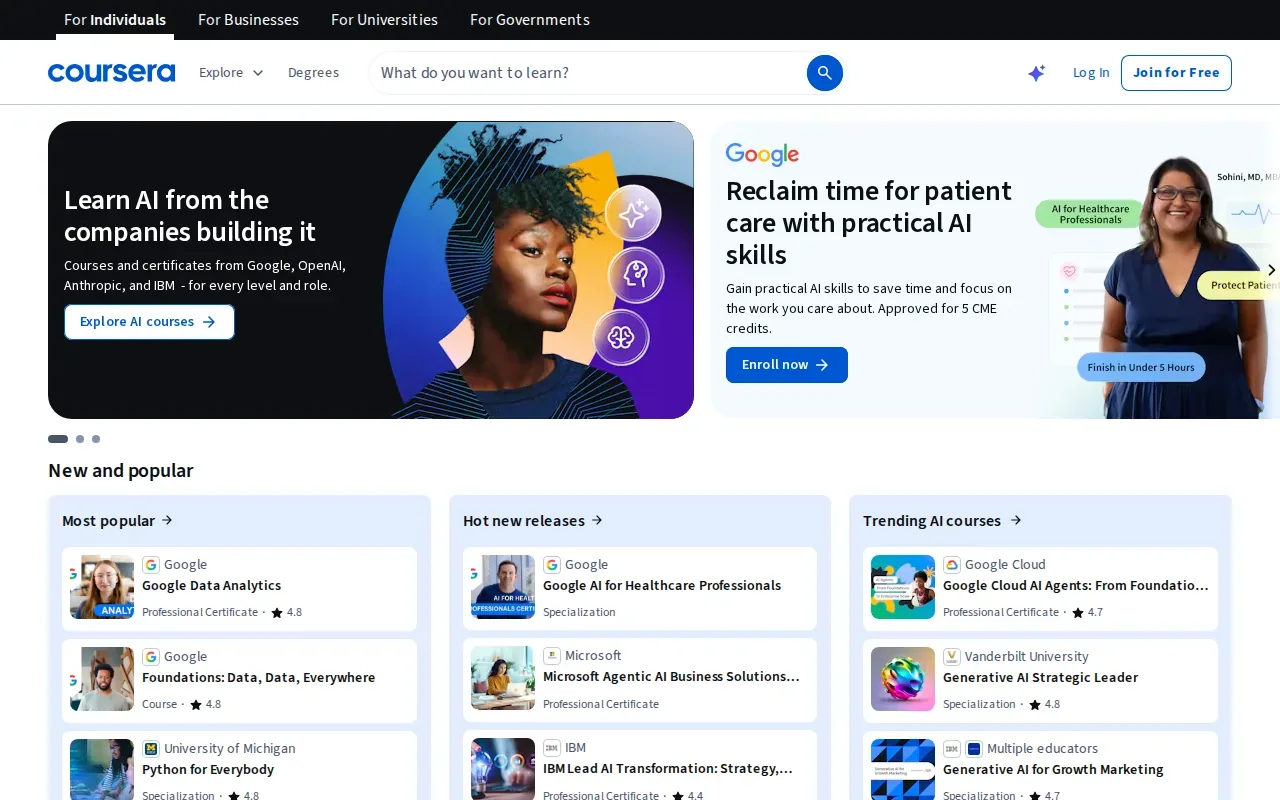
That range can help if you know the skill you want but haven’t chosen a specific program. The IT support certificates above are examples of role-based learning available through the platform. Coursera also describes free course options and previews, though access and certificate terms vary by course.
For remote work, choose a role first, then search for a course that teaches its core tasks. If you want technical support, look for troubleshooting practice. If you want to manage projects, look for work that lets you plan and explain a project. A catalog can make discovery easier, but it doesn’t make every course equally relevant to your goal.
Check the program’s instructor or issuing organization, lesson outline, applied work, and credential terms. Then compare those details with job descriptions you’ve saved. If a skill appears repeatedly in roles you’d apply for, it may deserve more attention than a broad topic that sounds interesting but doesn’t match the work.
Coursera can be useful for targeted upskilling, especially when you want to explore more than one field. Keep the scope tight, though. One finished course and one solid work sample usually tell a clearer story than a long list of half-completed programs.
How do these remote work courses compare?
The main difference is the work each option supports. DiSousa helps you research learning paths; the certificates focus on IT support; the Stanford course is for managers; and the VA programs center on independent assistant work. Coursera is the broad catalog in the group.
| Option | Best fit | What it focuses on | Useful proof to build |
|---|---|---|---|
| DiSousa | People comparing online learning paths | Marketing education and course comparisons | A focused learning plan tied to a work goal |
| Google IT Support Professional Certificate | Beginners exploring IT support | Support tasks, networking, operating systems, and security | A clear explanation of a troubleshooting exercise |
| IBM IT Support Professional Certificate | Learners seeking structured IT support practice | Technical support, ticketing, customer service, and related fundamentals | Projects or capstone work described in a portfolio |
| Leading Remote Teams by Stanford University | People who manage distributed teams | Leading remote teams | A written team routine or communication plan |
| The SavvySystem by The Virtual Savvy | Aspiring VA business owners | Starting a virtual assistant business | A service outline and sample client workflow |
| Fully Booked VA | Freelance VAs at different stages | Courses, coaching, community, and client leads | A defined service plus an example of your work |
| Coursera | Learners seeking different role-specific topics | A wide online course catalog | A project or assignment from a relevant course |
Use this table as a starting point, not a scorecard. A learner looking for remote work doesn’t need every type of training. The best match is the one that helps you perform the job task you want to be hired or paid to do.
Choose the role first. Study its tasks. Make one piece of proof. Use that proof in your application or pitch.
Remote-work learning can also cover team habits such as communication, collaboration, trust, and using digital tools. It helps to separate two goals: learning how to do a role, and learning how to work well with a distributed team.
Pro Tips: turn course learning into proof of remote-work ability
Pro Tips
A certificate shows that you completed training. A work sample shows how you apply a skill. Build both when you can, and make each sample safe to share.
Build a portfolio around the role
Pick a sample that resembles a task in the work you want. For IT support, write a mock troubleshooting note with the issue, checks, and outcome. For a VA service, create a sample task brief and handoff. For a manager role, draft a team update routine. Label practice work as a sample, not client work.
Use a short learning cycle
Set one skill goal for the week. Study a lesson, practice the task, then write down what you learned. At the end of the week, review the sample and note one change you’d make. This is easier to sustain than trying to study every topic at once.
Make applications specific
For each role, connect one skill to one piece of proof. Say what the sample demonstrates and what part you handled. Keep your resume aligned with the job description, but don’t claim tools or paid experience you don’t have.
Try direct outreach with care
If you contact a business directly, be brief and relevant. Point to a clear service or skill, then include one sample that fits the need. Don’t send a generic pitch to many people. A thoughtful note makes it easier for the reader to see why you reached out.
Choose communities that match your field
Join discussions where people share role-specific questions and work advice. Add useful comments, ask focused questions, and follow up on conversations. Networking is a way to learn and build trust, not a promise of referrals or a job.
Keep a record of your learning in one place. A simple log can note the course lesson, the task you practiced, and the sample you made. When you prepare an application, you’ll have specific examples to draw from instead of relying on broad claims.
Keep private information out of samples. Make the task and your role clear to the reader.
Remote roles are not all alike. IT support asks for technical problem-solving; a virtual assistant role may center on client tasks; a manager role depends on team coordination. Use job descriptions as a clue to the work, then tailor your course practice and portfolio to that work.
Conclusion
Start with the kind of remote work you want, then choose the option that builds its core skill. If you’re unsure, use DiSousa to compare learning paths; if you know your target, check the course’s current syllabus and terms. Your next step: pick one role and make a short list of the tasks you’ll need to show.
Income Disclaimer
Completing a course does not guarantee a job, clients, or income. Results depend on your skills, experience, location, effort, and the opportunities available to you. Review course terms before paying and make career decisions based on your own situation.
FAQ
What is the best remote work course for beginners?
The best course for a beginner depends on the job they want. The Google IT Support Professional Certificate and IBM IT Support Professional Certificate focus on entry-level IT support. The SavvySystem by The Virtual Savvy is aimed at aspiring virtual assistant business owners. Compare the actual work you want with each program’s focus before enrolling.
Do remote work courses help you get hired?
Remote work courses can help you learn job-related skills, but completing one doesn’t guarantee hiring. Pair the course with proof of your ability, such as a clearly labeled practice project or portfolio sample. Then tailor your resume and application to the tasks in the role. Employers may value different credentials depending on the job.
Are IT support certificates useful for remote jobs?
IT support certificates can help you build skills for technical support roles, including work that may be done remotely. The Google and IBM certificates in this list cover support topics such as troubleshooting and customer service. Check target job descriptions to see which skills and credentials employers ask for, then use course projects to show what you can do.
Can I learn remote work skills for free?
You may be able to start with free course access or previews on learning platforms, depending on the program. Coursera describes free course options and previews, while certificate access can have separate terms. Check what a free option includes before relying on it. You can also practice a skill through a clearly labeled sample project.
What should I put in a remote-work portfolio?
Put in samples that match the work you want, and explain what each one shows. An IT support sample might document a practice troubleshooting process. A VA sample could show a task brief and handoff. A manager sample might describe a team update routine. Mark practice work honestly, and remove personal or confidential details.
How do I choose between a remote-work course and a career-specific course?
Choose career-specific training when you need to learn the core work, such as IT support or virtual assistant services. Choose remote-team learning when your main gap is leading or collaborating across locations. Some people need both, but you don’t have to study everything at once. Start with the skill that appears most often in roles you want.
Sources and References
- Harvard Division of Continuing Education, Remote Work Revolution for Everyone.
- A report on an online course about managing hybrid teams.

About the author