
WordPress courses can teach you to run a site or build one from the code up. The best WordPress courses for beginners and developers depend on which of those jobs you want to do next.
We analyzed 45 comments and questions from Reddit, YouTube and Quora about WordPress courses and found that 22% mentioned page-builder-focused courses.
Here are three named courses plus DiSousa’s learning resources, with a clear look at their focus and fit. I’m Antonio De Sousa, and I write about online marketing education and the systems behind online income.
- Pick a course for the task you want to do, such as editing pages or extending WordPress.
- Up-and-Running by WPShout teaches WordPress development through video tutorials, infographics, and clear explanations, while Beginner WordPress Developer has a stated length of nine hours and 59 lessons.
- WPSessions uses self-paced video.
- A certificate is a separate feature from learning a skill, so check for one only if you need it.
1. DiSousa
DiSousa is Antonio De Sousa’s marketing education site, not a dedicated WordPress course. It’s a useful first stop if your WordPress goal is tied to an online business, affiliate marketing, or digital marketing rather than a developer job.
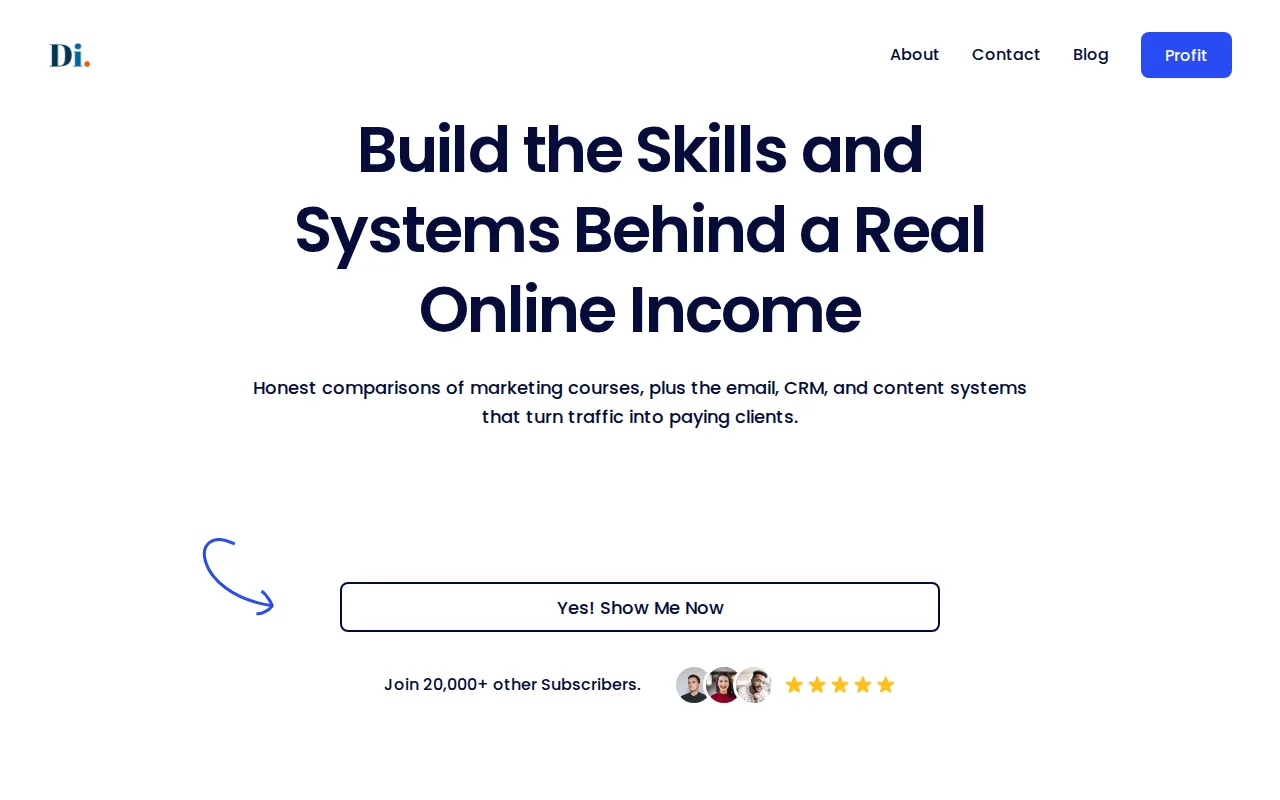
WordPress is often one part of a larger work plan. A person may need to build a site, choose a builder, publish helpful pages, and bring in visitors. DiSousa’s published focus is on comparing digital and affiliate marketing courses, along with the email, CRM, and content systems that help turn traffic into clients.
That focus can help you frame what to learn before you choose technical training. If you’re planning an affiliate site, for example, you may need to think about the site’s role in the business before you study theme code or plugin development. DiSousa also has a guide to website builders for affiliate marketing, which looks at the site-building decision from that business angle.
There’s a useful distinction here. Learning WordPress development can help you change how a site works. Learning marketing can help you decide what the site needs to do for its audience. Those are related skills, but they are not the same course outcome.
DiSousa fits readers who want to connect a website to a wider online income plan. If your immediate goal is to write themes, build plugins, or work as a WordPress developer, choose one of the technical courses below instead. The site can help with business context, but don’t mistake that for coding instruction.
2. Up-and-Running by WPShout: WordPress development explained visually
Up-and-Running by WPShout is an advanced WordPress development course that combines video tutorials, infographics, an ebook download, and clear explanations. It is the most clearly advanced option in this shortlist, so it makes more sense after you know the basics of using WordPress.
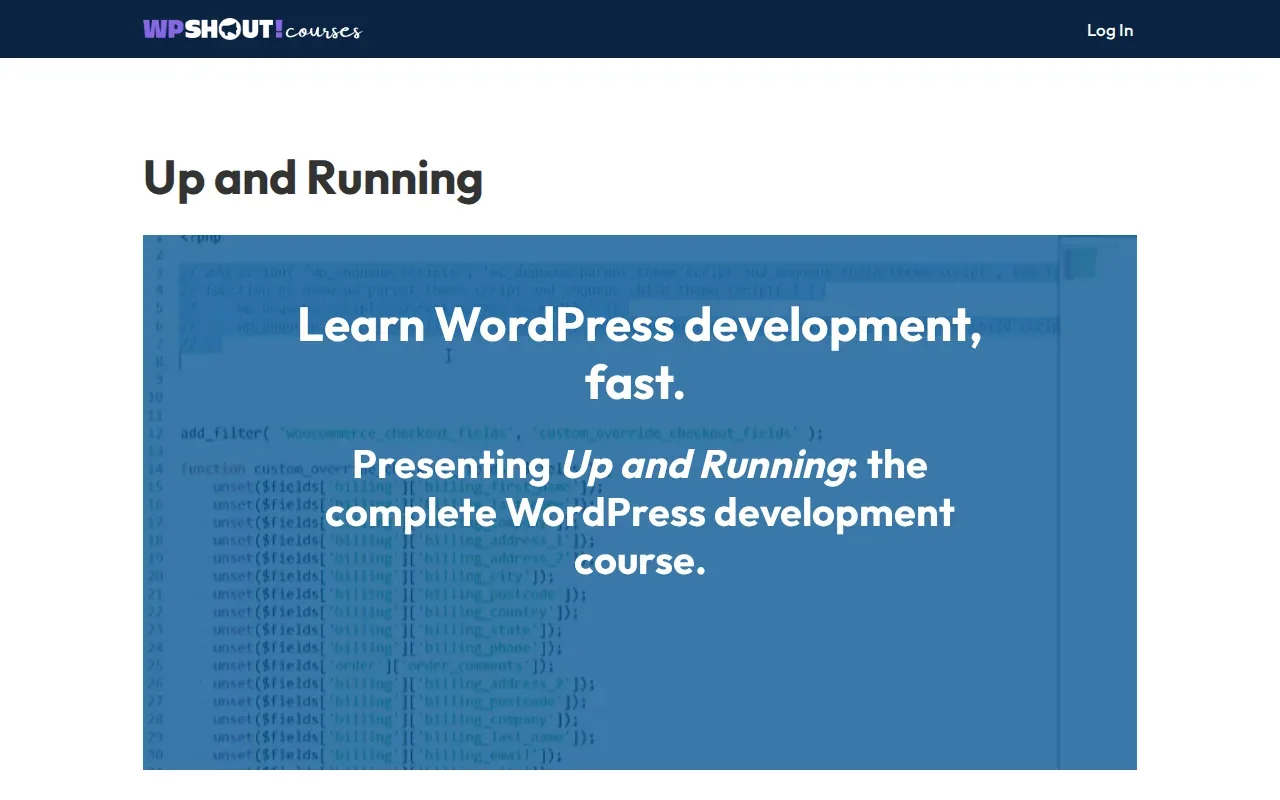
The format suits people who want more than a stream of video lessons. Infographics can help you see how a concept fits into a larger system, while written explanations let you pause and review an idea. The ebook gives you another way to revisit the material away from a lesson player.
Think about what “development” means for your next task. If you only need to add a page or update a post, an advanced developer course may be more than you need. If you want to understand how WordPress can be extended, a course described as development-focused may be a better match than a basic dashboard tour.
WordPress.org describes its developer learning path as a way to learn how WordPress works and how to extend it. That distinction is useful when comparing course outlines. Look for lessons that explain the system behind a change, not only the clicks needed to make it.
This video sits alongside the written comparison as another format for exploring WordPress learning. Check the current course outline against the skill you want to build.
Best fit: learners who already understand the basics and want a visual, mixed-format introduction to WordPress development. If you’re new to the dashboard, start with a beginner course first.
3. WPSessions: self-paced video tutorials for WordPress essentials
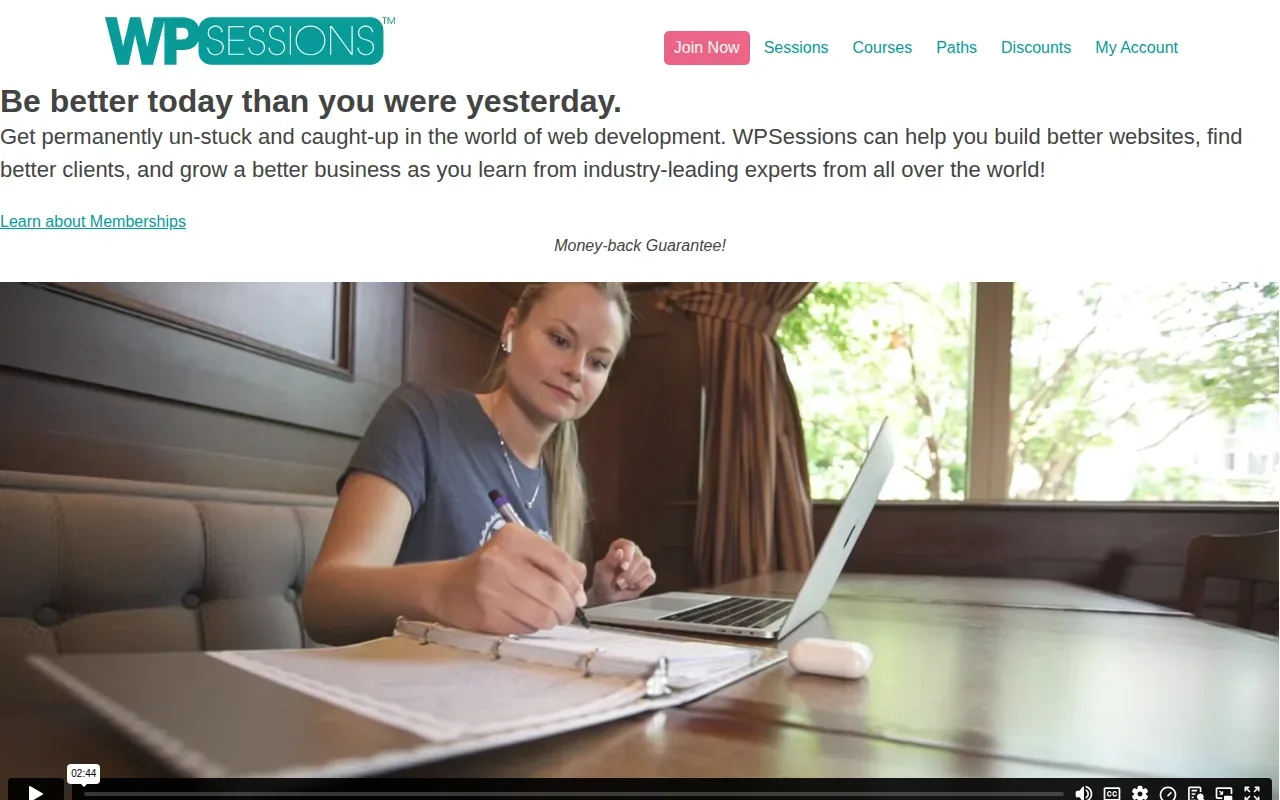
WPSessions provides self-paced video tutorials covering WordPress essentials. It’s a fit for learners who prefer video as their main way to study.
Before choosing a course, name the skill you want to work on and consider what you need to learn first. For example, someone preparing to publish a page may have different learning goals from a developer looking to build on an existing skill. A clear goal can help you decide which learning material to focus on.
Think about how you prefer to study, too. Video tutorials may suit learners who find it helpful to see concepts explained visually. You can also note questions as you go and revisit the topics that matter to your project.
Keep the course scope in view. WPSessions covers WordPress essentials, so check whether that focus matches the topic you want to learn. If your goal is to learn Gutenberg, improve site security, or work on performance, make sure the course you choose covers that topic.
Best fit: learners looking for self-paced video tutorials on WordPress essentials. Before starting, identify the skill you want to practice and confirm the material fits your learning goal.
4. Beginner WordPress Developer (by WordPress.org): a structured development starting point
Beginner WordPress Developer is a WordPress.org course with a stated duration of nine hours and 59 lessons. Learners can start their WordPress development journey by learning how WordPress works and how to extend it.
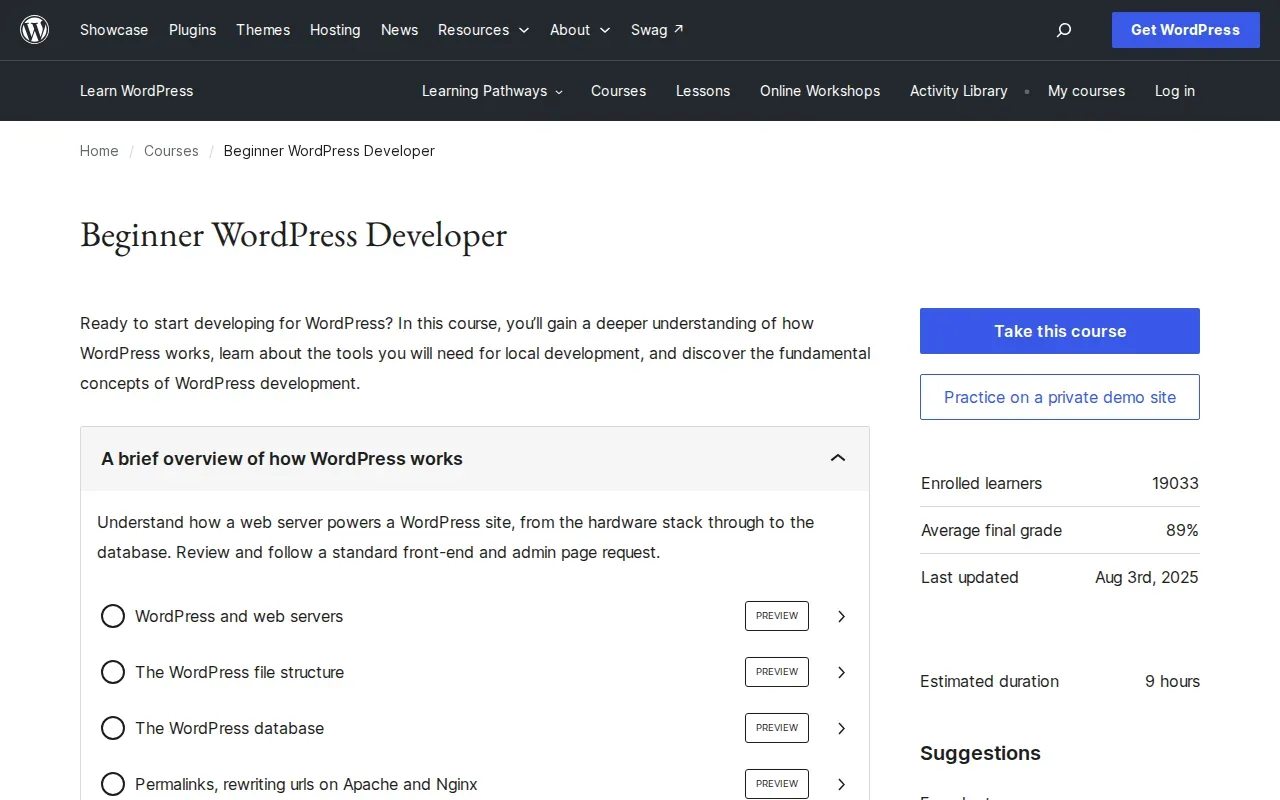
This option gives you a defined course size, which helps with planning. Nine hours can be split into shorter sessions, such as a lesson during a lunch break or a longer block on a weekend. The exact pace is yours to set; the stated duration is a guide to the course’s total length, not a promise about how long every learner will take.
Its scope is a good bridge between using a site and learning development concepts. The phrase “how to extend it” points toward making WordPress do more than its default setup. If you want to build a portfolio, you could use a course concept to make a small change on a test site, then note what you changed and why. That record helps you explain your work later.
Explore the WordPress development course category for development learning resources.
Beginner WordPress Developer has 59 lessons, a stated duration of nine hours, and a broad focus on how WordPress works and how to extend it. For a specialty such as multilingual sites, accessibility testing, or headless builds, compare the topic with the current course outline before you commit your study time.
Best fit: people who want a defined beginner starting point for WordPress development. The lesson count and time estimate make it easier to plan than a course described only in broad terms.
How do these WordPress courses compare?
These options differ most in purpose and format. DiSousa is business education context, Up-and-Running by WPShout is development training, WPSessions centers on self-paced video, and Beginner WordPress Developer is a structured beginner course.
| Option | Stated focus | Format or structure | Best match | What to verify |
|---|---|---|---|---|
| DiSousa | Marketing education and online business systems | Published education resources | Connecting a website to a marketing plan | Use a separate course for WordPress coding |
| Up-and-Running by WPShout | WordPress development | Video tutorials, infographics, clear explanations | Learners ready for development material | Confirm the current outline matches your topic |
| WPSessions | WordPress essentials | Self-paced video tutorials | Flexible video learners | Find the course that fits your exact skill goal |
| Beginner WordPress Developer (by WordPress.org) | How WordPress works and how to extend it | Nine hours, 59 lessons | Beginners starting development study | Check whether the outline covers your desired specialty |
There isn’t one winner for every learner. Choose by the task you want to complete, not by the word “course” in a title. A person who needs to publish content can begin with basic site skills. Someone aiming at developer work needs to learn how the system works and how to extend it.
Course format also changes the day-to-day learning experience. Self-paced video gives you control over when you study. A live instructor-led course can provide a set meeting time, if the provider includes one. In-person classes add a physical classroom setting. The three named courses above don’t establish that they include live or in-person teaching, so treat those as general format choices rather than features of these picks.
Price and credentials need the same careful check. Course pricing can vary, and the facts used for this shortlist don’t provide prices for the three named courses. Don’t use an average price from another course to estimate these. And don’t assume a certificate comes with enrollment. If you need proof of completion for work, check the specific course page before signing up.
For a marketing course beyond WordPress itself, DiSousa’s digital marketing course comparison can help you assess adjacent skills. That matters if the site is one piece of a role that also includes audience research, promotion, or campaign work.
What should you check before enrolling in a WordPress course?
Before you enroll, match the course to one clear outcome and inspect what the course says it will teach. That simple check can keep you from paying for lessons aimed at a different skill level.
Match the level to your current work
Beginner training should help you get comfortable with the basics of WordPress. Depending on your need, that might mean learning to manage pages and posts or understanding the dashboard. Development training has a different aim: it helps you understand how WordPress works and how to extend it.
If you already manage a site, write down what you can do without help. Then write one task that still slows you down. If that task is updating content, a developer course may be too advanced. If you want to change how a site behaves, basic publishing lessons may not go far enough.
Read the outline for the skill, not just the title
WordPress training can touch several topic areas. Look for the ones that match the work you expect to do:
- Themes: how a site’s layout and visual structure are controlled.
- Plugins: how added tools extend a site’s functions.
- Gutenberg: the block editor used to build and edit content.
- SEO: changes that help search engines understand pages and their content.
- Security: steps that reduce risk and support safe site use.
- Performance: work aimed at making pages load and respond well.
These are topics to check for, not claims about what every course above includes. A course catalog is one place to review WordPress learning material and its listed course details.
Check the work you’ll be able to show
A lesson is easier to apply when it ends with something you can test. For a beginner, that could be a clean page built with blocks. For a developer, it could be a small extension or a change made on a test site. These are examples of useful practice tasks, not promised course projects.
Keep a short work log as you study. Note the problem, the change you made, and what happened after the change. That record can become the start of a portfolio note, especially if you want freelance or agency work. It also gives you something specific to discuss in an interview, instead of saying only that you finished a course.
Check format, time, and support
Ask how the course is delivered. A self-paced course may fit around an uneven schedule. A live class may suit someone who wants fixed study times, while an in-person course can suit learners who prefer a classroom. Then check how much time the course says it takes. The Beginner WordPress Developer course gives a stated total of nine hours across 59 lessons, which provides a starting point for planning.
Support is another separate feature. Look for specific details such as instructor feedback, a student forum, or live question sessions. Don’t assume a video library includes mentorship or personal feedback. Those forms of help change how much guidance you get when a lesson doesn’t solve your problem.
Decide whether you need a credential
A certificate can show that you completed a course, but it doesn’t prove by itself that you can build or maintain a site. If an employer, client, or school asks for a credential, check the exact completion rules and what the certificate represents. If no one needs a certificate, a course project may be more useful evidence of what you can do.
Finally, check whether the course covers your chosen niche. Headless WordPress, multilingual publishing, accessibility, and custom development are distinct areas. A broad course may not cover every one. Write down the needed topic and compare it with the current outline before enrolling.
Frequently asked questions about WordPress courses
Which WordPress course is best for beginners?
Beginner WordPress Developer (by WordPress.org) is the clearest beginner development starting point in this shortlist. It takes nine hours and has 59 lessons, covering how WordPress works and how to extend it. If you only need to publish content, first check that the course outline fits that task.
Can I learn WordPress development without coding experience?
Yes, you can start learning WordPress development without already being a developer. Begin with a course described for beginners, then practice each idea on a test site. Development learning takes time, so set a small goal such as understanding how WordPress can be extended before moving to more specialized topics.
Are WordPress courses self-paced?
Some are. WPSessions is self-paced video. Other courses may use live or in-person formats, but check each provider’s current details rather than assuming every WordPress course works the same way.
Do WordPress courses include a certificate?
Some courses may include a certificate, but don’t assume that one comes with every course. Check the course’s completion requirements and the meaning of its credential before enrolling. If you need proof for a job or client, ask whether a completed course is enough or whether they expect a particular certificate.
How long does it take to learn WordPress?
It depends on your goal and how often you study. Beginner WordPress Developer has a stated duration of nine hours across 59 lessons, but that doesn’t mean every learner will finish in nine clock hours. You may need more time to pause, repeat lessons, and practice on a site.
Conclusion
For a beginner who wants to study WordPress development, start with Beginner WordPress Developer. If you already know the basics, compare its outline with Up-and-Running by WPShout or the self-paced video approach at WPSessions. Pick one course, set a small weekly study block, and build a test project as you go. DiSousa can help with the broader marketing context when your site is part of an online business plan.
Income disclaimer: Learning WordPress or completing a course does not guarantee income, clients, or employment. Results depend on your skills, work, market, and other factors.
